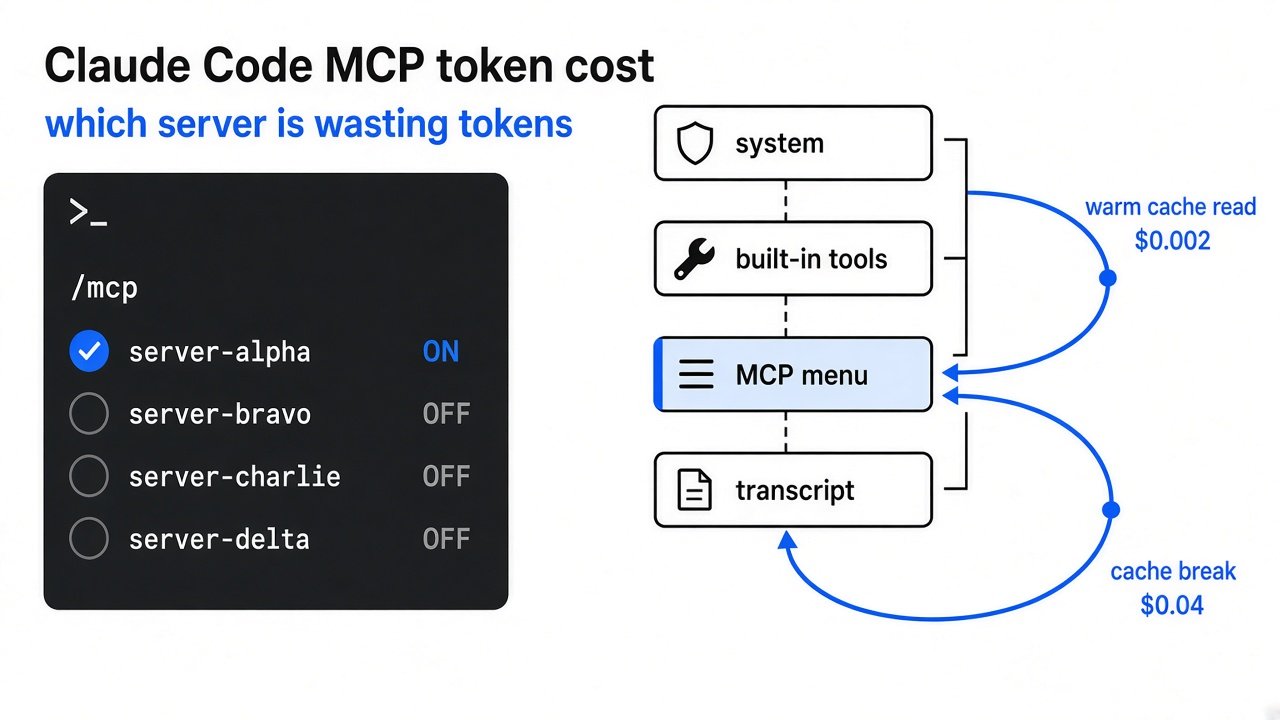
Short answer: Agent Autoloop vs Claude Code background is not the same product. Official background keeps a supervisor and the session alive after you close the terminal. Agent Autoloop exits the agent when a question appears, parks a card, and spends no tokens until you answer.
The window is still open because the agent asked a question and you have not typed the answer. Claude Code is a coding agent that lives in the terminal: it reads the project and runs commands. Close the window and the usual fear is that the work dies with it.
Official background keeps a supervisor running — a second process whose job is to hold the session after the window is gone. Agent Autoloop exits the agent while a card waits, so the wait does not keep spending.

Related reading on this site: AI agent emergency brake for a stop that lives outside the model, and How Do I Strip Secrets From a Prompt? when the next round must not leak keys. For the agent loop itself, see how Claude Code works (cross-site primary map of the inner loop).
What Is Agent Autoloop?
Agent Autoloop is a local hub that starts a command-line agent for one round, stores the result, and exits that agent until the next event or your answer.
A hub is the one program that stays up. It is not the agent. The agent is whatever already talks to a model for you: Claude Code, Codex, or any command that takes one prompt and prints a final reply. A round is one burst. The agent works, prints a last message, and that process ends. The hub writes the outcome into a SQLite database file on disk.
The hub listens only on your machine. The default address is 127.0.0.1 on port 3350. Rules live in ~/.agent-autoloop/rules.json. A rule says what happened, which agent should handle it, and which folder they work in. Schedules, new issues, and saved files can fire work. The hub does not invent those jobs. You write the rule.
What Does Claude Code Background Actually Do?
Claude Code background keeps the session process alive under a supervisor, so closing the terminal does not stop work that is already running.
People say background and mean four different things.
Ctrl+B is the small one. You are inside a live Claude Code session. A shell command is running, and you press Ctrl+B so that one command keeps going while you type the next thing. The session itself is still open.
/bg, and the shell command claude --bg, are the session. /bg moves the conversation you already have into the background. claude --bg starts a new one that never takes the terminal. A supervisor runs those sessions. You can close the agent view and close the shell. The work continues. Sleep does not throw the session away. The processes resume when the machine wakes. Shutting the machine down does stop them. A session that is finished, or waiting for your next message, and left alone for about an hour, has its process stopped to free memory. Pin it, and the process stays up while it is idle.
/loop is a schedule inside Claude Code. It fires again only while that session exists. It is not a clock in the operating system that survives after Claude Code is gone.
Cloud routines are a fourth thing. Those run on the provider’s side, on a fresh copy of the repo. They do not see the unsaved files in the editor on your laptop. Local background does.
None of the four exit the agent the moment it asks you a question, then resume that same conversation later from a card.
Does Claude Code Keep Running If I Close the Terminal?
Yes, if the session was moved with /bg or started with claude --bg. Closing the terminal is not the same as turning the computer off.
A normal foreground session dies with the window. The supervisor is what makes closing the terminal safe, and shutdown is what ends the run.
Agent Autoloop vs Claude Code Background
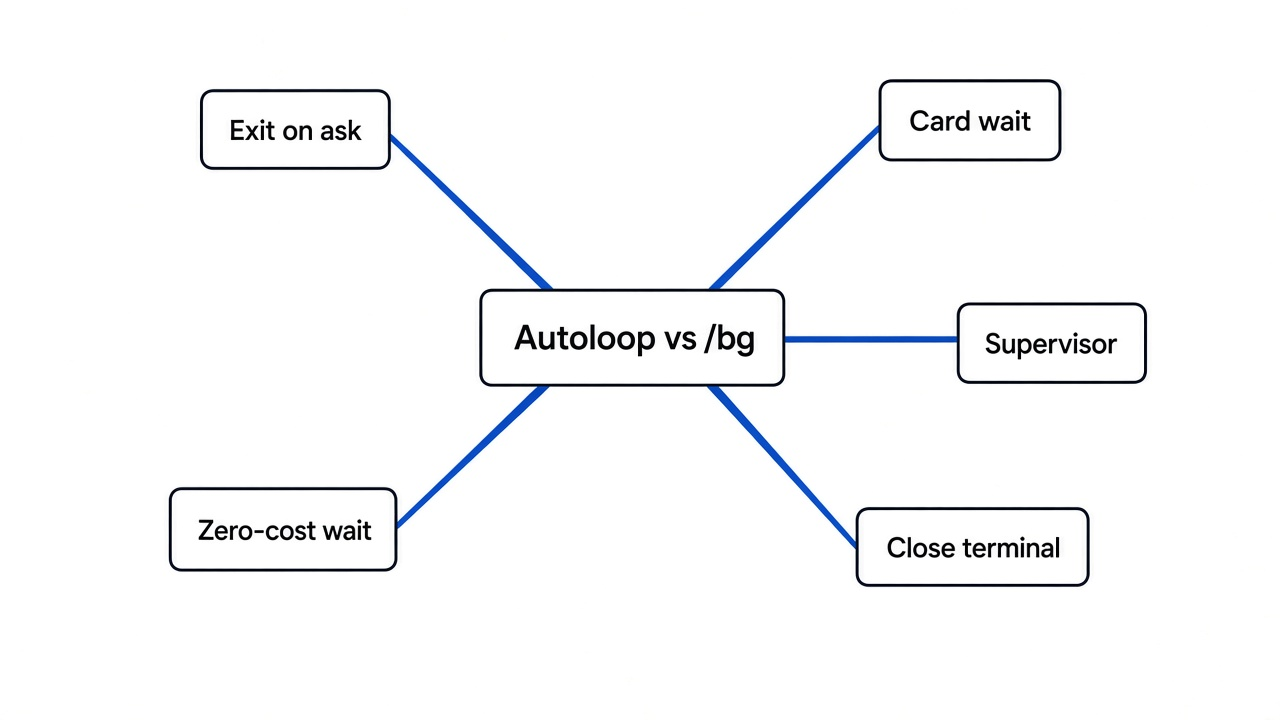
Use Claude Code background when the agent should keep thinking in the same session. Use Agent Autoloop when the next step is a human decision that might sit there, and you do not want a model process waiting on that decision.
| Claude Code background | Agent Autoloop | |
|---|---|---|
| What stays up | A supervisor, and the session while it is working | A small hub |
| When you are asked something | The session can sit blocked on you | The agent exits, and a card holds the question |
| Close the terminal | The session continues if it was backgrounded | The agent is already gone between rounds |
| Shut the machine down | Running sessions stop | Nothing runs until the machine boots again |
| Where the files are | This machine, for a local session | The folder named in the rule, on this machine |
| A schedule in the cloud | A fresh clone, not your open editor | Not what this tool is for |
Background means a process that is allowed to continue, and that is stopped later if it sits idle. Autoloop is stricter on purpose. The wait is a row in the database file. Reply days later and the agent starts again from the saved conversation. In between, that agent is not running and is not spending tokens.
There is a stop if agents keep handing work to each other. Each handoff is a hop. Past 8 hops the hub records the event, stops dispatching, and sends a notice. The agent cannot reset that count, and a human answer counts too.
Text that came from outside does not go into the prompt. An issue title or a message body is written to a data file. The prompt gets checked types, ids, and links. The rule file alone decides the agent, the folder, and the access. An event that tries to set the folder, the agent, or the access is rejected. The prompt is one argument to the command, not a line the shell evaluates.
If the fear is that the agent can spend or send while you are away, a card is not the same thing as a brake. A brake has to live outside the model, where the model cannot edit it.
How Do I Install Agent Autoloop?
Install it on macOS or Linux with Node 24, Git, curl, and a command-line agent you have already signed in to. The install script lives in the agent-autoloop GitHub repo.
# From https://github.com/KKKKhazix/agent-autoloop — run the repo install.sh, then:
agent-autoloop tryThe script stops unless the Node major version is 24 or newer. On the machine used for this draft, node -v printed v22.23.3, so that check would refuse the install. A workaround was starting the program’s entry file with Node’s TypeScript flag — that is a workaround, not the path to copy. Install Node 24, then use the script.
There was no Claude Code and no Codex on that machine, so a normal init had nothing to attach. A command agent was registered instead. The first command was a printf line written as if a shell would see the quotes. The hub split it into separate arguments. The command produced an empty final message. Status (Chinese UI strings on that build) showed nothing running, one item queued, nothing finished, nothing waiting. The round was marked as leaving no result.
Pointing the same rule at a small script that prints a real ask block eventually produced the block with exit code 0, but the hub still recorded the round as leaving no result in the same second the process started. After three misses it raised a card: three automatic tries did not finish. Running agent-autoloop answer 1 closed the card. A command that finishes before the hub reads it can look like silence. If the first try says there is no result, read the output file before you blame the agent.
The project’s crash simulator for 20 kills exited clean on that pass: 20 kills, 51 records the parent had already accepted, and 6 it had not been told about yet. The accepted records were still in the log. Published speed numbers were not re-measured here.
Useful commands after you edit rules: agent-autoloop check, agent-autoloop status, and agent-autoloop why 1.
What Happens When the Agent Needs a Decision?
The agent puts the question in its last message, the process exits, and the hub sends a card. Your answer starts the same conversation again.
A card is a short question with options. It can be a desktop notification (on by default), or a message in Feishu, DingTalk, WeCom, Slack, or Discord. The block at the end of the agent’s message looks like this:
If a terminal is attached, type the option number. If nothing is attached, agent-autoloop answer 1 2 picks the second option on card 1. Slack and Discord answer through a link, so the hub needs an address your phone can reach.
The hub does not read or export the agent’s login. The model bill is still yours. For a loop that runs while you are away, an API key is what the providers expect. A personal subscription is priced for a person at the keyboard.
When Should I Not Use Agent Autoloop?
Do not use it to replace a session you still want to watch, and do not use it on Windows.
Stay with Claude Code background when the agent is mid-thought and you will be back in a few minutes. The supervisor is built for that. Autoloop is built for the gap after a question, or for work that arrives on a schedule when you are not in the terminal.
Skip it if you cannot install Node 24, or if the only machine is Windows. The supported path is macOS and Linux. Do not point a rule at a folder you would not trust that agent to edit.
Common questions about Agent Autoloop vs Claude Code background
Does /loop keep running after I close Claude Code?
No. /loop belongs to a Claude Code session. Quit that session and the schedule goes with it. A background session can keep the loop only while the supervisor is still holding that session, and shutdown still stops it.
What is the difference between Ctrl+B and /bg?
Ctrl+B backgrounds one shell command inside a session you still have open. /bg detaches the whole conversation onto the supervisor, so you can close the terminal and the session keeps going.
Does a waiting question keep spending tokens?
In Claude Code, a blocked session can keep a process until it has been idle long enough for the supervisor to stop it, unless you pinned it. In Agent Autoloop, the agent process exits when it asks, and tokens are not spent until your answer starts the next round.
Can I plug in a command that is not Claude Code?
Yes. Set the agent to a command array in rules.json. The prompt has to be one argument. If you pass a shell sentence, it will be split, and an empty final message fails the round.
Choose exit-on-ask when the decision can sit. Choose the supervisor when the agent is still mid-thought.