I priced a cart in one function. Clearance, gifts, a member discount, three coupons, a floor at zero, then tax. No tests. The score was 182. Two shopper tests dropped it to 13.7, still over the line of 10. I split that function into three. The same two tests still passed, and the scores were 6.1, 6.6, and 6.0.
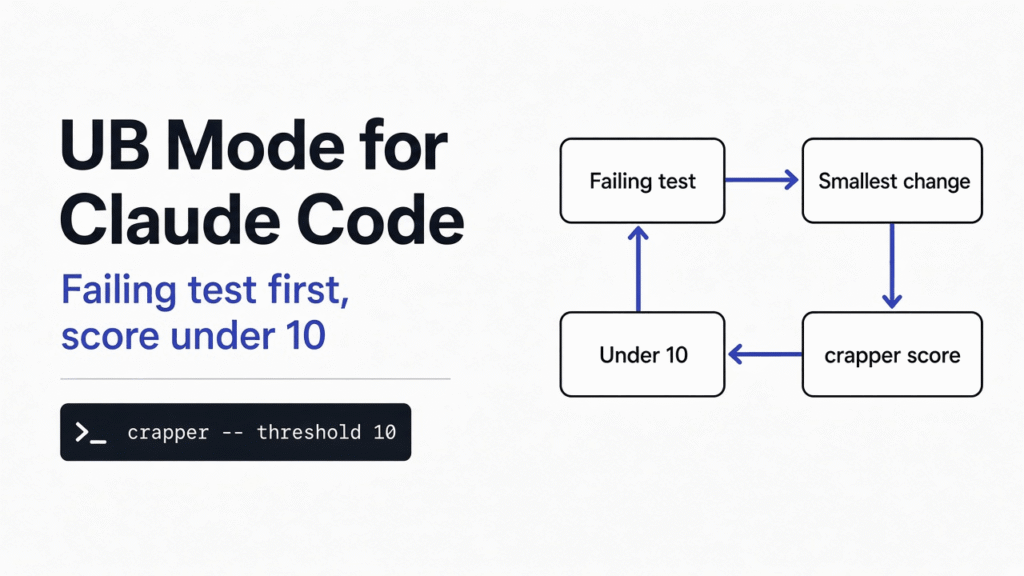
In Claude Code, UB mode is one file of rules plus a number: write the failing test first, then split or test until every function scores under 10.
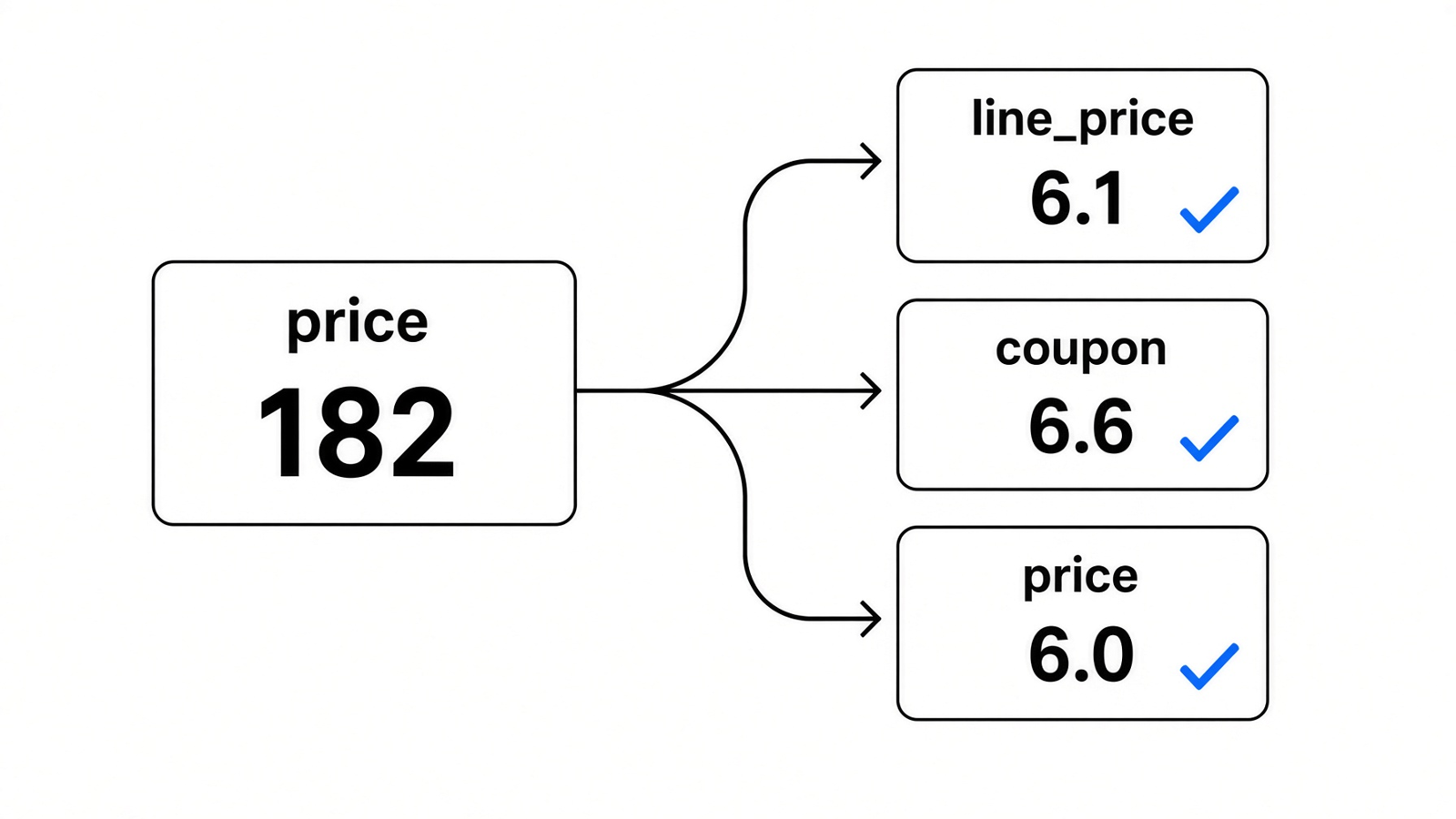
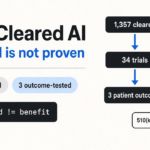
One function scored 182. After the split, the three pieces scored 6.1, 6.6, and 6.0. The middle box is the coupon function.
Asking the agent to clean this up does not give it a line it can fail. The file does. The number is per function, not per file, so a tidy file can still hide one function that is too branched to trust.
What does UB mode change in Claude Code?
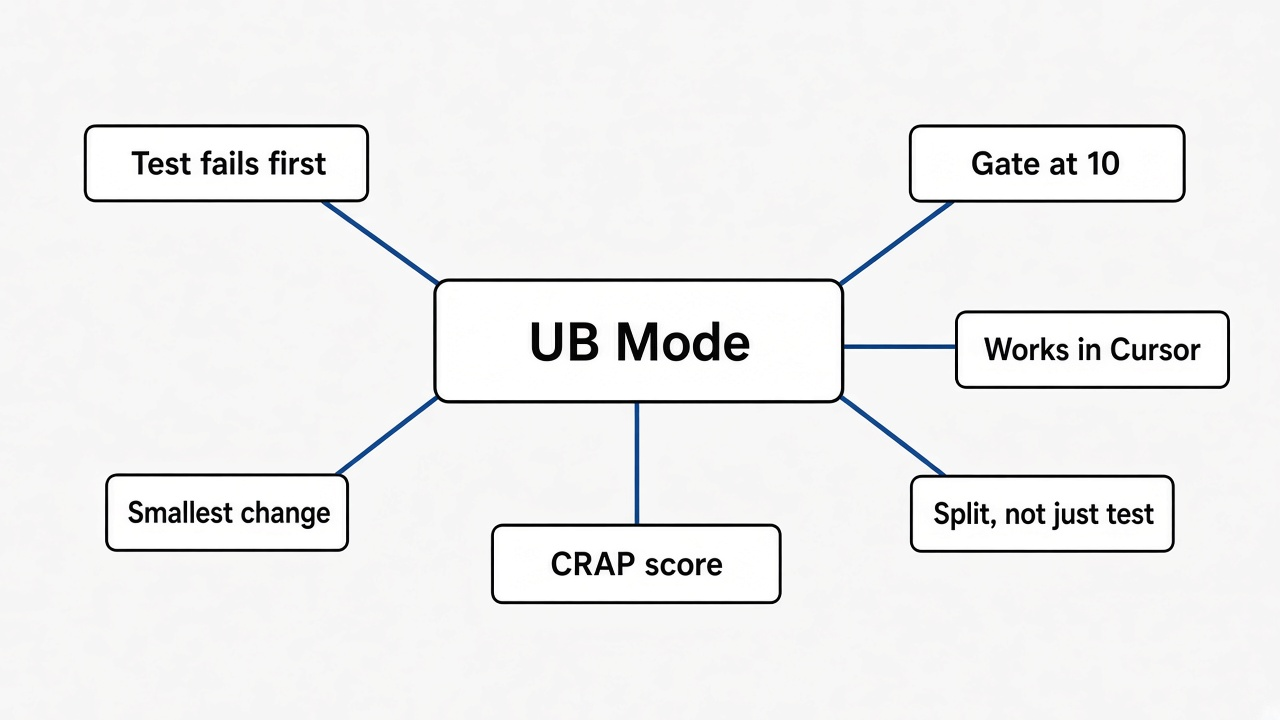
It changes the order of the work, then it puts a number on the result.
A coding agent will usually write the feature, then the tests, then a tidy pass if you ask. This file flips that order. First make it work: one decision lives in one place, the edit is the smallest one that solves the problem, and a failing test comes before the change. Then make it right: every function under a score of 10. Then practice: a short log of what you did, and small commits that say why.
The file is ub-mode. You do not install a package. You copy one markdown file and type /ub-mode. The number comes from a second program, crapper. You run that program yourself, so the agent cannot talk its way past the gate.
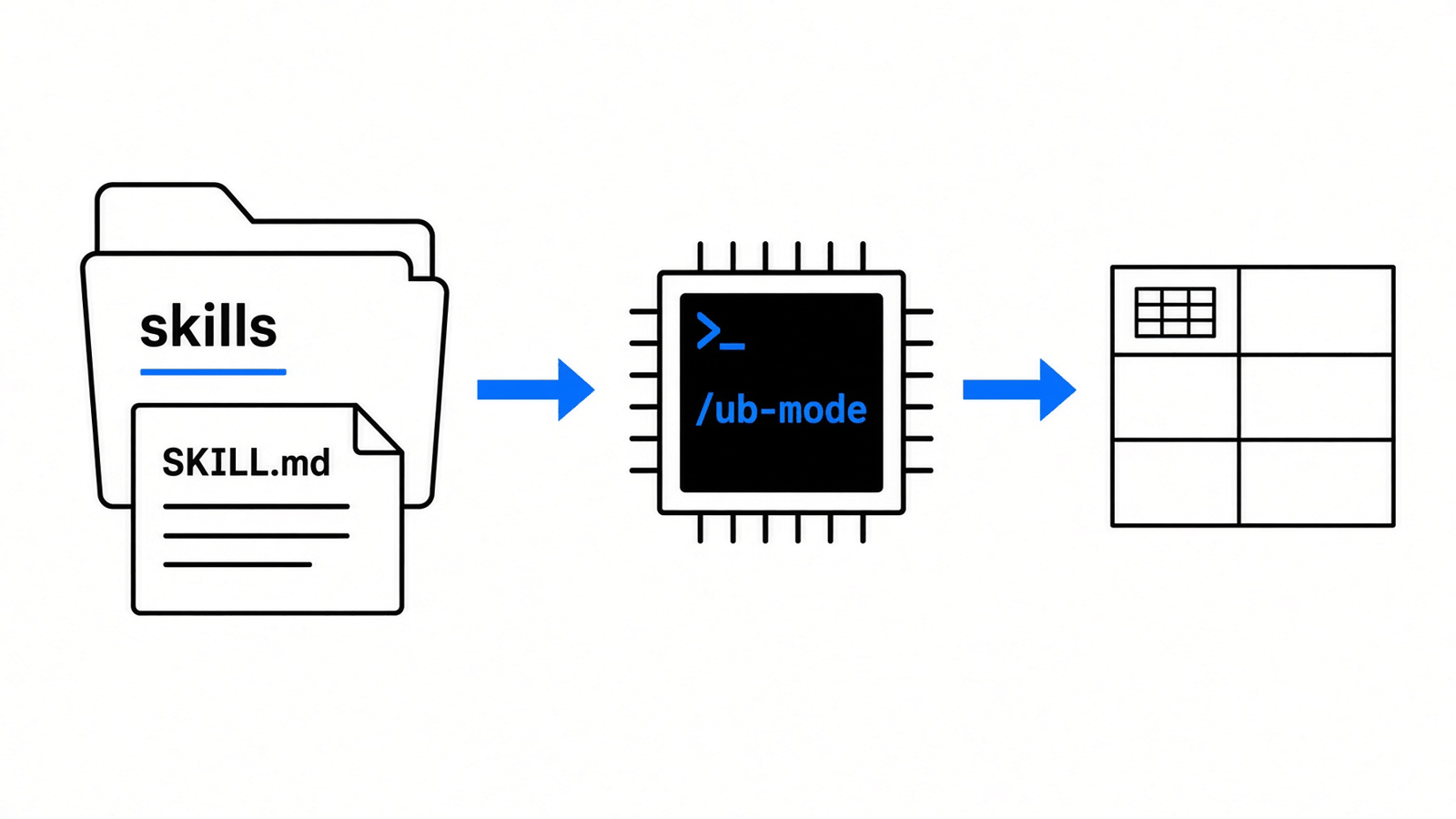
The file goes in a skills folder. You type /ub-mode. The score table is a separate command you run in the project.
If you only wanted less code, that is a different job. Stop Claude Code from over-engineering is about cutting extra design. This file is about proving the change and keeping each function under 10.
How do I install UB mode?
Copy one file into the skills folder, then run crapper from inside the project, not from some other folder.
mkdir -p ~/.claude/skills/ub-modePut SKILL.md from the ub-mode repo in that folder. The same copy works at ~/.cursor/skills/ub-mode/SKILL.md and at ~/.grok/skills/ub-mode/SKILL.md. Start a session and type /ub-mode before the change, so the rules are loaded while the agent writes.
Crapper needs Python 3.11 or newer. Older Python stops at install. The first run creates a .venv next to the tool and installs itself. From the root of the project you want scored:
crapper .
crapper --threshold 10
--threshold 10 makes the command exit with code 2 when the worst score is over 10. A script can stop on that. Without the flag, crapper only prints the table and exits 0.
Your shell has to already be inside the project. I pointed crapper at the project by an absolute path while my shell sat in another folder, and the run crashed. It tried to turn that path into a relative one and refused. cd into the project, then run crapper ..
It scores Clojure, Java, Go, TypeScript, JavaScript, Rust, and Python. It skips directories named test, spec, vendor, node_modules, and target. On Python it runs pytest when the project is set up for pytest, and it uses that run to see which lines the tests touched.
Two more gates sit next to this one. Dryer flags a copied block when the match is 0.8 or higher. Mutator edits the code on purpose and checks that a test fails. I used the score gate on the cart. The copy check and the mutation check come after the number, they do not replace it.
How do I make Claude Code write tests first?
Show a failing test before any edit, and do not take the change until you have seen that failure.
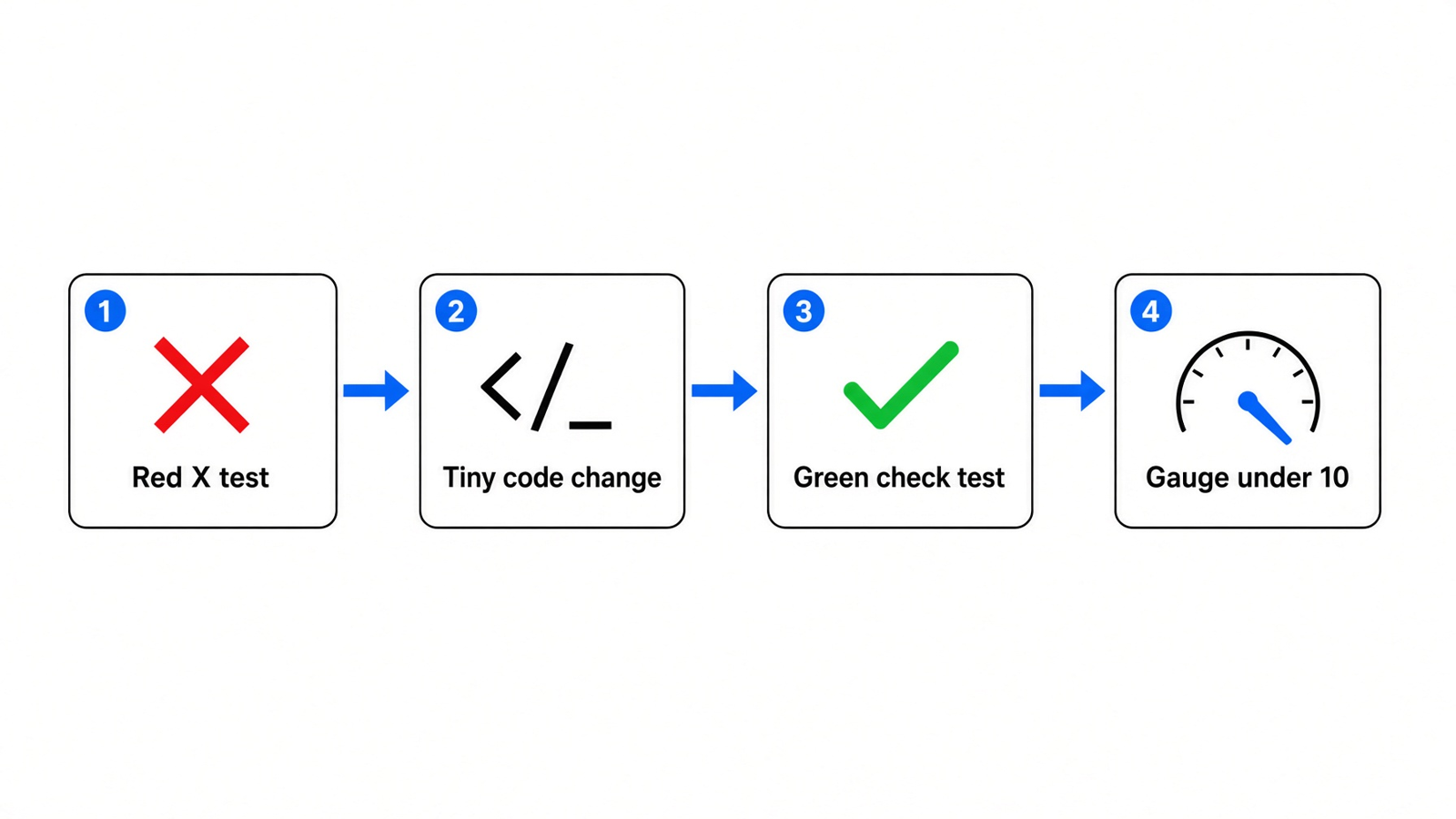
Failing test, smallest code change, test passes, then the score under 10. Do not skip the red step.
The rule in the file is short. Write the test that fails. Watch it fail for the reason you expect, not for a typo. Make the smallest change that makes it pass. If an honest test is impractical, do not write a bad one.
A bad test is one that would still pass if the function returned nothing. Throw that out. The test should call the code the way a shopper would, and check the number the shopper would see.
On the cart I kept both checks on price, the function a caller would use:
- Member, coupon
TEN, price 100, no tax: 81.0. The member cut takes 100 to 90, because the price is over 50.TENtakes 10 percent of what is left, which is 9. 90 minus 9 is 81. - One item at 40 and one clearance item at 10, coupon
BOGO, member, no tax: 35.0. Clearance wins over the member cut, so 10 becomes 5. The 40 stays 40, because a member cut only starts over 50.BOGOsubtracts the cheapest original price, which is 10. 45 minus 10 is 35.
Those two were enough to see the function work. They were not enough to pass the score gate.
If the agent is also wandering into files it should not touch, that is a different check. A security audit skill is about what the agent is allowed to reach. Tests-first only stops you from shipping a behavior you never watched fail.
What is a CRAP score?
A crap score is one number that gets worse when a function has many paths and your tests walk few of them.
Start with the paths. Each if, loop, elif, and, or, and except is another way through the function. The count of those ways is cyclomatic complexity (how many independent paths the function has). Call that count CC so the formula stays short.
Coverage is the share of the function your tests actually run, written as a fraction from 0 to 1. No tests means 0. Every line run means 1.
The formula is:
CRAP = CC² × (1 − coverage)³ + CC
CRAP (the score from paths and untested code) is that formula, nothing else. A function with one path and full tests sits near 1. A function with many paths and no tests blows up, because CC is squared and then multiplied by almost 1.
Picture a control-flow graph with a loop and a branch. Each extra decision is another path. That is what CC counts.
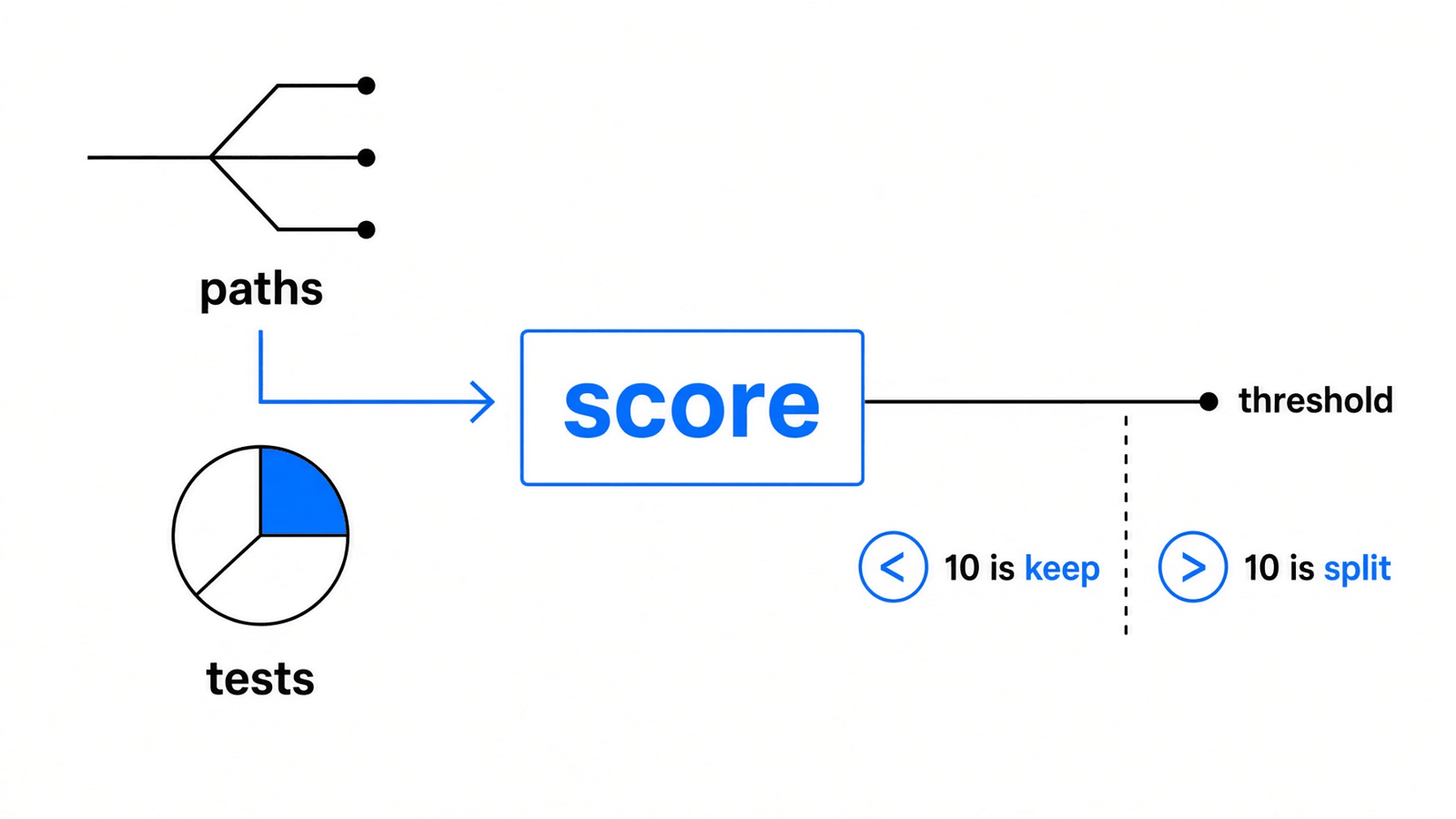
Paths and tests go in. Under 10, keep the function. Over 10, split it or test the missing paths.
The cart with no tests had CC 13 and coverage 0.
13 times 13 is 169. 169 times 1 is 169. 169 plus 13 is 182.
That is the 182.0 the tool printed.
If coverage is total, the middle term is 0, so the score equals CC. A function with 13 paths still scores 13 when every line is tested. The gate in the file is 10. Tests alone cannot pull a 13-path function under 10. You split it, or the score stays over the line no matter how green the tests look.
The tool’s own notes call 1 to 5 low risk, and 30 or more both complex and under-tested. The skill does not use 30. It uses 10. Pass --threshold 10 if you want the command to fail above that line. The default run does not pick a line for you.
Why did two tests leave the score at 13.7?
The two tests covered most of the lines, and the function still had 13 paths, so the score could not fall under 10.
After the member test and the clearance-plus-BOGO test, coverage was 84.2% and the score was 13.7.
Coverage 0.842 leaves an untested share of 0.158. Cube that and you get about 0.00394. 13 squared is 169. 169 times 0.00394 is about 0.67. Add the 13 back and you get 13.7.
The tests did the job they can do. The square of 13 is so big that a small untested share still leaves a fraction, and then the formula adds the 13 back. You cannot test your way from 13 paths down through a wall at 10.
I split price into three functions and kept the same two tests. All three landed under 10.
| Function | Paths (CC) | Coverage | Score |
|---|---|---|---|
| line_price | 6 | 87.5% | 6.1 |
| coupon_discount | 6 | 75.0% | 6.6 |
| price | 6 | 91.7% | 6.0 |
line_price decides clearance, gift on a holiday, and a member price over 50. coupon_discount decides TEN, FIVE for someone who is not a member, and BOGO when there is more than one item. price loops the cart, calls those two, floors the total at 0, and applies tax.
The diagram at the top labels the middle box “coupon”. That box is coupon_discount. Its 6.6 is under 10, and it is the honest gap: FIVE and the empty coupon were not in the two tests, so coverage stays at 75%.
These calls were not in the two measured tests. I checked them after the split:
FIVEon 20, not a member, no tax: 15.0FIVEon 3, not a member, no tax: 0.0, because 3 minus 5 would go negative and the floor stops at 0- Gift and holiday, price 10, tax 0.1, no coupon: 8.8, because 10 times 0.8 is 8, and 8 times 1.1 is 8.8
The original two tests still returned 81.0 and 35.0. Splitting did not change what the shopper sees. It changed how many paths live in each function, which is the only way a 13-path function gets under 10.
Here is the split that produced that table:
def line_price(price, clearance, gift, member, holiday):
    if clearance:
        return price * 0.5
    if holiday and gift:
        return price * 0.8
    if member and price > 50:
        return price * 0.9
    return price

def coupon_discount(total, coupon, member, count, cheapest):
    if coupon == "TEN":
        return total * 0.1
    if coupon == "FIVE" and not member:
        return 5
    if coupon == "BOGO" and count > 1:
        return cheapest
    return 0

def price(items, coupon, member, tax_rate, holiday):
    total = 0.0
    cheapest = None
    for item in items:
        p = item["price"]
        total += line_price(
            p,
            bool(item.get("clearance")),
            bool(item.get("gift")),
            member,
            holiday,
        )
        if cheapest is None or p < cheapest:
            cheapest = p
    total -= coupon_discount(total, coupon, member, len(items), cheapest or 0)
    if total < 0:
        total = 0
    return round(total * (1 + tax_rate), 2)
And the two tests that stayed green:
def test_member_ten_percent_off_no_tax():
    assert price([{"price": 100}], "TEN", True, 0.0, False) == 81.0

def test_clearance_beats_member_and_bogo_uses_cheapest():
    assert price(
        [{"price": 40}, {"price": 10, "clearance": True}],
        "BOGO",
        True,
        0.0,
        False,
    ) == 35.0
UB mode vs just asking for clean code
Asking for clean code gives you taste. The file gives you a failing test and a number you can re-run.
Clean can mean fewer lines, nicer names, or a new helper nobody asked for. The agent will pick one. The file picks an order: failing test, smallest change, then every function under 10. If the score is over 10, split, test, or both. Case statements are the one place it tells you to think before you chase the number. A long match can be clearer than six functions.
A prompt that only says “make it clean” has no exit code. crapper --threshold 10 does. You can put that command in the project’s check and stop the change when the worst function is over 10.
This file does not change how the agent edits files. If you want that picture, how Claude Code works walks the loop. /ub-mode only loads rules for the session.
When is UB mode the wrong tool?
Skip it when the change is one obvious branch you can read in a glance. Run it when you cannot.
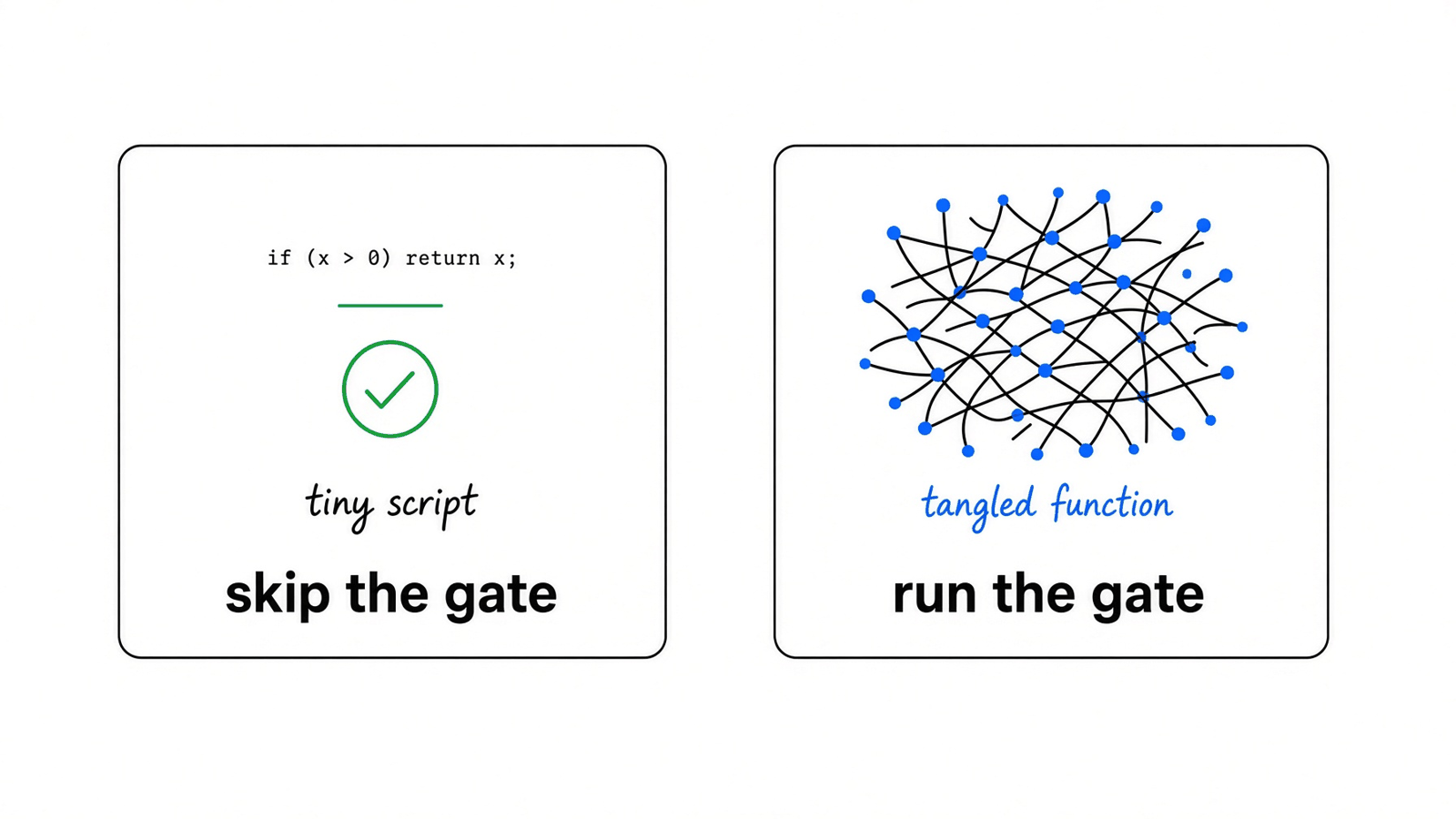
A tiny script can skip the gate. A tangled function is why you run it.
A three-line script with one if will not teach you anything at a score of 2. The file says the same thing in plainer words: if the code is already clear and local, leave it. And if an honest test is impractical, do not write a bad one just to satisfy the ritual.
Run the gate when one function owns the discounts, the coupons, and the tax, the way price did. That is when “looks fine” and “score 182” describe the same function.
Do not use it as a style pass on a prototype you will throw out. Do not use it to avoid a test you cannot write honestly. Do use it when the agent is about to improve a function you will still be reading later.
Common questions about UB Mode
Does UB mode work in Cursor and Codex?
Cursor yes. Copy the file to ~/.cursor/skills/ub-mode/SKILL.md and type /ub-mode.
The install notes name that Cursor path, plus the Claude path and the Grok path. They do not name Codex. The rules are still one markdown file, so any tool that already loads a skill from a folder can take the same file. The score does not come from the chat window. It comes from crapper, run inside the project.
Which model answers in that window is a separate setup. Pointing Claude Code at DeepSeek or Kimi does not change the file you copy or the command you run.
Is a CRAP score under 10 enough?
No. Under 10 means the path count and the tests are in balance for this one gate.
It does not mean the tests check the right shopper number. coupon_discount scored 6.6 at 75% coverage and still had not been shown a FIVE coupon in those two tests. A green table can hide a branch you care about.
The next gate is mutation. Change a comparison on purpose and see if a test dies. If the tests stay green, they were not protecting that line. Under 10 is the pass line for this tool, not the end of the review.
What if an honest test is impractical?
Do not write a bad one.
The file says that in the test rules. A test that cannot fail for a real reason trains you to trust a green check. Skip that case. Test the behavior you can see from the outside. If the function is already clear and local, leave it alone instead of inventing a test that would pass even if the function returned nothing.
Do I run crapper on every save?
No. Run it when a function changes, from the project directory.
Use --threshold 10 when you want a failing exit code. Use --changed when you only want the files git shows as added or edited. A walk of the whole tree is for the first look, not for every keystroke. The first run is slower because it builds a virtual environment and installs the scorer. Later runs reuse that.