Short answer: Is humanizer lint worth it? Yes on marketing copy and agent-drafted READMEs, if you treat the report as a list of lines to reread. No as a gate on runbooks, and no as proof that a model wrote the file.
I pasted a brochure paragraph into a checker on my own machine because the draft sounded like a press release. The checker is humanizer lint, a command that reads a text file and marks stiff phrases. It does not upload the file, and it does not decide who wrote it. The brochure failed, with a score of 70. A plain paragraph passed at 90. Then nine short command lines, the sort you would put in a runbook, failed at 55. Use it on marketing copy before you publish. Do not use the score alone, and do not use it to accuse a person of using a model.
A runbook is a list of steps you follow when something breaks. A score here is just the number the command prints. One hundred is the cleanest it will give. Zero would be a mess. The number is not a verdict about the author.
Related reading on this site: How to stop Claude Code from overengineering is about padded diffs; this lint is the check you run after, on the words. For messy JSON logs after an agent run, see hl vs jq for JSON logs.
What Is Humanizer Lint?

humanizer lint is a local style checker for stiff writing. It looks for stock phrases, sentences that are all the same length, and words that repeat. A stock phrase is a line people reuse until it stops meaning anything, like “it is important to note.”
It is not a website you paste into. You point it at a file. The text stays in that file unless you later paste it into a chat yourself. It also does not rewrite the file. It prints what it disliked and a short hint about what to change. You still do the edit.
That is a different job from a rewrite tool. A rewrite tool replaces the paragraph. This command leaves your words where they are and hands you a list. If you wanted the paragraph changed for you, this is the wrong program. If you wanted a second pair of eyes on the phrases, it is the right one.
It is also not the Go library people install when they want “2 hours ago” or a file size in megabytes. Same loose word, humanize, different program. If your search result is about formatting numbers, you are in the wrong repo.
The project lives at humanizer-lint on GitHub, and the command is published on npm. You need Node. You do not need an account, a key, or a graphics card.
How Do I Run Humanizer Lint?
Put the draft in a file, then run the command in that folder.
npx --yes humanizer-lint --file draft.md --lang ennpx downloads the command for this run if you do not already have it. --file is the draft. --lang en tells it to use the English phrase list. There are packs for other languages too. If you want the full report instead of a short summary, add --json.
I used that on four files I wrote for the test.
| File | What it was | Sentences | Score | Result |
|---|---|---|---|---|
| Brochure | Press-release sentences | 5 | 70 | Fail |
| Plain note | Short spoken sentences | 6 | 90 | Pass |
| Technical note | Steps for a local bucket | 6 | 100 | Pass |
| Runbook | Nine commands, each its own sentence | 9 | 55 | Fail |
The exit code is the number the command leaves behind for a script. Fail came back as 1. Pass came back as 0. A script can stop a publish on 1. That is useful, and it is also how a runbook gets blocked.
If a word on the list is a real word in your field, you can spare it:
npx --yes humanizer-lint --file draft.md --lang en --allow robustI tried that on a sentence that said a parser is robust to empty files. After the allow, “robust” was gone from the list. The file still failed, because a later sentence said “landscape.” The allow list is one word at a time, not a pardon for the whole file.
What Did Humanizer Lint Flag?
On the brochure, it marked 15 hits. These are the ones that matter if you are cleaning a README a coding agent just wrote:
- “landscape,” with the hint to name the field instead
- “it is important to note”
- “robust”
- “tapestry”
- “Furthermore” and “Moreover,” marked as warnings, not hard errors
- “cutting-edge”
- “empowers”
- “delve,” with the hint to say examine or explore
- “seamless”
- “holistic approach”
- “unlocks”
- “journey”
- “pivotal”
- “underscores”
Here is the turn. The brochure was full of lines the checker never mentioned. It did not flag “rapidly evolving,” “leverage,” “stakeholders,” “paradigm,” “unprecedented,” “synergy,” “Additionally,” “excited to announce,” “game-changing,” or “at the end of the day.” I had put all of those in on purpose. A fail does not mean the net caught every stiff line. It means it caught the lines on its list.
The plain note passed, and the report was still not empty. It said the word variety was 0.6978 against a target of 0.74, and that three sentences started with “The.” The process still exited 0. So a pass can carry notes. Read them. Do not treat exit 0 as “nothing to see.”
The technical note was six sentences about pointing a client at a local port, writing one object, and reading it back. Score 100. No hits. The sentence lengths barely moved, and the checker skipped that test. It only judges rhythm after eight sentences. Under that, a flat paragraph can look perfect.
The runbook crossed eight sentences. Nine lines, each a short order: open, read, check, write, close, repeat, store, print, stop. No stock phrases. Score 55. Fail. It complained that neighboring sentences were the same length, that the paragraph had no long sentence, and that the jumps between lengths were small. That is a correct description of a list of commands. It is a bad reason to block the list.
One more false hit: this sentence failed:
> The parser is robust to empty files.
“Robust” was an error. The hint said to name the failure mode. The failure mode was already in the sentence: empty files. A later sentence that only mentioned the word “landscape,” in order to refuse the metaphor, failed too. The list matches the word. It does not read the point.
Does Humanizer Lint Detect AI?
No. A fail does not prove a model wrote the file. A pass does not prove a person did.
What it detects is a list of phrases, plus a rhythm check once the file is long enough. A person can type “delve” and fail. A model can avoid every word on the list, keep the sentences uneven, and pass. A model was not required to fail the runbook. Nine short lines typed by hand were enough.
People selling “humanizer” tools often mean a rewriter whose job is to slip past a detector. That is a different product, and a worse goal. Changing words so a detector blinks does not make the paragraph truer, and this command does not claim to do it. If a teammate asks for a detector, say no and show them the phrase list instead.
Is Humanizer Lint Worth It?
Yes, on prose you are about to publish, if you treat the report as a list of lines to reread. No, as a gate on command lists, and no, as proof of authorship.
I would run it on a README, a changelog note, and a doc page a coding agent drafted. Fifteen brochure hits in one short paragraph is a real catch, and the hints are specific: say examine, name the step, drop the announcement. That is faster than hunting “delve” by eye when you are tired.
I would not fail a build because a runbook scored 55. I would not fail a build because an engineer wrote “robust” about empty input. I would not tell a writer their pass means the page is finished: the plain note passed while still repeating “The,” and the brochure’s worst leftovers were never on the list.
The way I would actually use the exit code is narrow. Run it on docs, with --lang en, and allow the few words your field cannot live without. Keep runbooks and generated command blocks out of that check. If the command returns 1, open the report and edit the hits you agree with. Then run it again.

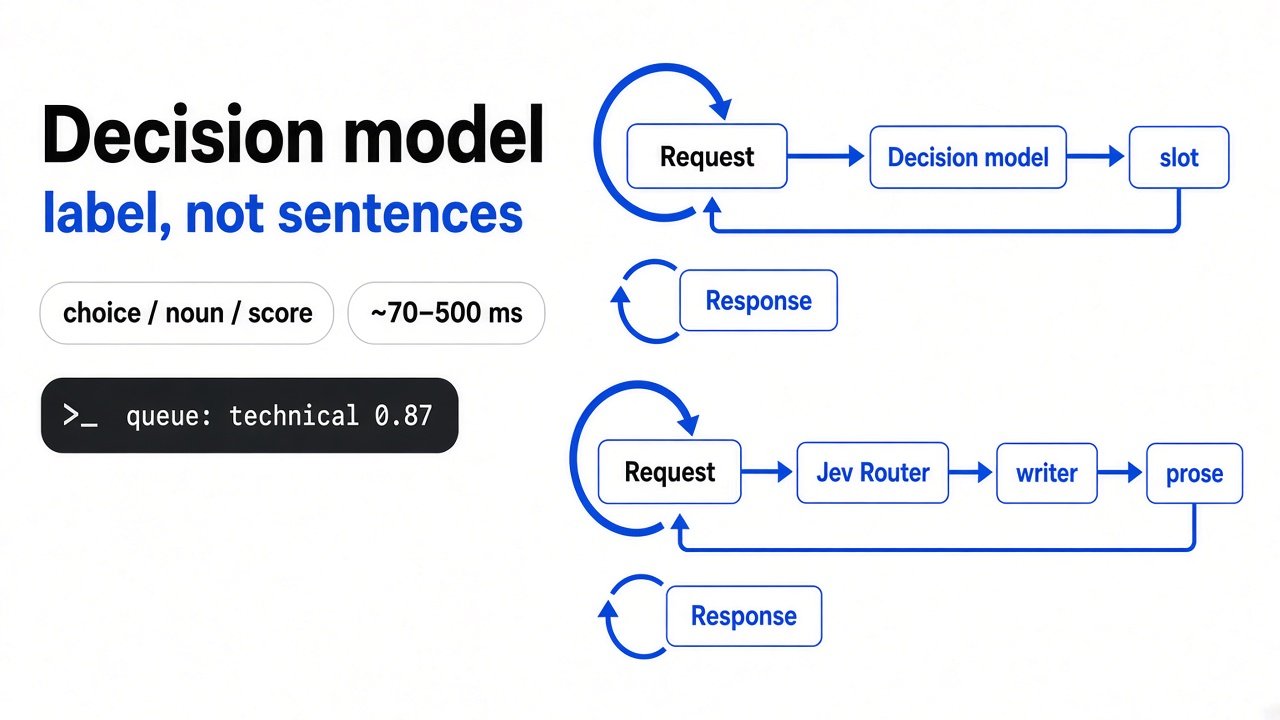
The diagram is the whole product. The command does not ship the edit. You do.
When Should I Not Use Humanizer Lint?
Do not use it on a list of steps. Nine short sentences of similar length failed at 55 with zero stock phrases. A deploy note, a test recipe, and a migration checklist will look the same to it. Skip those files, or do not let the exit code block them.
Do not use it as the only pass on a short page. Under eight sentences the rhythm check is marked skipped. My six-sentence technical note scored 100 with almost no variation in length. If you care that every sentence sounds the same, the short file will not tell you.
Do not use it to police ordinary engineering words until you have an allow list. “Robust” failed on a true sentence. Add the word, rerun, and read what is left. My rerun with --allow robust moved the score from 90 to 95 and still failed on “landscape.”
Do not use it to decide that a teammate cheated. The tool’s own report is a style list. I could fail it with a runbook I wrote by hand. That is the end of the detective story.
Humanizer Lint vs a Rewrite Tool
Use humanizer lint when you want the stiff lines marked and the file unchanged. Use a rewrite tool only when you have already decided the paragraph should be replaced, and you are willing to reread every fact afterward.
A rewrite can drop a number, soften a limit, or invent a smoother claim. This command cannot do that, because it never writes the paragraph. The cost is the false fail on short steps, and the misses on phrases that were not on the list. I would rather have those misses than a silent rewrite.
I will keep the command on docs. I will not let it grade a runbook. The brochure earned the fail. The nine short lines did not.
Common questions about humanizer lint
Does humanizer lint detect AI writing?
No. It matches a phrase list and a rhythm check. A hand-typed runbook can fail. A careful model draft can pass.
Should I fail CI on humanizer lint?
Only on docs you chose to gate, with an allow list for field words. Never on runbooks or command lists.
Is it the same as the Go humanize library?
No. That library formats numbers and durations. This command checks writing style.
Can it rewrite my draft?
No. It prints hits and hints. You edit the file.