
The smallest change that works. Nothing you did not ask for.
A coding agent (a program that edits your repo with tools, not a chat box) is supposed to change the lines you named. Claude Code (Anthropic’s terminal app that edits your repo) often changes more. You ask for a sum. You get a class, a config object, and a formatted report. That extra build is overengineering (code the task did not ask for).
This page is for you if your review is mostly deleting those extras.
Stop Claude Code from overengineering by making it stop at the first fix that already works. I counted a captured countdown at 267 lines of code against 9. I then wrote a CSV sum both ways: 18 lines printed 20.00, and 4 lines printed 20.0.
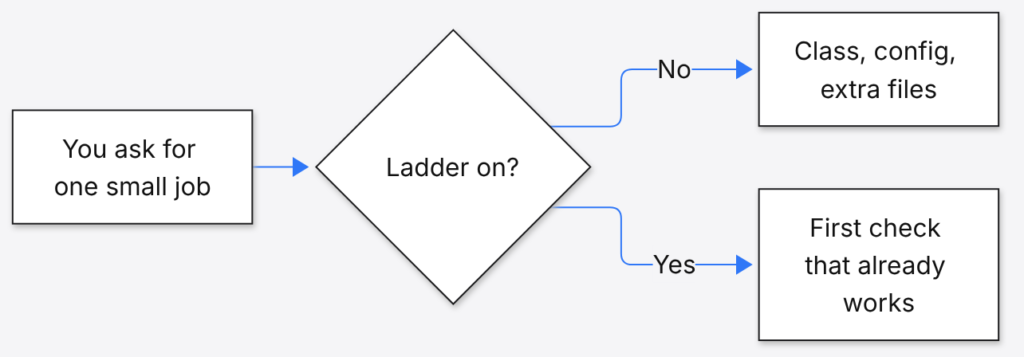
You are looking at the choice. One path keeps adding pieces so the answer looks finished. The other path stops.
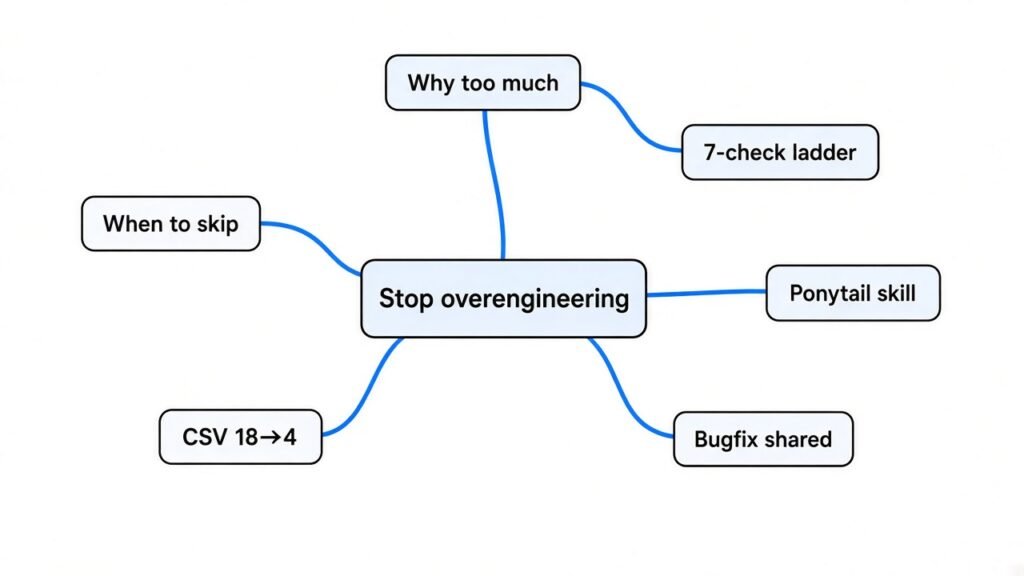
Why does Claude Code write too much code
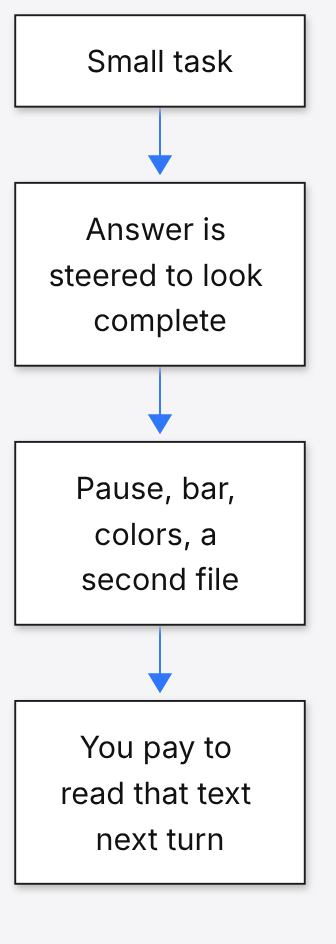
It writes too much because a long answer looks finished, and the default loop does not punish the extra files.
You pay for the text it reads and writes. That unit is a token (a small chunk of text). A countdown that also has pause, a progress bar, and colors looks more done than the seconds remaining. So that is what shows up in the diff (the lines that changed).
A single line in CLAUDE.md (the project file Claude Code reads when a session starts) often loses this fight. The file is already long. The new line is one more wish in the pile.
How to stop Claude Code from overengineering
Make it climb seven checks and stop at the first one that holds. The rules file that does this is Ponytail (a skill that blocks unasked code).
A skill (a markdown file the agent loads only when the task matches) beats a sentence in the chat. The checks come back on the next coding turn, not only in the turn where you remembered to nag.
| Rung | Ask this | If the answer is yes |
|---|---|---|
| 1 | Does this need to exist at all? | If you are only guessing, skip it. That is YAGNI (do not build it until a real task needs it). |
| 2 | Is it already in this repo? | Reuse it. Do not write a second copy. |
| 3 | Does the stdlib (the tools that ship with the language) do it? | Use that. |
| 4 | Does the platform already do it? | Use the date field, the database rule, or the CSS. Do not add a library. |
| 5 | Does a dependency (a library already in the project) do it? | Use it. Do not install a new one for a few lines. |
| 6 | Can it be one line? | Then it is one line. |
| 7 | None of the above | Write the minimum that works, and stop. |
Read the code the change touches before you climb. A tiny edit in the wrong function is a second bug. The ladder shortens the solution. It does not shorten the reading.
Three strengths sit on the same ladder. Lite builds what you asked and names the smaller option in one line. Full enforces the ladder. That is the default. Ultra refuses the feature until something measures a need.
Install it in Claude Code with:
/plugin marketplace add DietrichGebert/ponytail
/plugin install ponytail@ponytailIn Cursor (an editor whose AI edits your files), copy the rules into .cursor/rules/ponytail.mdc. If this repo already has a CLAUDE.md, paste the seven checks there too. A brand new AGENTS.md will not override a CLAUDE.md that is already in the folder you started from.
Stop Claude Code from overengineering a bug fix
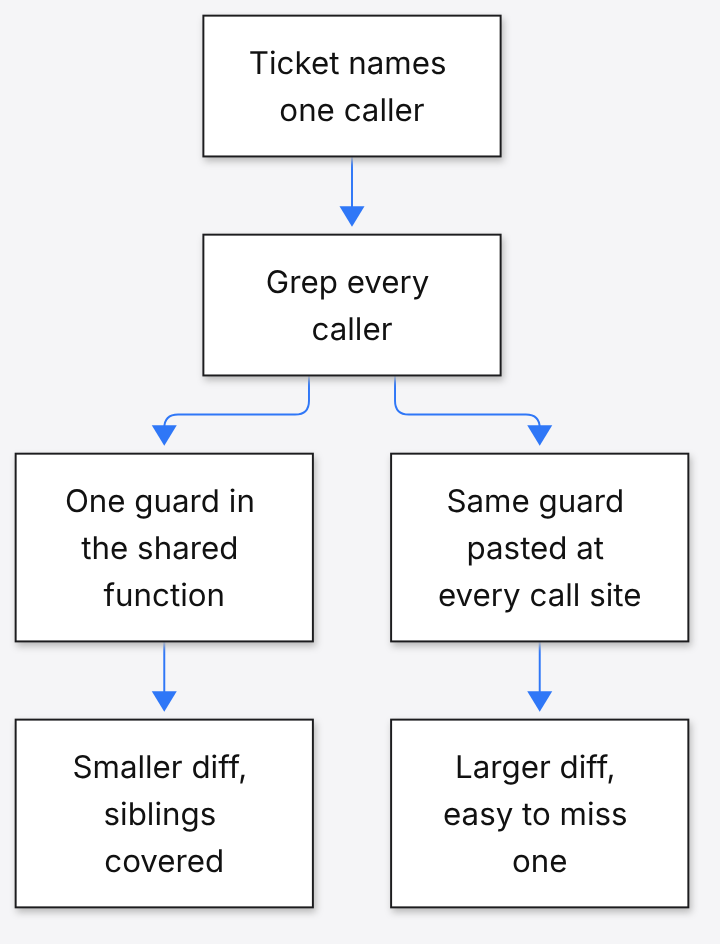
Fix the bug once, in the function every caller uses. A ticket names one broken path. Patching only that path leaves the next caller broken.
Grep every caller of the function you are about to touch. One guard in the shared function is a smaller diff than the same guard copied into each caller. Then stop. Do not invent a new error type for a check that already exists.
I ran the ladder on a CSV sum
The ladder did not change the answer. It deleted the scaffolding. Both sides returned 20.
I used the line counter that ships with the rules. Its own six checks passed on my machine. On the captured countdown prompt, every code block before the ladder scored 267. The ladder block scored 9. The short one stores the remaining seconds and prints them. Pause, a progress bar, and a styled box were left out until someone asks.
The captured CSV prompt scored 20 lines across the three snippets in the no-ladder half, and 3 lines in the ladder half. I did not stop at a captured file. I wrote both sides myself, with no model in the loop. The file sales.csv held 10, 2.5, and 7.5.
The long version was a config object plus a class with three methods and a formatted report. It was 18 lines. It printed Total amount: 20.00.
The ladder version used the csv tool that ships with Python, plus one assert (a line that fails the run if the total is wrong):
import csv
total = sum(float(row["amount"]) for row in csv.DictReader(open("sales.csv")))
print(total)
assert total == 20It printed 20.0. Four lines. The assert stays because this is a loop over amounts. A trivial one-liner does not need a test. This one does.
| What I counted | Lines | What came back |
|---|---|---|
| Captured countdown, no ladder | 267 | several components, including style |
| Captured countdown, ladder | 9 | remaining seconds only |
| Captured CSV, no ladder | 20 | three snippets |
| Captured CSV, ladder | 3 | one sum |
| My CSV class | 18 | Total amount: 20.00 |
| My CSV ladder | 4 | 20.0 |
Skipped on my run: the class, the config object, and the currency string. Add a formatter when a human needs a report. Add a tougher reader when the file is huge or messy.
Is ponytail worth it if you already have a CLAUDE.md
Yes, if your reviews are mostly deletions. No, if the honest fix is already one small function, or you wrote the full design and want that design built.
A CLAUDE.md line that says “do not overengineer” is easy to lose once the file is long. If a rule is not stopping the mistake, the file is too long and the line is buried. Ponytail keeps the checks in a skill, so a coding task pulls them in without stuffing every chat.
Do not expect a dramatic cut on a diff that is already minimal. The large gaps show up when the agent was about to invent a second component. On a one-line bug, the ladder should change almost nothing.
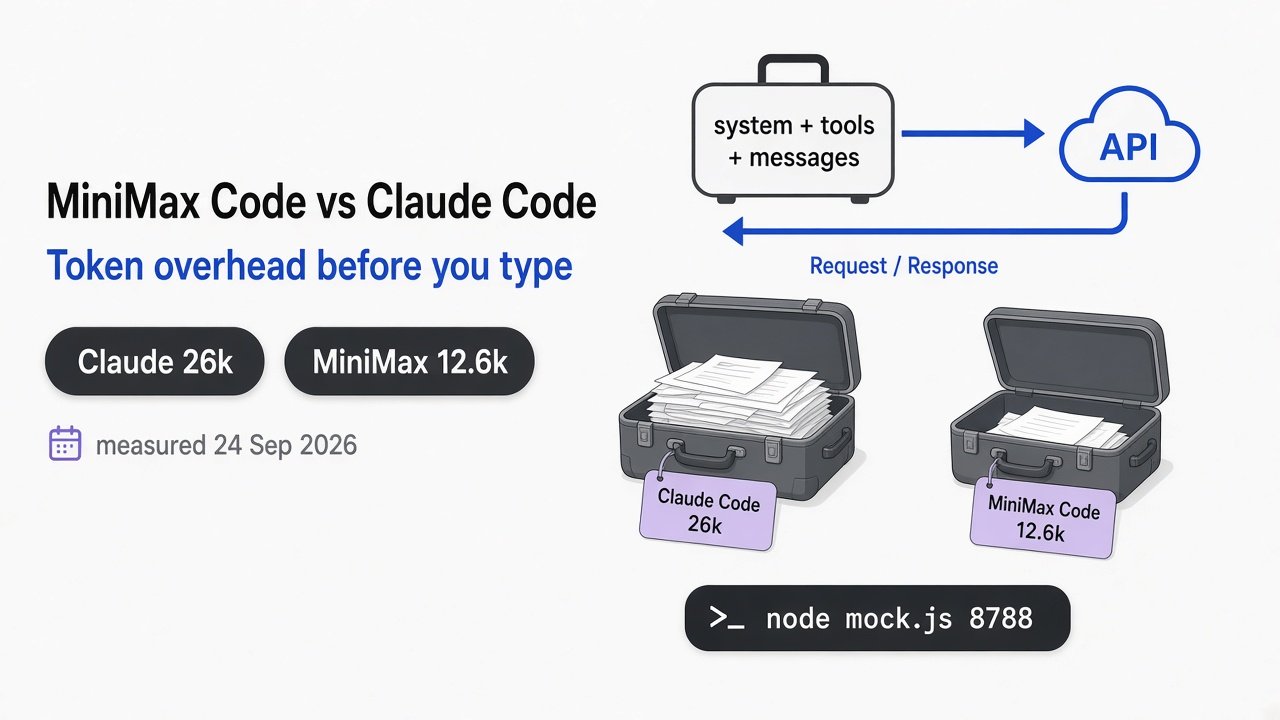
It is still worth it if you pay for tokens. Unused files are text the next turn may read again. Which attached tool is already spending those tokens before the edit is a different leak: which MCP server is wasting tokens. An MCP server (a small program that lends the agent one tool) is not this problem. This problem is the code the agent writes.
Ponytail vs telling it to write less
Telling it to write less shortens the reply. The ladder shortens the program, and it will not drop the checks that keep you safe.
Caveman (a separate rules file that shortens sentences, not the code) is the talk-less tool. Use it when the bill is prose. Use the ladder when the bill is files you have to maintain.
A bare “make it one line” prompt has no stop sign for this list:
- checks on input that comes from outside your program
- error handling that prevents lost data
- security
- the basics a person needs to use the screen
- anything you explicitly asked for
The ladder names those as off limits. If you insist on the full version, it should build that version and stop arguing.
| No rule | “Write less” only | Seven-check ladder | |
|---|---|---|---|
| What it cuts | nothing | words, and sometimes a check | unasked code |
| Countdown I counted | 267 lines | I did not run this arm | 9 lines |
| CSV I ran | 18 lines, total 20.00 | I did not run this arm | 4 lines, total 20.0 |
| Outside input | easy to skip | no rule keeps it | kept on purpose |
When should you ignore the ladder
Ignore it when the extra code is the task. A security review, a migration, or a design you already wrote down are not bloat.
Also skip the ultra setting when the real world needs a knob. A clock drifts. A sensor reads off. Deleting the only line that corrects them is not lazy. It is wrong.
Do not treat the ladder as a sandbox (a wall that stops the agent touching the rest of your machine). A prompt is not a wall. If the agent can run commands, you need isolation, not a shorter diff. A branch check is also a different job: security-review or a full audit.
Try this on your next task
Five minutes, in a repo you already have.
- Paste the seven checks at the top of the prompt, or install the plugin.
- Ask for one boring job: sum a column, format a date, or add the null check you actually need.
- Reject the diff if it adds a new library, a new file, or a helper with one caller.
- Keep one assert if the logic branches or touches amounts.
- If the extra code already landed, run simplify on the diff. That is cleanup. The ladder is what you run first, so there is less to clean.
Hand sum the column before you trust the printout. If the two numbers disagree, the short version is wrong and the class was not the problem.
Common questions about stopping Claude Code overengineering
Why does Claude Code write too much code?
A finished-looking answer is what it is steered to produce, and nothing in the default setup stops at the smallest fix. Put the seven checks in a skill or in CLAUDE.md so the next coding turn hits them before it writes.
How do I stop Claude Code from adding dependencies I did not ask for?
Rung 5 is the stop: use a library only if it is already installed, and never add one for a few lines. On a CSV sum, the tool that ships with Python is enough. A new table library is a later problem, for a huge or messy file.
Can I use the ladder in Cursor without a plugin?
Yes. Copy the rules into .cursor/rules/ponytail.mdc, or paste the seven checks into the project rules that already load. You do not need the Claude Code plugin for that.
Is ponytail worth it if the task is already small?
No. If the honest fix is one line, the ladder changes nothing. Ultra can even argue with a request you meant. Use full for daily edits. Turn it off when you already approved a design.
The same agent can still drop a written rule after the window fills and the session shrinks itself. That is compaction (the app squeezing the chat so far into a shorter note), not this problem: why compaction drops your instructions.
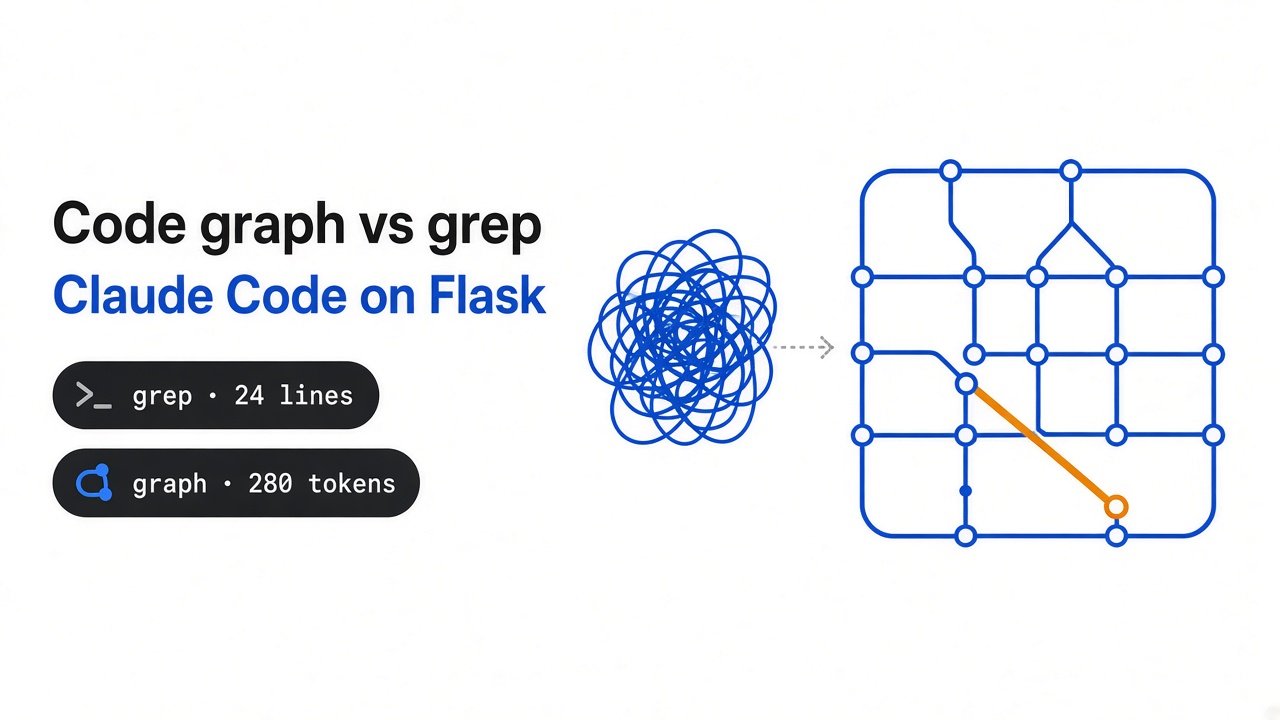
If you are deciding whether it even needs a map of the repo before it edits, start here: code graph or grep.
The rules file itself is in the Ponytail repo. How to cut a CLAUDE.md that has grown too long to follow is in the Claude Code best-practices doc.
The smallest change that works. Paste the seven checks before the next edit.

8 comments