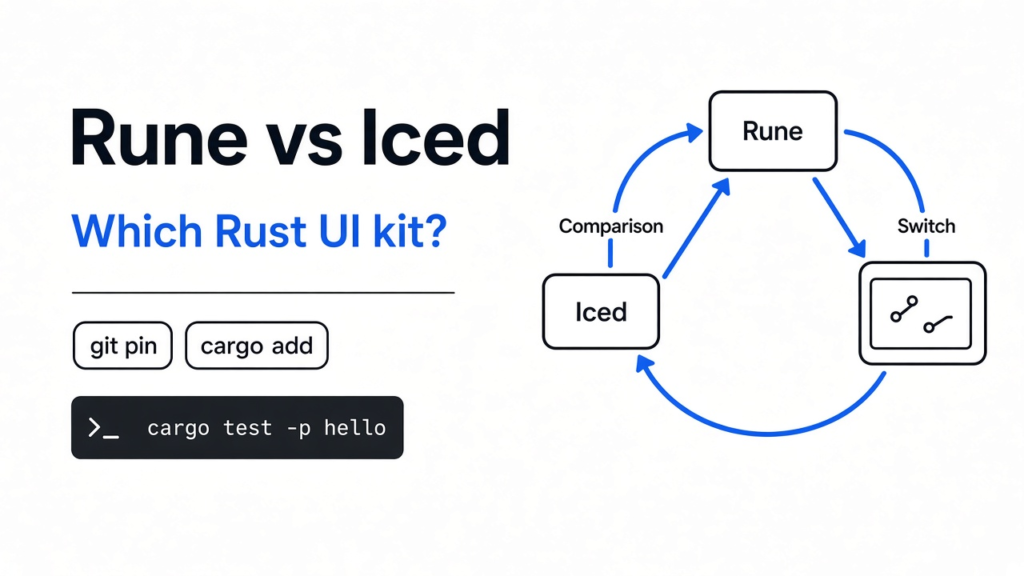
I wanted a small window in Rust: a label, and a switch whose knob slides when you tap it. Rust is the language. A window kit is the code that turns that label and switch into pixels, and turns the tap back into a change in your program. Two kits will do it. Iced is the one you add like any other library. Rune is the newer one, and its smallest example can be tapped by a test with no window open. For rune vs iced, start with iced if a person has to use the app. Start with rune if the point is to let a program check the screen.
Rune vs Iced
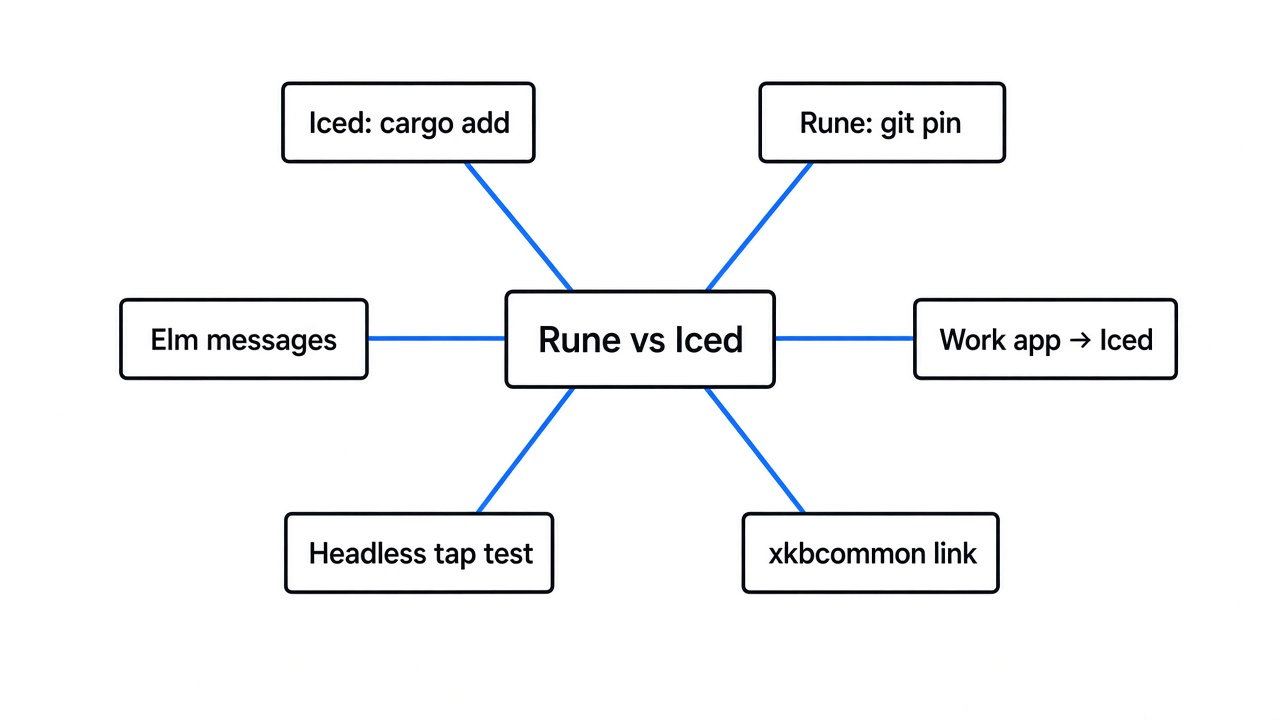
Iced is the kit you install as a normal package. Rune is the kit you pin from git, and the one whose hello example I could tap without opening a window.
A screen is just a grid of pixels. You do not want to paint every pixel yourself, and you do not want to ask the operating system, in its own dialect, where the mouse went. A UI kit sits in the middle. You describe a label and a switch. It lays them out, draws them, and tells you about the tap.
Iced asks you to split that job into four piles, and it says so in its own words. State is what the app remembers. A message is a click or any other event you care about. The view turns state into widgets, and those widgets may emit messages. The update function takes a message and changes the state. Then the view runs again. If you have used Elm, this is that shape: nothing edits the state except the update function. I like that when I need a log of what happened. Every tap is a value I can print.
Rune does not make you invent a message for the switch. In the hello example the press handler writes the bool itself.
.on_press(|s: &mut State| s.on = !s.on)The view is a function of that state. If on is true, the label says “Lights on” and the knob sits at x 18. If it is false, the label says “Lights off” and the knob sits at x 2. The difference is 16 points. A point here is the kit’s own unit, not a raw pixel on your monitor. The hello window is 320 by 200 of those points.
This is in contrast to iced, where that same tap would be a message, and only the update function would flip the bool. Rune’s way is shorter to read. Iced’s way is easier to trace when the screen gets big and ten controls can change the same state.
| Rune | Iced | |
|---|---|---|
| What you add | A git pin of the dev branch | The iced package |
| How a tap lands | The handler writes state | A message, then update |
| How I checked it | A test taps the switch, no window | Iced was not rebuilt in the same sitting |
| Drawing | Its own renderer, layout, text, and springs | A GPU renderer and a software renderer |
| Their own warning | Pre-release. Pin a revision. | Their page calls the library experimental |
| Patches | They do not take pull requests | A normal project |
A spring, in this kit, is motion that glides to a stop instead of jumping. The hello switch uses one. The test does not just check the bool. It steps the clock and checks that the knob actually travels.
The iced site shows finished windows in its showcase. Rune’s own front page is still the lights switch. That gap is the whole decision, before you care about which one is clever.
Both talk to the graphics chip. Iced lets you pick a software renderer as well, so a machine with no graphics stack can still draw. Rune’s hello path compiled the window stack even for the test that never opens a window. That showed up the hard way, below.
Checked against the anomalyco/rune hello example and iced.rs docs, Nov 2026.
How do I use Rune UI
Clone the repo and run the hello example’s switch test. That is the shortest path, and it does not need a display.
The project file names the Rust compiler it wants. I already had a compiler one small step behind that file, so I pointed cargo at the compiler on the machine instead of downloading another one. From the repo root:
cargo test -p hello a_tap_flips_the_switch_and_the_knob_springs_acrossIf your compiler matches the file in the repo, that is the whole command. If cargo complains about the toolchain file, use the compiler you have with the + form, the same way I did, or install the one the file names.
What that test does, in order:
- It builds a runtime around the hello view, at 320 by 200, with the dark theme and a scale of 2.
- It reads the knob’s x position while the switch is off.
- It finds the switch and sends a pointer down, then a pointer up. That is a tap.
- It advances six frames at one sixtieth of a second. The bool must now be true, and the knob must have started moving.
- It advances sixty more frames. The knob must finish about 16 points to the right of where it started.
I ran that test. It passed. The coordinates were not printed to the terminal. The pass means those checks held, including the 16 point landing, within a hundredth of a point.
The example comment also shows a window, and a headless picture. Headless means no window opens. The picture command is:
cargo run -p hello -- --snap hello.png --scene onThat snap command was not run here. This machine had no display I was willing to trust with a real window. The unit test was enough to see the knob move, because the runtime lays the switch out and steps the spring without the graphics chip having to show it.
There is a second hello, under examples/web-hello, for the browser. I left it alone. The native test was the claim I could check.
Is Rune UI worth it
Rune is worth an afternoon when you want a program to press the screen. It is not worth the app you have to keep running for other people.
I expected a toy that only looked good in a readme. What I got was a real layout: the knob starts at 2, the on position is 18, and a test that refuses to pass unless the spring covers that gap. That part is not a drawing. I compiled it and the assertion held.
One caveat. The front page tells you to pin a revision of dev, and it says that branch is never rewritten. There is no normal versioned package for the hello example. The example depends on the crate by a path inside the repo. If you add it to your own project, you copy that pin:
rune = { git = "https://github.com/anomalyco/rune", rev = "<the dev revision you pinned>" }Replace the placeholder with the revision you actually built. If you track the branch name instead, a later push can break your build with no version bump to warn you.
They also do not take pull requests. The front page says to open an issue and let their agents turn it around. That is fine for a weekend. It is a bad fit if your team needs to send a patch and see it merged under your name.
The word itself collides. Svelte uses “runes” for reactive state in web pages. A Flutter package is also named rune. A game tool ships as RUNE. If you search the bare word you will not land on this kit. Search the Rust repo, or the phrase rune vs iced.
Iced’s own page calls that library experimental too. Do not read this as “iced is finished, rune is not.” Read it as “iced already has the package, the four-part model, widgets, and a software renderer, and rune is earlier than that.” Experimental plus a package index is still an easier handoff than experimental plus a git pin and a closed pull-request door.
Should I use Rune instead of Iced
Use rune instead of iced only when a headless check is the reason you are building the screen.
I would switch for three jobs. You want an agent to render a PNG and read the element tree, which is the list of controls and where they sit. You want motion you can step one frame at a time, the way the hello test steps the spring. You are fine living on a pinned revision and re-running that test when the pin moves.
I would stay on iced for everything else I can think of that has a user who is not me. A settings window. A small tool the team opens every day. Anything that must cargo add cleanly, log every click as a message, or draw on a machine with no graphics chip. Iced’s page describes two renderers, one on the graphics chip and one in software. Iced was not compiled in this sitting, so that column is their description, not a second test of mine. The rune column is the test I ran.
If you have made this kind of call before, it looks familiar. A newer Rust painter can be the right engine for one scene and the wrong engine for the pipeline you already have, which is the split in ManimGX vs Manim. A native screen can also stop on a library the host machine never installed, which is the hard stop in can I build an iOS app on Linux. And gitmal vs cgit is the same shape in another job: one tool writes the result ahead of time, the other draws it live. Rune writes a screen a test can poke. Iced draws the app you hand to someone else.
Rune UI not working
If the build says it cannot find xkbcommon, the Rust code already compiled. The linker is missing the keyboard library the window system uses, or the unversioned file name it expects.
My first run failed at the link step with unable to find library -lxkbcommon. The shared library was on the machine as libxkbcommon.so.0. The linker looks for libxkbcommon.so, the name a dev package usually provides as a symlink. Package install was blocked in this environment, so I made that symlink myself and told the linker where it was.
mkdir -p "$HOME/liblinks"
ln -s /usr/lib/x86_64-linux-gnu/libxkbcommon.so.0 "$HOME/liblinks/libxkbcommon.so"
LIBRARY_PATH="$HOME/liblinks" cargo test -p hello a_tap_flips_the_switch_and_the_knob_springs_acrossThat second run finished the link and the test passed in under a second of test time. On a normal desktop, installing the xkbcommon dev package is the cleaner fix, because it creates the symlink for you and will pull in friends you may be missing next. The path above is the Debian-style location. Yours may differ. ldconfig -p shows the file you actually have.
One more miss that may bite you. cargo run -p hello opens a real window. Without a display, that command is the wrong check. Use the test above, or the --snap command if you have a graphics stack and want a PNG. Do not treat a missing display as a broken kit.
Is Rune the same as Svelte runes
No. Svelte runes are a way to write reactive state in a web page. This rune is a Rust kit for native windows, plus a web target that was left alone here.
The letters match and the job does not. If a search result is talking about $state inside a .svelte file, you are in the other project. If the result is a Flutter widget package, that is a third project. The kit in this page lives at anomalyco/rune, draws with its own renderer, and ships the lights switch as the first example.
Common questions about rune vs iced
Can I install Rune from crates.io
Not as a versioned release I could name. The hello example points at a folder inside the repo. The front page tells you to pin a git revision of dev. Iced is the one with the ordinary package name. Prefer https://crates.io when you look up iced; Rune is still a git pin.
Does the hello test open a window
No. It builds a runtime, taps the switch, steps the spring, and checks the knob. The window is a different command, cargo run -p hello.
Should I use Rune instead of Iced for a work app
No. Use iced for the work app. Use rune for the afternoon where the test is the product, and pin the revision you actually compiled.
I would not hand rune to a teammate who has to keep a window working. I would hand them iced, and I would keep the rune test around for the day I want a program, not a person, to press the switch and tell me the knob moved.