
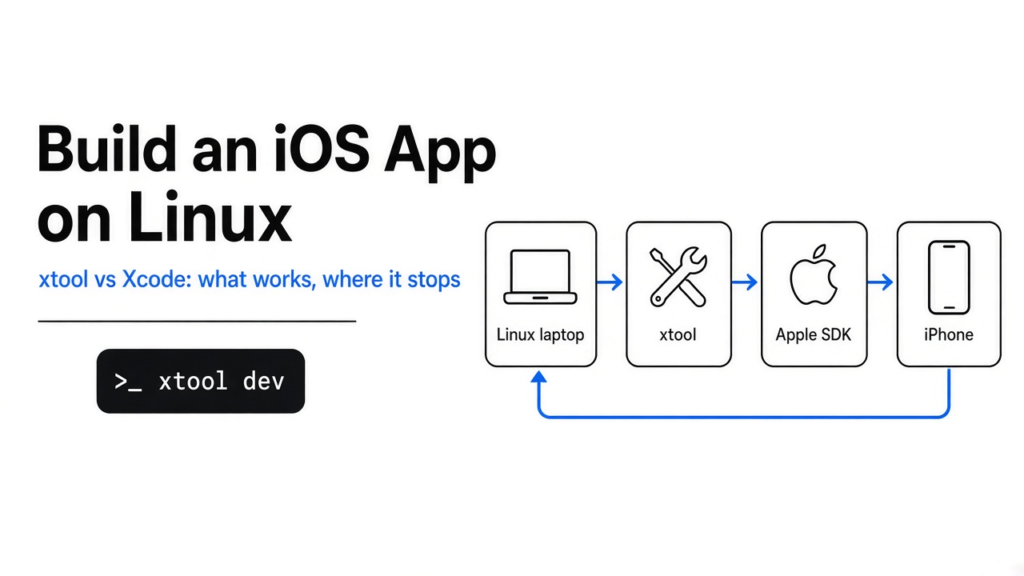
I had a Linux laptop, a spare iPhone, and no Mac in the house. Xcode is Apple’s program for building iPhone apps, and it does not run on Linux. So the question was not academic. Can I build an iOS app on Linux? Yes, with a tool called xtool, and only up to a hard stop. xtool can write the project and, after you give it Apple’s phone libraries, compile it. It does not include the iPhone simulator, and it does not skip an Apple login.
Short answer: Yes, you can build an iOS app on Linux with xtool. You still download Apple’s SDK, and you still cannot preview the app in a simulator on that machine.
The cable is the product. xtool’s job is to compile a Swift app on Linux and put it on a phone you can hold. Swift is Apple’s programming language. The app I generated describes its screen in SwiftUI, which means the screen is code, not a layout you drag around with a mouse.
Can I build an iOS app on Linux?
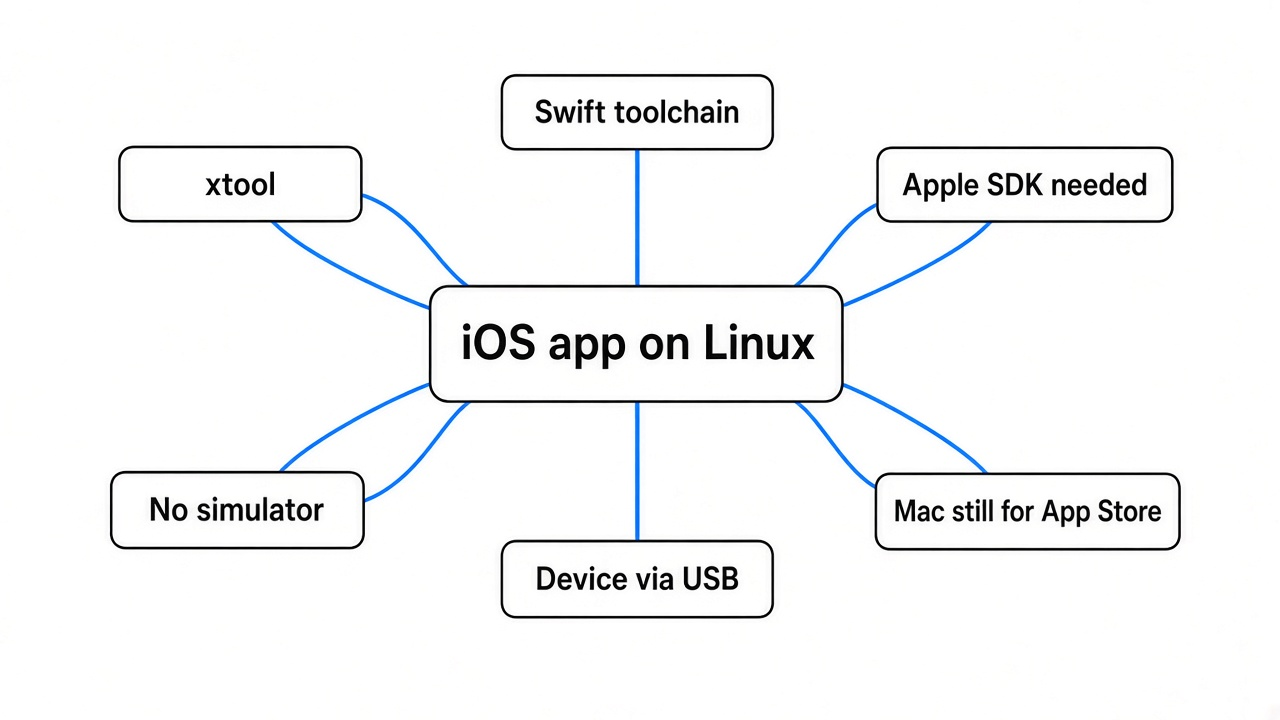
Yes. The xtool binary created a real iPhone project on Linux in one command, then refused to compile until Apple’s phone SDK was installed.
That SDK is the box of headers and libraries a compiler needs so it knows what a button, a window, and a phone screen are. Apple ships the box inside the Xcode download, even if you never open the Xcode app. xtool is the open source program that uses those libraries from Linux, Windows, or a Mac, and talks to a plugged-in iPhone.
A phone on a cable is the test this tool is built for. What you do not get, and this is the part the short answers skip, is a simulator. xtool’s help text has commands to list devices, install an app, uninstall it, and launch it. It has no simulator command. If your habit is to press Run and watch a fake iPhone on the desktop, this is not that.
xtool vs Xcode
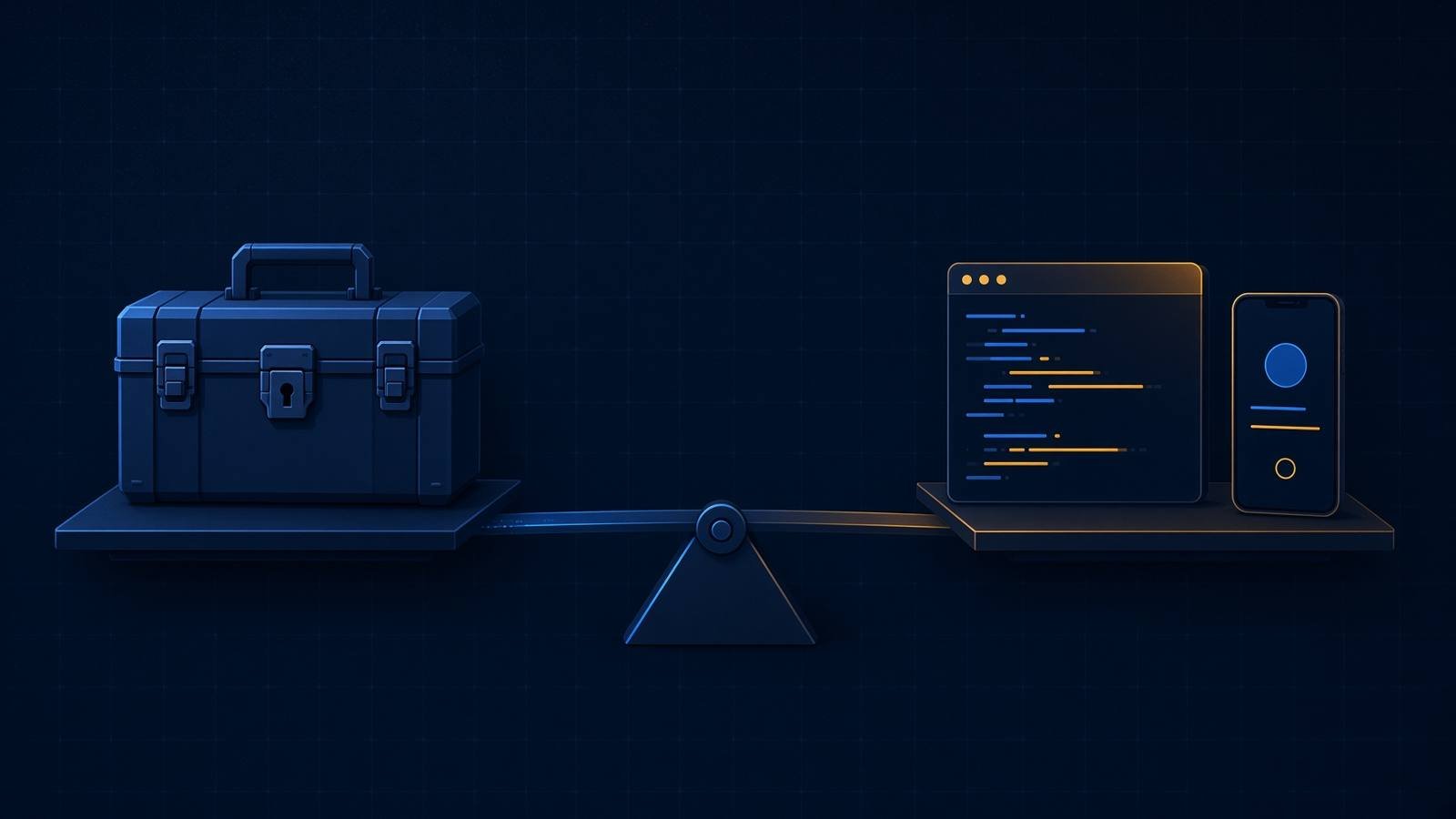
xtool replaces the Xcode app and its build button. It does not replace the Apple libraries that app is packed with.
I expected a Mac-free world. What I got was a smaller front door to the same Apple parts. On a Mac, Xcode is the editor, the build system, the signer, the simulator, and the downloader of those libraries, all in one window. xtool keeps the build, the signing, and the install. It asks you to bring the libraries yourself by pointing it at an Xcode archive, the .xip file you download from Apple.
| Xcode | xtool on Linux | A rented Mac | |
|---|---|---|---|
| You write the screen in code | Yes | Yes | Yes |
| A Mac has to be on your desk | Yes | No | The Mac is remote |
| Simulator | Yes | No command for it | Yes |
| Install on a real iPhone | Yes | Yes, after setup, over USB | Yes |
| Apple login | Yes | Yes, before a real build | Yes |
| Project shape | An Xcode project | A Swift package | Whatever you open |
Use xtool when the machine in front of you is Linux and the phone is in your hand. Use Xcode, or a rented Mac running Xcode, when you need the simulator, a drag-and-drop screen builder, or the store screens you already know.
How to use xtool
Install Swift, install xtool, then run xtool new MyApp --skip-setup if you only want the files. A real compile waits on xtool setup, which asks for an Apple login and the Xcode archive.
Swift Package Manager is how a Swift project lists its pieces. An xtool app is one of those packages. It is not an Xcode project file unless you later ask for one.
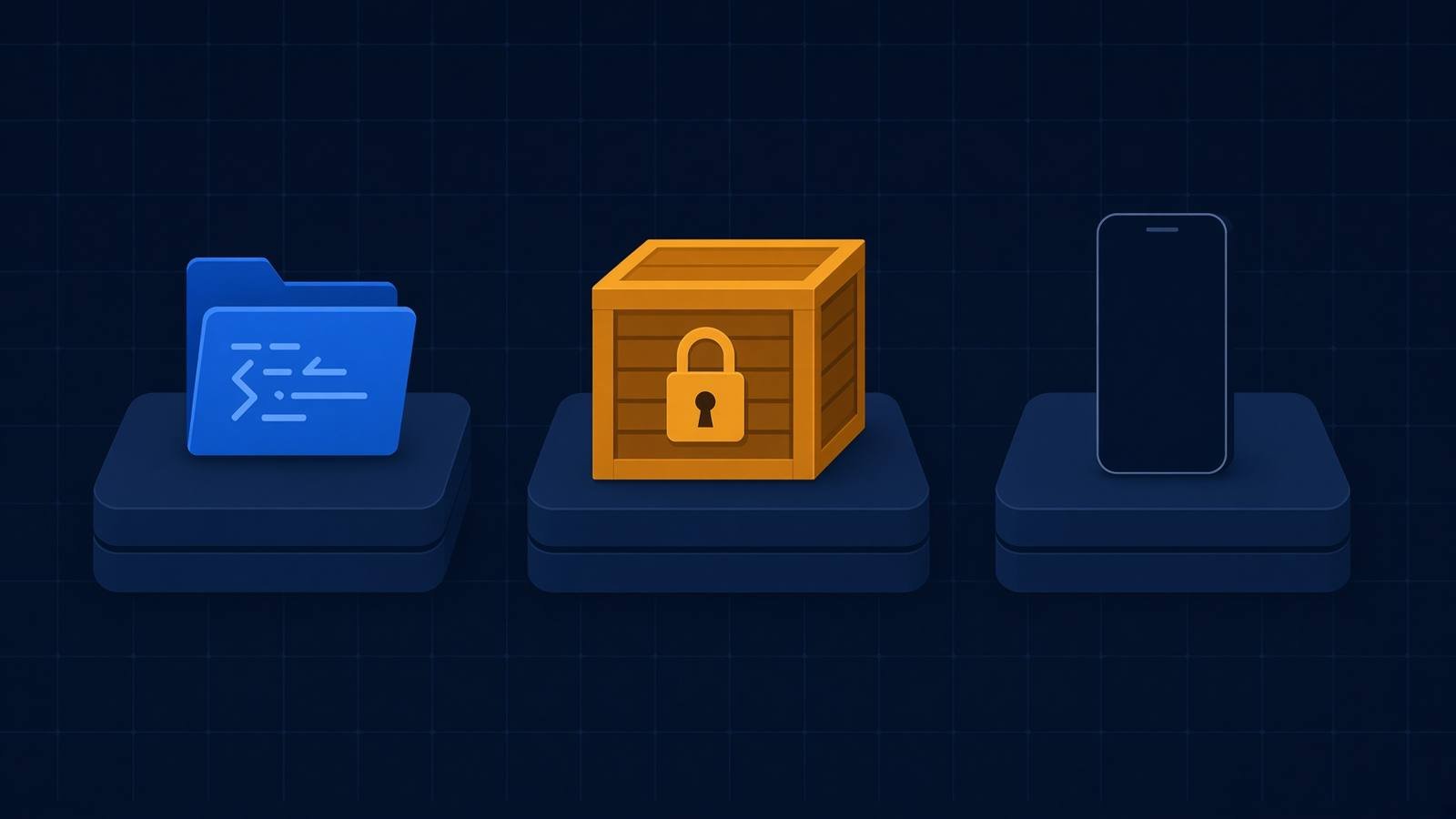
Do this in order.
- Install the Swift toolchain the xtool install page names. Get it from swift.org’s Linux install. On my machine
swiftwas missing, and that showed up immediately. - If you will plug in a phone, install usbmuxd. That is the Linux service that speaks USB to an iPhone. On Ubuntu or Debian the package name is usbmuxd. Check it with
usbmuxd --help. Creating the project does not need it. - Download the xtool AppImage for your CPU, mark it executable, and put it on your PATH.
curl -fL \
  "https://github.com/xtool-org/xtool/releases/latest/download/xtool-$(uname -m).AppImage" \
  -o xtool
chmod +x xtool
sudo mv xtool /usr/local/bin/
xtool --help
- Download the Xcode archive the same install page names. It is large. You need an Apple ID to fetch it. Keep the path.
- Run
xtool setup. It logs you in, then builds the phone SDK from that archive. When it works,swift sdk listshowsdarwin. Darwin is the family name of the system libraries the phone build links against. - From the project folder,
xtool devbuilds and, if a phone is plugged in and trusted, installs and launches.
The login prompt offers two paths. An API key means a paid Apple Developer Program membership. A password means any Apple ID, and the tool itself says that path uses private APIs. I would use the API key for anything I planned to ship. Neither login was completed in this test. The full install notes are on xtool’s Linux page, and the project is xtool-org/xtool.
How do I try xtool without a phone?
Run xtool new Hello --skip-setup. You get the project files in a few seconds, and you learn the shape of the app before you download anything large.
Plain xtool new Hello, with no flag, did not create a folder. It tried to log in first and died in my shell like this.
Error: Operation unsupported
Select login mode
0: API Key (requires paid Apple Developer Program membership)
1: Password (works with any Apple ID but uses private APIs)
The prompt needs a real terminal. A non-interactive shell cannot answer it. That is why the flag exists. --skip-setup tells new to skip authentication and the SDK.
With the flag, this is what I got.
Creating package: Hello
Creating Package.swift
Creating xtool.yml
Creating .gitignore
Creating Sources/Hello/HelloApp.swift
Creating Sources/Hello/ContentView.swift
warning: failed to validate LSP configuration: Failed to obtain Swift version
Finished generating project Hello.
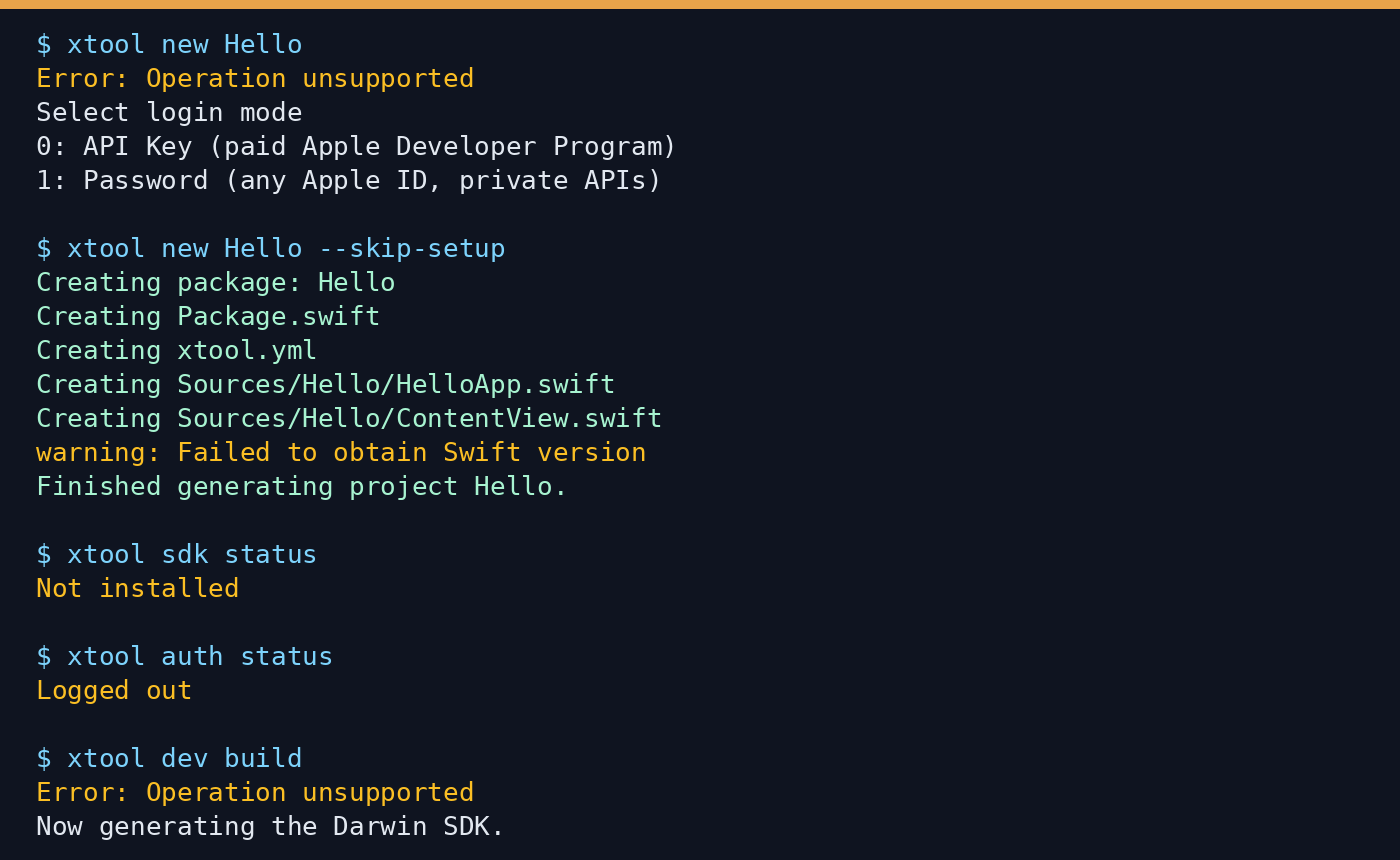
The warning is honest. There is no Swift compiler on this machine, so it could not check the editor setup. The files were still written.
xtool.yml was two lines.
version: 1
bundleID: com.example.Hello
A bundle ID is the name Apple uses to tell one app from another on a phone. com.example.Hello is a placeholder. Change it before you install over a real app.
Package.swift did not describe an application product. It described one library, and it set the floor at iOS 17 and macOS 14. Read the file your own command writes. That floor can move. The comment in the file says an xtool project should contain exactly one library product, and that library is the app.
The screen is ordinary SwiftUI. HelloApp.swift is the entry point. ContentView.swift shows a globe icon and the text “Hello, world!”.
Then I asked for a build.
$ xtool sdk status
Not installed

$ xtool auth status
Logged out

$ xtool dev build
Error: Operation unsupported
Now generating the Darwin SDK.
So the short test ends at a clear place. The project is real. The compile does not start until the SDK exists, and generating that SDK wants the Xcode archive and a login. No phone was attached, so install and launch are still untested.
If a coding agent later “helps” by dropping an Xcode project into this folder, stop it. The package is the project. That is the same habit as letting an agent invent structure you did not ask for, covered in how to stop Claude Code from overengineering. If you want a picture of where the build stops, for a teammate, do not settle for a pile of ASCII boxes. A real diagram is the point of how do I make Claude Code draw real diagrams instead of ASCII.
Do I still need a Mac to ship an iPhone app?
You do not need a Mac on the desk to compile and install on a phone you own. You do need a Mac, or a rented one, if the simulator or the usual store screens are part of the job.
Shipping, in the sense of a stranger installing this from the store, still runs through Apple. xtool can talk to Apple Developer Services. The help text has an auth command and a ds command for that. This test stopped before any build was uploaded, so the store step is unproven here. What is clear is that the Linux binary’s device commands assume a real device, not a window on the desktop.
A rented Mac is the boring path when you want the simulator every ten minutes. You edit wherever you like, and Xcode on that Mac does the run. xtool is the path when the edit and the compile should both happen on Linux, and the phone in your hand is the screen.
There is one more command worth knowing, xtool dev generate-xcode-project. It exists so a Mac can still open the same package in Xcode. That is the escape hatch, not the Linux workflow.
Is xtool worth it?
It is worth it if you already write Swift and your computer is not a Mac. It is not worth it if you wanted a simulator, a visual screen builder, or a way around Apple’s signing.
I would use it in three cases.
- I am on Linux and I want to know, today, whether the app is a small Swift package or a pile of Xcode files.
- I have a phone and I am willing to download the Xcode archive once so later builds stay on this machine.
- I want the install to go over USB to that phone, not to a fake phone drawn on the monitor.
I would skip it in three other cases.
- I need to see the layout before I own a device. The simulator is still an Xcode thing.
- I am building with Flutter or React Native and I only need a Mac for the last iOS compile. A rented Mac or a hosted Mac builder is less work than learning a second native toolchain.
- I will not log in to Apple at all. Then
xtool new --skip-setupis as far as this goes, and the build will stop where mine stopped.
If you are drafting the screen in a chat and you still need a file that compiles, keep the chat’s output inside this package. A chat can sketch a screen the way it can sketch a part for a printer. The sketch is not the build. That limit is the same one in can Claude Code make CAD models for 3D printing.
Can I build an iOS app on Linux without Xcode?
You can skip the Xcode app. You cannot skip the Xcode download.
That sentence is the whole distinction, and it is the one I had wrong before I ran the tool. “Xcode replacement” sounds like you never touch Apple’s tools. The setup command still wants the archive Apple ships Xcode in, because that archive holds the phone SDK. After that, you do not have to open Xcode, and on Linux you cannot.
Common questions about building an iOS app on Linux
Can I build an iOS app on Linux without a Mac?
Yes, if you mean compile with xtool and install on a real iPhone. No, if you mean use the simulator or live inside the Xcode app. You still download Apple’s SDK.
Does xtool include the iOS simulator?
No. The help text lists device install and launch. It does not list a simulator.
Do I need a paid Apple Developer account for xtool?
Not to create the project. xtool new --skip-setup worked while logged out. A real setup asks you to choose an API key, which needs the paid program, or a password on any Apple ID.
Is xtool the same as Xcode on Linux?
No. It is a command-line build and install tool that consumes the same phone libraries. It is not the Xcode editor, and it does not run on Linux by being Xcode.
I will keep the Linux machine for the package and the edits. I will borrow a Mac before I promise someone a simulator video or a store upload. The ten-minute check is still the right first move: xtool new MyApp --skip-setup, then read Package.swift. If that file looks like the app you meant, the SDK download is the next hour. If it does not, you just saved yourself a huge archive.
1 comment