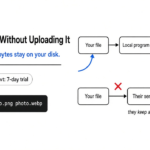
I had a small picture on disk and a note in a text file, and I did not want either of them on a website. Filee is a free converter that runs on the computer you already have. CloudConvert is the website people open when they need a different kind of file. Use Filee when the file should stay put. Use CloudConvert when you are fine sending it away, or when your computer does not yet have the piece that understands that format.
What is Filee?
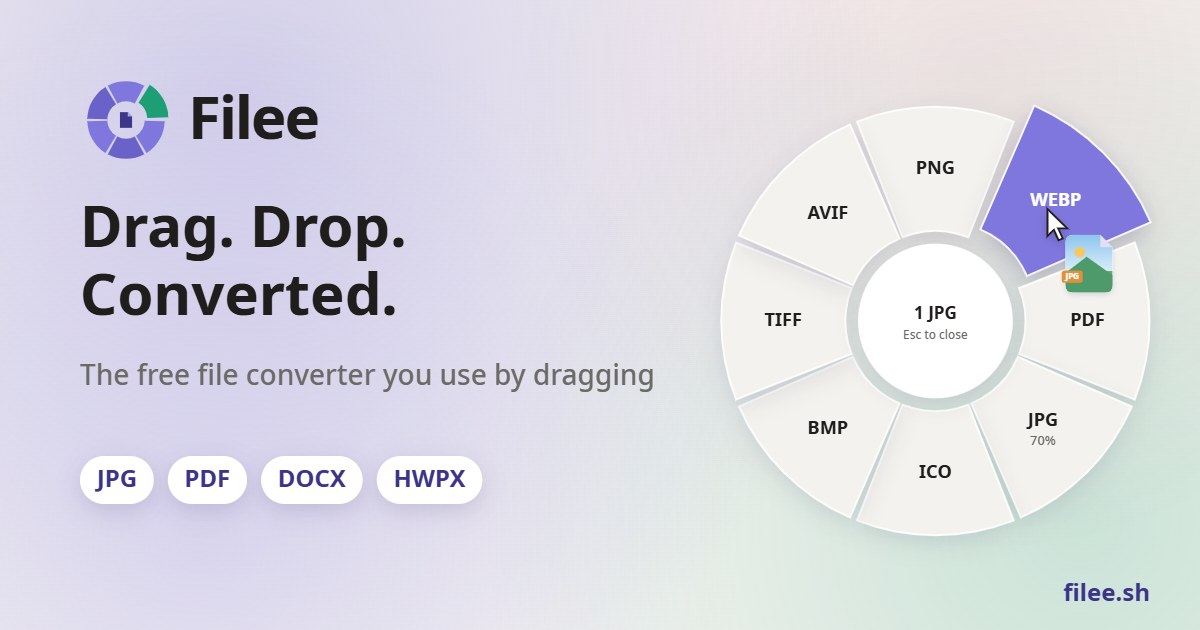
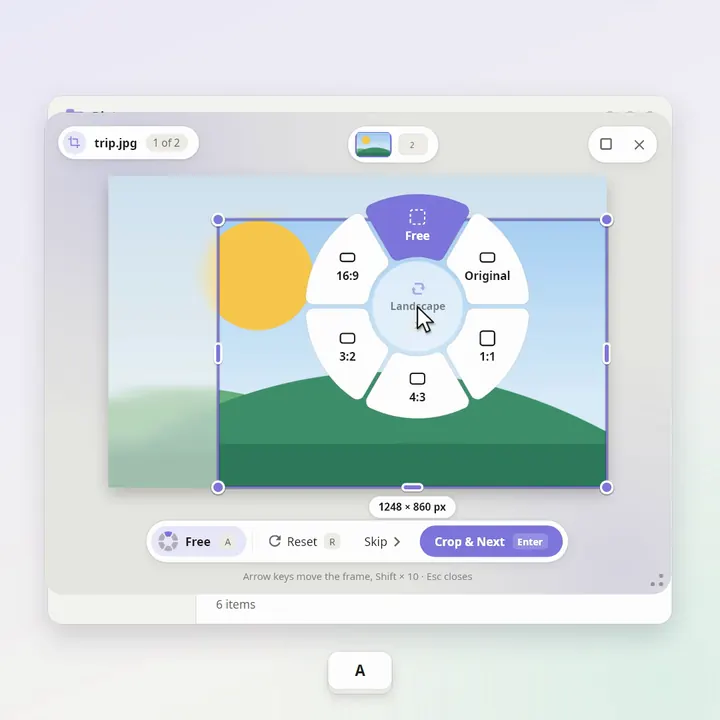
Filee is a converter that writes a new file next to the old one, either from a ring of formats at the cursor or from a command you type. A file format is only the arrangement of the bytes, the recipe a program reads to decide “this is a photo” or “this is a page.” The picture you see is not the file. Changing the recipe does not have to mean sending the recipe to someone else.
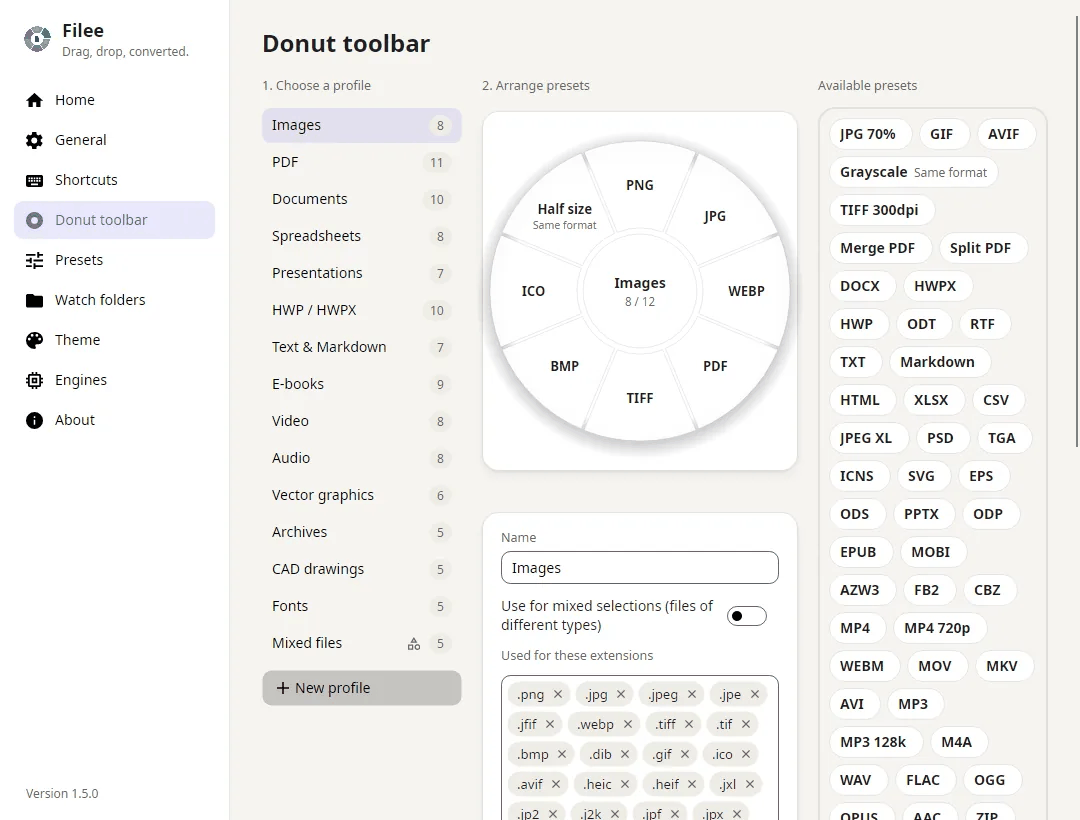
The ring is the part the project shows first. Hold Ctrl while you drag (Option on a Mac), and a circle of formats opens where the cursor already is. Drop the file on one slice. I did not use that ring. I unpacked the Linux build and used the command filee-cli, because this machine has no desktop to drag on. filee version answered, and the conversions below are from that command, not from a screenshot on the project site.
How do I convert a file without uploading it?
You convert it on the machine that already has the bytes. Uploading means copying those bytes to someone else’s computer (more on converting a file without uploading it) so their program can do the work. If the copy never leaves, there is nothing on the other side to keep.
I made a tiny orange rectangle, saved it as a PNG (a common picture file), and ran three commands into an empty folder:
filee convert sample.png --to jpg -o out
filee convert sample.png --to webp --quality 80 -o out
filee convert sample.png --to pdf -o out
The JPG (a photo file almost every device opens) finished in 0.481 seconds and started with the bytes a real JPEG is supposed to start with. WebP (a picture format built to be smaller than JPG) finished in 0.427 seconds with --quality 80. Quality here is a knob from 1 to 100: higher keeps more detail and usually makes a bigger file. The PDF (a fixed page, so the layout does not reflow when someone else opens it) finished in 0.495 seconds and opened as PDF 1.7. On this flat orange rectangle the WebP was 92 bytes and the JPG was 317. That gap is real for a flat color. I would not treat it as a promise about a photograph of a face.
Then I tried a plain text note, the words “hello filee” and nothing else:
filee convert note.txt --to pdf -o outThat also finished, exit code 0, as a one-page PDF. This computer does not have Microsoft Office. A missing file was the other check: filee convert nope.xyz --to jpg exited with code 2 and printed not found. It did not invent an output.
The help text says a batch keeps going when one file fails, and that exit 0 means all of them worked, 1 means some failed, 2 means a bad argument or a missing input, and 3 means there was nothing to convert. I confirmed 0 and 2. I did not throw a hundred files at it.
How do I install Filee?
Download the package for your system from the project and run the command inside it. On Linux I did not need the installer to convert anything. The folder already contained filee-cli. The note beside it says ./install.sh adds a launcher and puts filee on your user path at ~/.local/bin/filee. That script wants Python 3 (the language it uses for the install step, not for the conversion). It does not ask for an administrator password.
That same note says the program wants Ubuntu 22.04 or newer, or another Linux whose basic shared library is new enough. That library is glibc (the common set of functions almost every Linux program is tied to). If the system is older than that line, the command will not start, and no flag inside Filee fixes it.
The desktop window is a separate requirement from the command. The note says the window wants X11 (the older way Linux puts windows on the screen) plus font libraries. On Wayland (the newer window system, the one many current desktops use) the drag ring is off unless you turn on an experimental path, and that path can swallow a Ctrl-drag that was meant to move text, not a file. If you live in a browser and a text editor, use the command, or change the modifier so a normal Ctrl-drag still belongs to those apps.
Windows is the build the project treats as the main one: an installer, or a portable zip you unpack and run. The public homepage still describes the Mac app as a preview. I did not run the Mac package, so I will not tell you it is finished. If your Mac blocks an app that did not come from the store, that is a policy on the Mac, not a bug in the conversion.
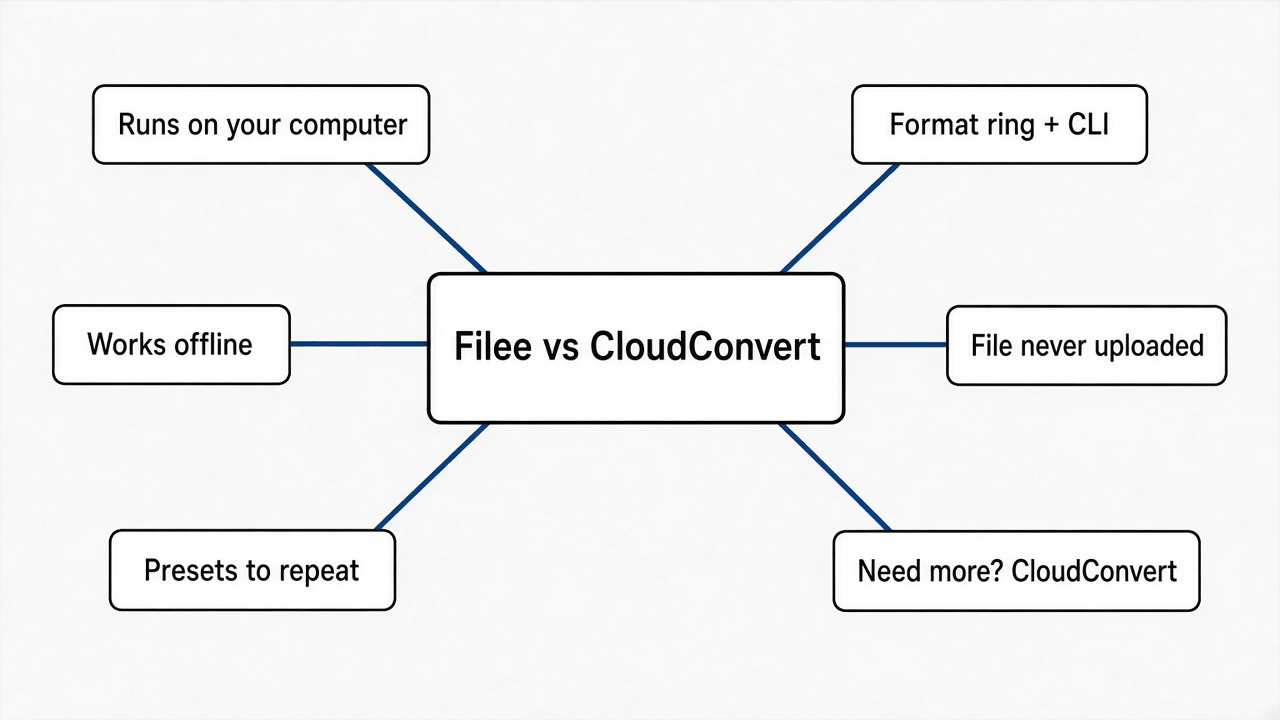
Filee vs CloudConvert
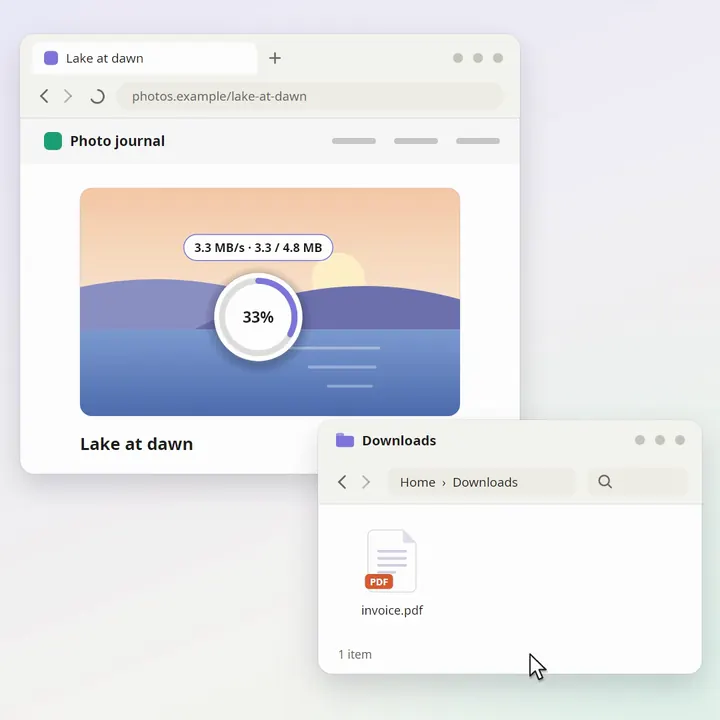
CloudConvert does the conversion on their machines. You give them the file, they send back a new one. That is a good trade when the computer in front of you cannot install anything, or when the format is rare and their servers already know it, and the file is not private.
Filee is the other trade. The file stays. The copy I ran never asked me to make an account. The project says it does not upload the file, and that the network is only for two jobs: asking whether a newer build exists, and downloading an optional engine you chose. An engine here is a separate program that understands one family of files, such as video. My PNG conversions and the text-to-PDF conversion finished without asking for one.
| Filee | CloudConvert | |
|---|---|---|
| Where the file goes | Stays on your computer | Goes to their servers, then comes back |
| Account | None in the build I ran | The website is their account system |
| How you start | Drag onto the ring, or filee convert | Open the site and upload |
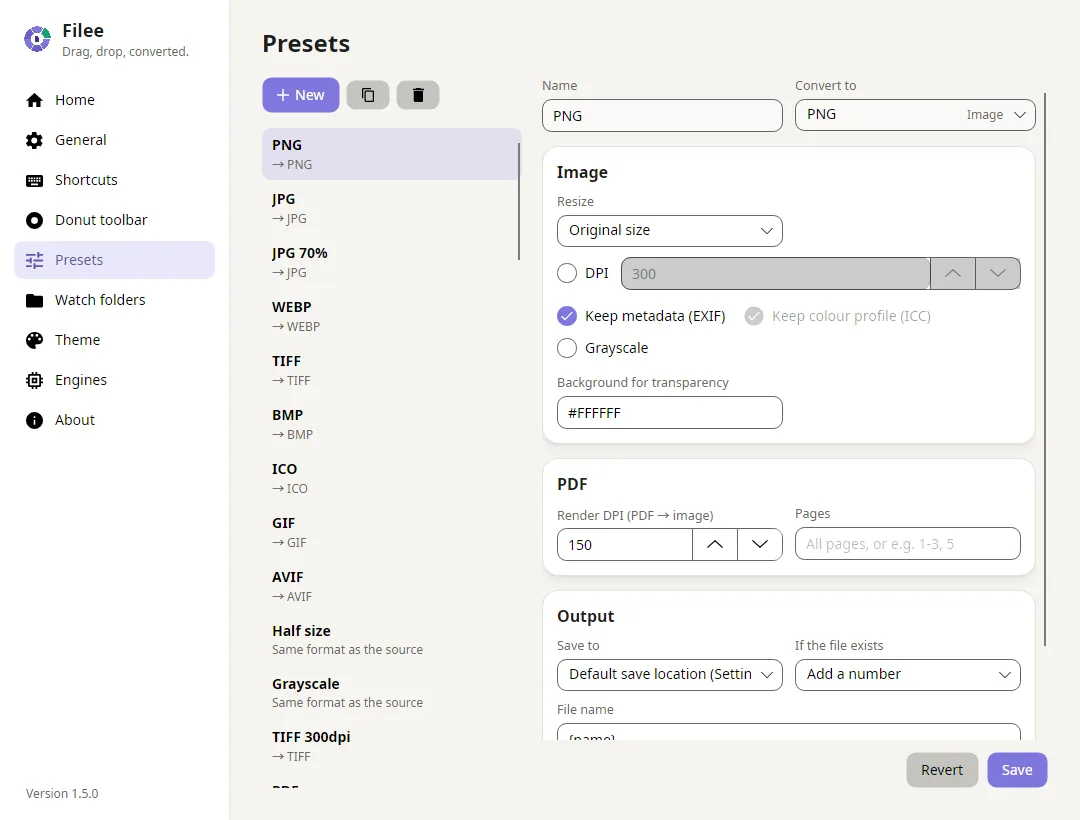
| Price | Free to use. The project license is MIT (you may use, change, and share it if you keep the notice) | A free allowance, then a paid plan |
| Office, for a text file to PDF | Not needed in my test | Not needed, because they convert it for you |
HEIC, old Word .doc, video | Listed as optional engines, not built in | Usually available, because the server already has those engines |
| A command on Linux | Yes. I ran it | The site works in a browser |
HEIC (the photo file an iPhone saves, which is not a JPG) is the example people mean when they say “my photos will not open on this PC.” Filee’s own list, from filee formats png, puts HEIC with the optional engines, not with the formats a PNG can become out of the box. The documented command is still:
filee convert photo.heic --to jpgI did not have an HEIC file, so I did not time that path. Plan on a first download of that engine. After it is on disk, that conversion can be offline. Before it is on disk, it is not.
There is a third tool in the same shape, a ring while you drag, called Mandarin. I did not install it. Its own page says Windows only, and that it has no account and does not upload. If you are on Windows and you only want the ring, either local tool can do the job. Filee is the one that also gave me a Linux command and a text file turned into a PDF.
Does Filee work offline?
Yes, for every format that is already installed. Offline means the conversion finishes with no network. From a PNG, the built-in list I printed included jpg, webp, tiff, bmp, gif, ico, avif, pdf, docx, txt, and more. filee formats png is the command that prints the split: a first group that works now, and a second group labeled as optional engines.
The optional group is the honest limit. It included heic, eps, the old .doc Word file, odt, and video such as mp4 and mov. Until that engine is on the machine, Filee cannot invent the conversion, and it should not pretend the job is offline.
A watched folder is the other command, for a scanner inbox or a drop folder:
filee watch Inbox --to pdfI did not leave a watch running. The help text says it converts new files as they land, and --move-originals moves the sources after a good conversion. Turn that on only after you have seen one file survive, because a watch is patient and a bad setting will be patient too.
Is Filee worth it?
Yes, if you convert ordinary pictures and documents often and you do not want them on a website. The command is one line, a missing file fails in the open, and a text note became a PDF without Office. That last result is the one I did not expect. I thought the PDF would be the part that demanded a bigger program. It was not, for a plain note.
No, if the format you need is still an optional download and you are offline right now. No, if the computer is locked so tightly that an unpacked program will not run. No, if the job is not conversion. Cutting pages out of a PDF, editing one slide, or designing a deck from a prompt are different jobs, and Filee is the wrong tool for all three. A PDF that only needs pages rearranged is pdfcraft versus qpdf. A deck you need to edit without Office is OfficeCLI. A deck an agent designs from a brief is PPT Master. A picture you need to retouch, not rewrap, is Photocraft versus GIMP.
I also do not know how a long video behaves. I did not install that engine, and I will not borrow someone else’s timing.
When should I not use Filee?
Do not use it as a privacy story you have not checked on your own machine. The project says the file is not uploaded, and my runs did not ask for an engine. I did not watch every network packet. If the file is a contract, unplug the network for that conversion, or turn off the update check first. The install note says that check only asks whether a newer build exists. That is not your file. It is still a call to the outside.
Do not use the Wayland drag ring if Ctrl-drag is how you move text. The note in the package says that experimental path can swallow a drop that is not a file. The command does not have this problem, because it never watches the mouse.
Do not use Filee when CloudConvert already has a rare format and the file is public. Uploading a public screenshot to save an engine install is a fair trade. Uploading a scan of an identity card is not. The decision is the file, not the brand.
The project page is filee.sh and the code is KnifeLemon/Filee.
Common questions about Filee
Is Filee really free?
Yes. I was not asked to sign in, and the license on the project is MIT. That license lets you use the program, change it, and share your changes, if you keep the notice that says who wrote it. Free here does not mean a trial that ends. It means no account and no watermark on the file I got back.
Does Filee upload my files?
Not in the conversions I ran, and the project says the file never leaves. The network is for an update check and for an optional engine you choose to download. A built-in conversion, such as PNG to JPG, finished with no download step at all.
Can Filee convert HEIC to JPG?
The command is filee convert photo.heic --to jpg. HEIC is listed with the optional engines, so the first run can need a download. I did not have an iPhone photo on this machine, so I am not going to invent a time for it. After that engine is installed, the same command is a local one.
Does Filee need Microsoft Office?
No, for the text-to-PDF conversion I ran. The project also says it does not call Office even when Office is installed. I did not convert a real Word document with styles, comments, and tracked changes, so I will not claim those survive. A plain note became a PDF. That is the result I can stand behind.
I would keep Filee for the files I would not paste into a browser. I would still open CloudConvert for a weird format on a machine I am not allowed to install anything on. The command is the part I trust, because I watched it write the new file.