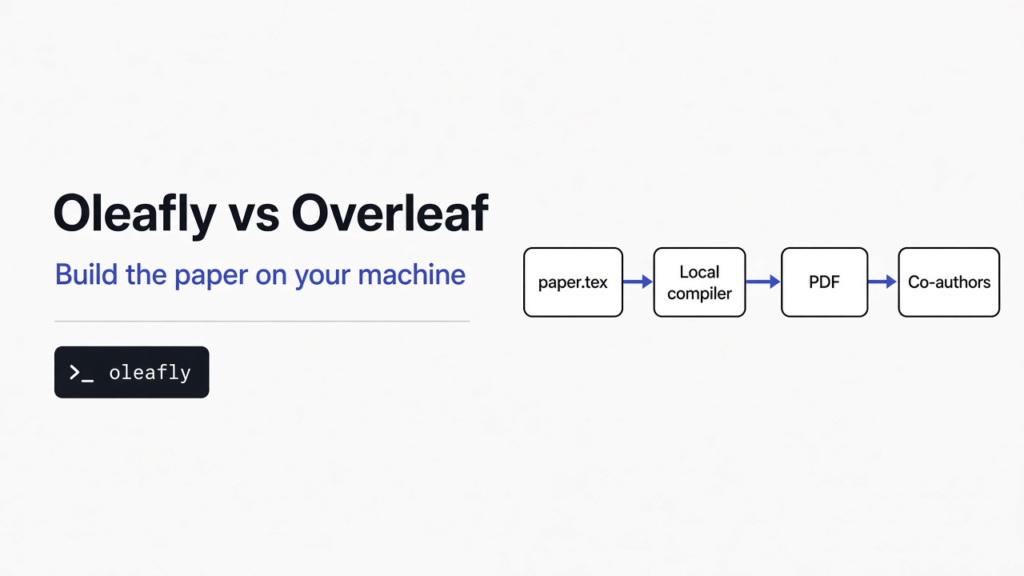
The paper is still in a browser tab, and the free plan is the reason it feels stuck. You can invite one other person to edit it. The history only reaches back one day. The compile has to finish in 10 seconds, or it stops. Oleafly is a desktop app that builds the same kind of paper on your own computer, in LaTeX, Typst, or Markdown, and it does not ask for an Oleafly account. That is the whole of oleafly vs overleaf: move if the lab will install an app and you want the PDF, the folder, and more than one co-author without a paid plan. Stay on Overleaf if nobody will install anything.
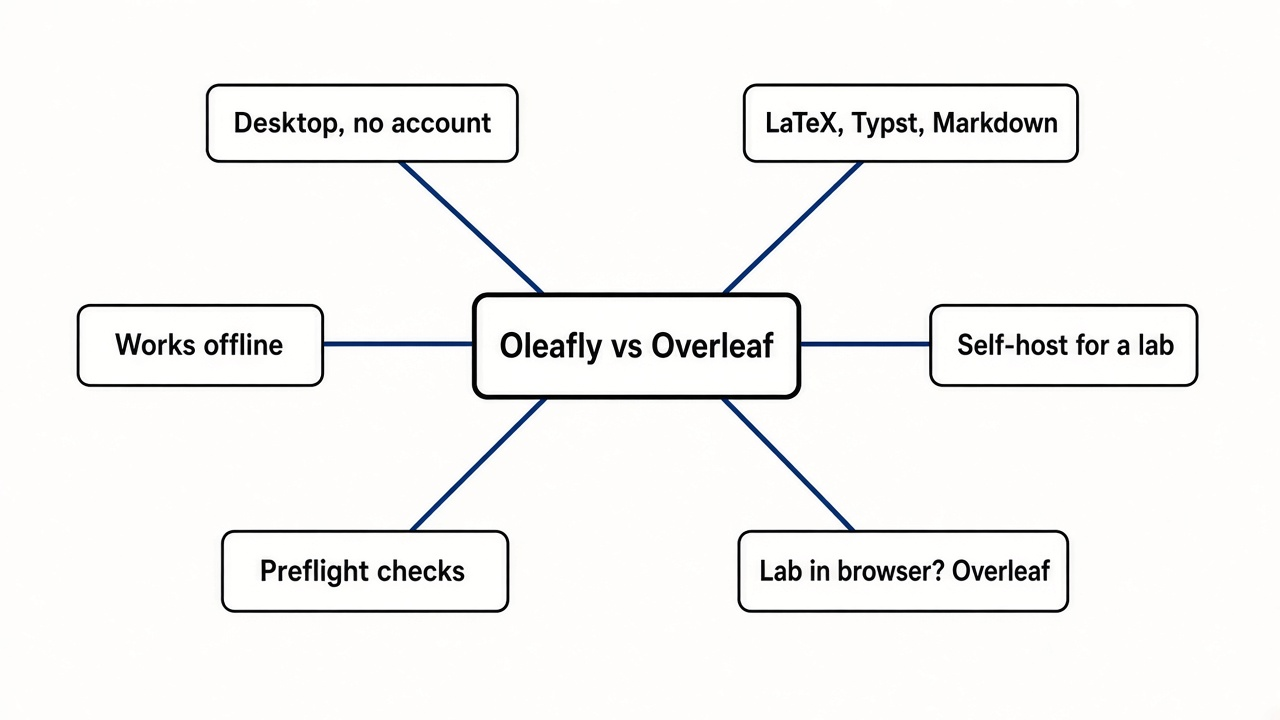
Oleafly is the better fit when the PDF should be built on your machine and more than one co-author should edit without a paid plan. Overleaf is the better fit when the lab already lives in the browser and will not install an app.
What is Oleafly?
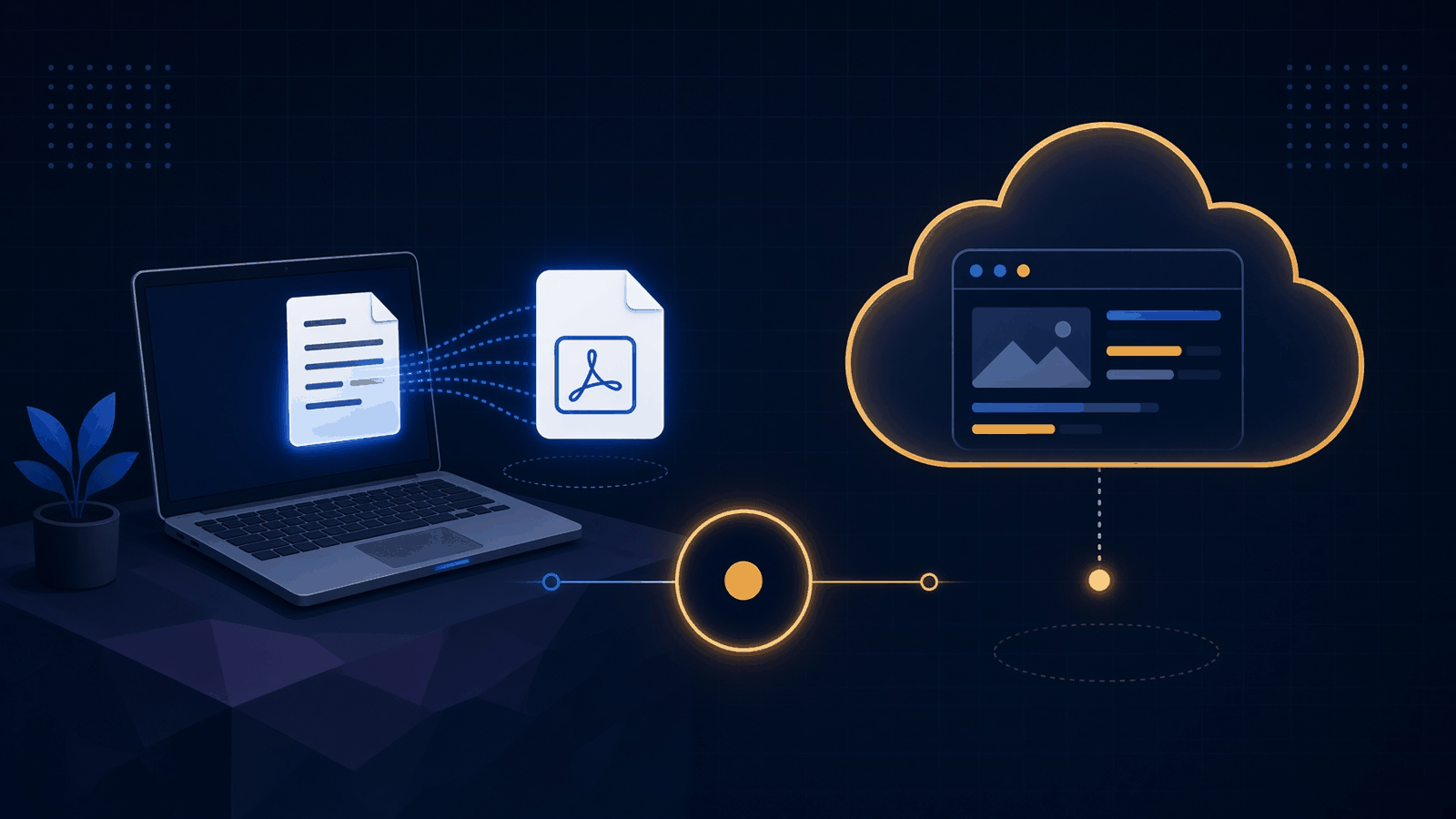
Oleafly is a program you install, then use to write a research paper and turn it into a PDF on that same computer.
A paper here starts as a text file, not as a page you drag boxes around on. LaTeX is the older text format. You type the words, plus short commands for the title, the citations, and the math, and a compiler turns that file into a typeset PDF. Typst is a newer text format that does the same job with shorter commands. Markdown is the plain notes format, the one with hashes for headings. Pandoc is the converter that can move a file from one of those formats toward another (the same idea as when you convert a file without uploading it). Oleafly ships the compilers for all three inside the app, so a new project does not start with a separate TeX install.
The project on disk is an ordinary folder, and that folder is also a Git repository. Git is the history tool that records each saved change as a commit you can push to GitHub, GitLab, or a server you run. After a compile that succeeds, Oleafly also keeps a local snapshot, called a checkpoint, so you can step back without making a commit. Nothing about the folder is hidden from a normal terminal.
You do not need an account to write, to compile, or to use that Git history. A sign-in only shows up later, if you share the project on a server your lab runs, or if you turn on sync through a cloud drive you already have.
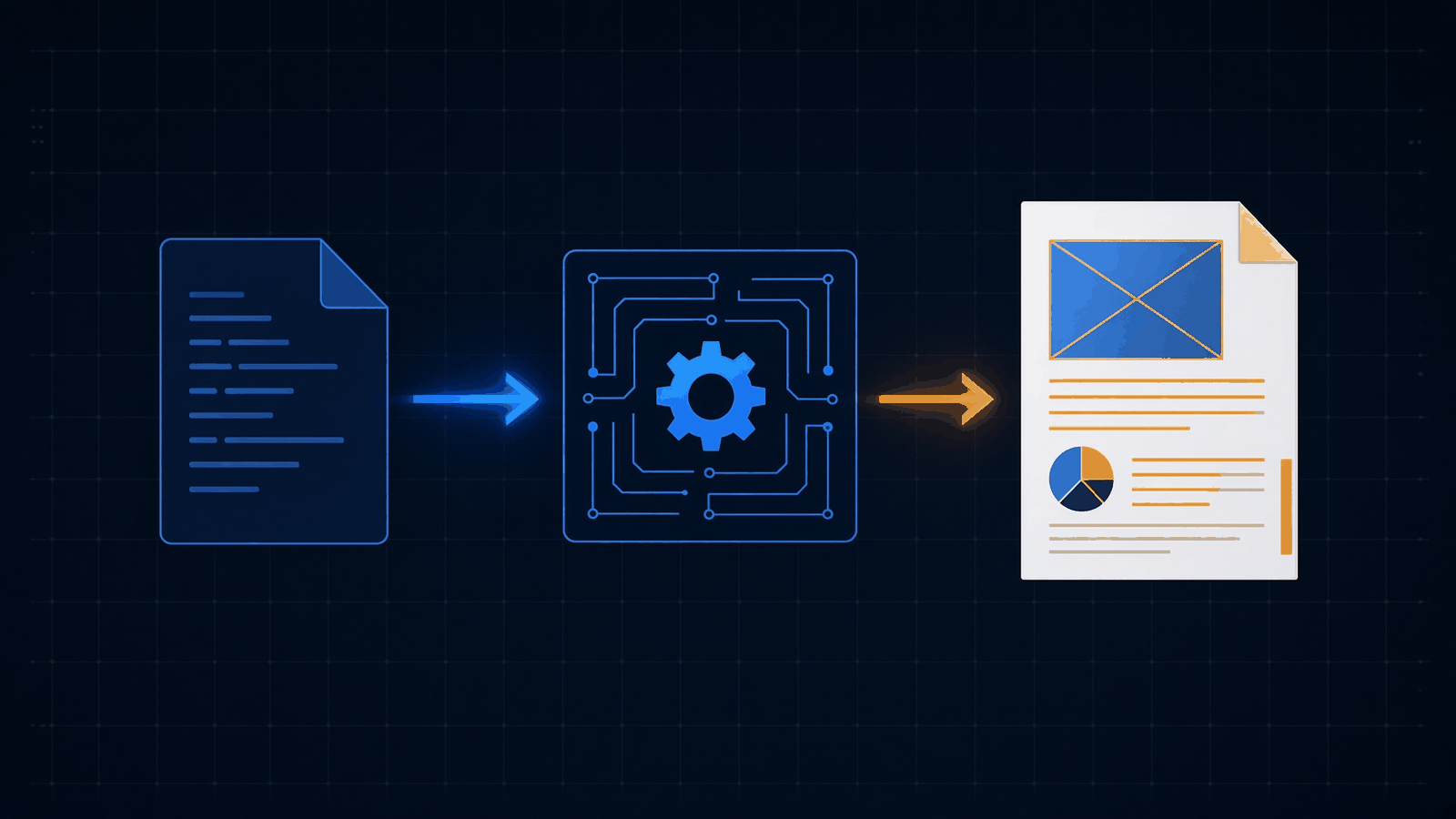
Oleafly vs Overleaf
Oleafly builds the PDF on your computer and can add co-authors on a server you run. Overleaf builds the PDF on Overleaf’s servers, and the free plan stops at one editor plus a day of history.
Overleaf’s free plan allows one collaborator per project. Viewers, people who can look but not edit, are not capped the same way. History on that free plan is the previous 24 hours. The compile timeout, the clock that kills the build if it runs long, is 10 seconds. Paid plans raise that clock to 240 seconds, which is the “24 times basic” line on the plans page. Standard and Student allow 10 collaborators per project. Pro allows an unlimited number. Full history, track changes, and Git sync sit on those paid plans, and they follow the project owner’s plan, so a free account invited into a paid project can use them there. The table of clocks and file caps is on Overleaf’s plan limits.
Oleafly does not meter the compile in 10-second slices, because the compiler is on your machine. The cost moves. A long paper uses your CPU and your disk. The first LaTeX compile on the bundled engine, Tectonic, downloads the packages that file needs and stores them. That step wants a network, and it can take a minute. Later compiles of the same document can run from that cache.
| Oleafly | Overleaf free | Overleaf Standard or Student | Overleaf Pro | |
|---|---|---|---|---|
| Where the PDF is built | Your computer | Overleaf’s servers | Overleaf’s servers | Overleaf’s servers |
| Editors you can invite | As many as you invite, on a server you run | 1 per project | 10 per project | Unlimited |
| History | Git on the folder, plus a snapshot after each good compile | Previous 24 hours | Full history | Full history |
| Compile clock | Your machine | 10 seconds | 240 seconds | 240 seconds |
| Account required to write alone | No | Yes | Yes | Yes |
| What you pay | The app is free. A shared server needs a machine you look after | Nothing | A paid plan | A higher paid plan |
I would not use a one-page note to declare a winner on speed. I compiled a short Typst file with the Typst compiler Oleafly bundles. The command was typst compile note.typ note.pdf. The PDF was one A4 page and 22,207 bytes. The first run took 85 milliseconds. A second run finished in 0.041 seconds and peaked at about 28 MB of memory. A thesis with figures will not look like that. The useful difference is the missing 10-second clock, and the fact that the source did not have to sit on someone else’s compile server for that run.
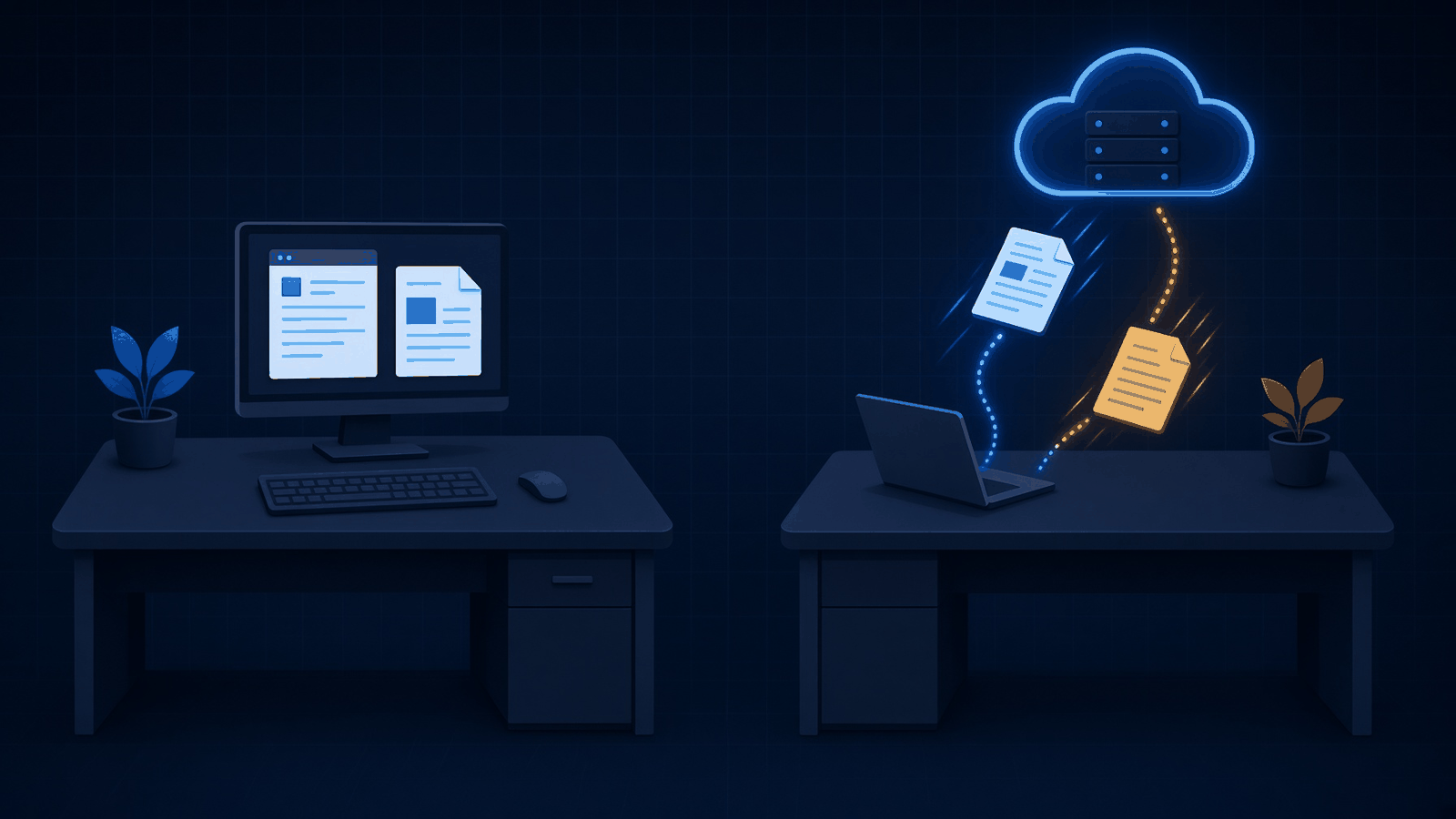
If the paper is already in Overleaf, Oleafly can pull it after you sign in once to that account. The files, the compiler choice, and the main file come across. Two-way sync, so people who stay in the browser keep editing, uses that service’s own Git integration. That integration is a paid or university feature on the project owner’s account. A free Overleaf project can be copied out. It cannot stay mirrored both ways for free.
A resume is a different job from a paper. RenderCV versus LaTeX is the page for a CV that starts as text. If the file the lab actually wants is a Word document, that is WordCraft versus LibreOffice. If you already have the PDF and only need to inspect or fix it, that is pdfcraft versus qpdf.
How to use Oleafly
Download the app, open a project, and press Ctrl+Enter. On a Mac that shortcut is Cmd+Enter. That is the whole loop.
The downloads live on the project releases. Linux is an AppImage or a deb package, and an rpm is there too. Mac is a dmg you drag into Applications. Windows is an msi or a setup exe. There is no Oleafly account in that step. The install notes are the page to keep open if the file will not start. The short path after install is the getting started guide.
On Linux, the install page asks for glibc 2.39 or newer. glibc is the core system library almost every Linux program uses, and a binary built for a newer one will not start on an older one. The project page still says x86_64 packages need glibc 2.35 or newer. Those two lines disagree. If the app refuses to open, compare your system library with the install page for the file you downloaded, instead of guessing from the project blurb.
Then make a project. A template is the fast start: articles, theses, slides, posters, and venue styles, with a preview before you create anything. You can also open a folder you already have, or import a zip, a Git repository, a Word file, an arXiv source bundle, or a PDF that the app tries to rebuild as editable LaTeX. arXiv is the public preprint server most labs already upload to. Importing its source means you get the author’s files, not a picture of the PDF.
Press the compile shortcut. The PDF opens beside the source. Click a spot in the PDF and the editor jumps to the matching line. LaTeX uses a link named SyncTeX for that jump. If the compile fails, the error points at a line, and the last good PDF stays on screen while you fix it.
Citations can come from Zotero, which is the reference library a lot of labs already keep. Type @ and part of an author or a title, and Oleafly adds that one entry to the project’s bibliography file. Figures can be drawn on a canvas that writes TikZ (the picture language LaTeX already understands), a Typst diagram, or Mermaid (a short text block that becomes boxes and arrows). If the figure is the thing a person will judge, and you want placed boxes rather than automatic layout, the closer page is diagram design versus Mermaid.
The same projects can also be built from a terminal with the oleafly command, once the app is installed. It can build, watch, check, and sync, and it can print a machine-readable result for a script. I timed the Typst compiler directly, not that command. Use the oleafly command when you want the app’s own settings. Use typst compile when you only want to see that a Typst file becomes a PDF.
Does Oleafly need a TeX install?
No. A normal paper compiles with the engines already inside the app.
Tectonic covers LaTeX. Typst covers Typst. Pandoc covers conversions. You install TeX Live, MacTeX, MiKTeX, or TinyTeX only when a project needs a full distribution, for example an old document class or a package the bundled engine does not satisfy. The app can switch that project to latexmk and can install a TinyTeX for you. XeLaTeX and LuaLaTeX are there for fonts and languages that the default engine handles poorly, including Japanese documents.
The first Tectonic compile is the one that feels like an install. It downloads packages and caches them. After that, LaTeX builds can run offline. Typst is offline once its own packages are cached. Do not judge the app by that first minute.
Can I work offline in Oleafly?
Yes, after that first package download. Writing, compiling, the PDF, spelling, the preflight checks, Git, and checkpoints all run on the computer in front of you.
A shared project is the exception that still works in your favor. Edits you make offline stay on the machine and merge when you reconnect. If they overlap with someone else’s edit, Oleafly shows both versions and asks before it applies anything. What leaves the machine is only what you turn on: the lab server, a cloud drive, a literature lookup, GitHub, or a hosted writing assistant. Spelling and the compile do not need those.
A writing assistant inside the editor is optional, and the PDF, the citations, and the checks work with it off. If you do turn one on, a model running on your own computer keeps that traffic local. A hosted one does not. I would leave the hosted kind disconnected while a paper is still under blind review.
Can I self host Oleafly?
Yes. The desktop app already runs with no server. The server is only for live editing with other people.
On a Linux machine the lab controls, the install is one command:
curl -fsSL https://oleafly.com/server/install.sh | sudo shcurl downloads the installer. sudo sh runs it as the administrator. Read the script before you pipe it if that is your habit. The server signs people in with GitHub or with the university’s own sign-in. The common campus login speaks OpenID Connect, and the server accepts that. Files can sit on the machine’s disk or in storage that speaks the same protocol as S3. You get named cursors, comments, and a merge when someone was offline. Each project has an owner, editors, and viewers. A guest invited by email sees only the projects they were invited to.
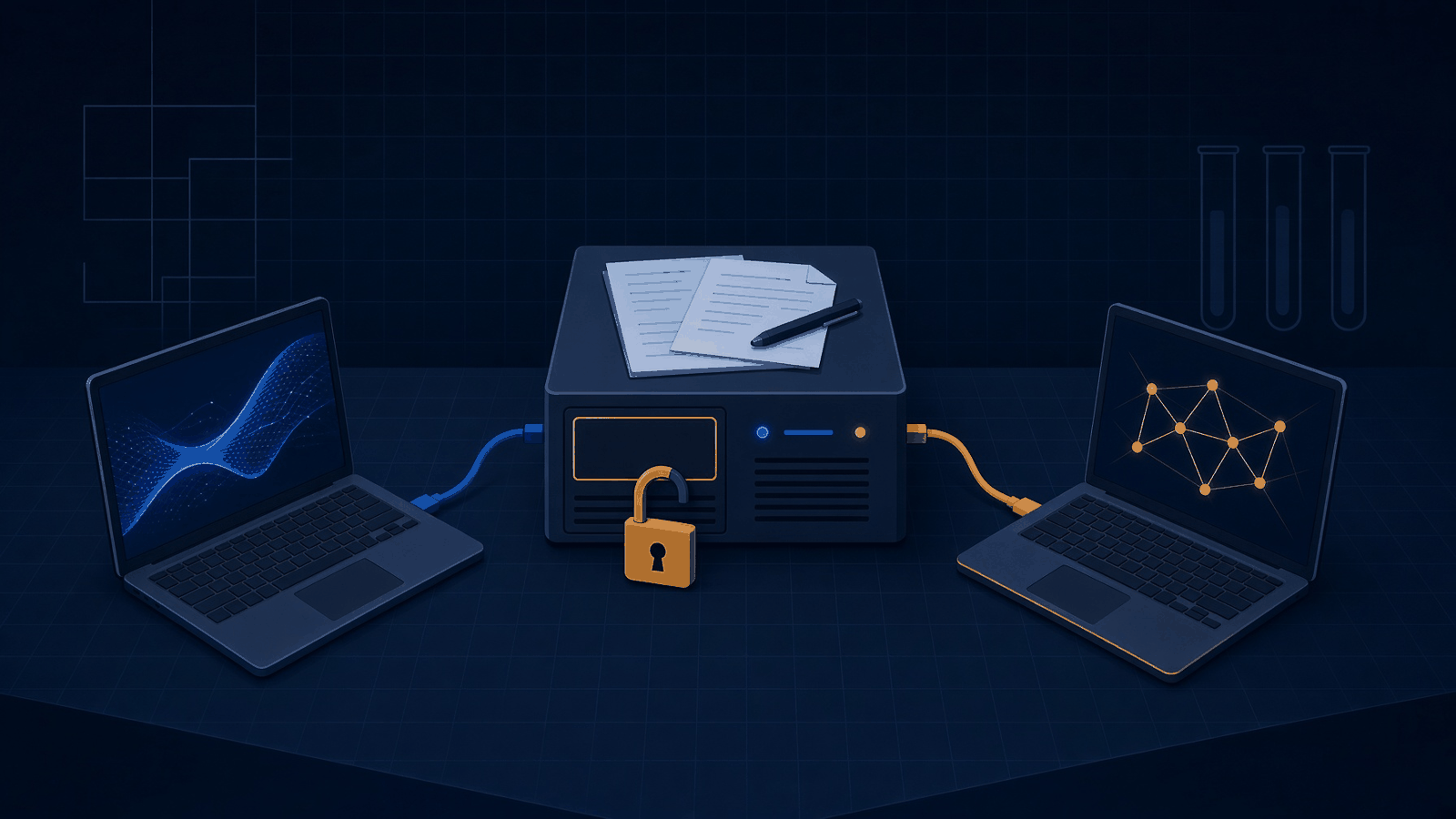
Here is the limit that should decide it. Projects are not encrypted on the server. Anyone who can read the data folder, the machine’s disk, or the backups can read every paper stored there. Running it yourself means you choose who has that machine. It does not scramble the files. A lab with a grant draft, an unpublished result, or anything you would not email to the wrong person should treat the disk like the paper itself: a room you control, backups you trust, and no shared login.
The server is free software under the AGPL. If you change that server and let other people use your copy over a network, you have to offer them the same source. The desktop app uses the same license. That is a sharing rule, not a fee.
The setup guide is the server project. The cursors and the comments are how a shared project behaves once that server is up. The encryption line is the part to read before you point the lab at it.
How do I check a paper before I submit?
Run the preflight check on the source and the PDF before you upload. A successful compile only proves that a PDF exists.
Preflight looks at the build log, the PDF, the references, and a few risks that show up at submission time. You pick a profile that matches the destination: a general publication, arXiv, IEEE, ACM, a journal, or a thesis. The profile checks things that stay stable, such as a document class, an abstract, keywords, embedded fonts, captions, and clutter that should not be in the source package. It does not decide page limits, margins, or the venue’s naming rules. Those still come from the current instructions.
Each finding says how sure it is. Verified means the app saw it in the source, the log, or the PDF. Advisory means a rule of thumb wants a human look. Manual means the files cannot settle it. A missing input is not a pass. A source-only result stays partial until a current PDF exists.
Read the groups in this order:
- Compile and layout: failed builds, unresolved citations, missing characters, text that sticks out of the margin, mixed page sizes.
- Submission readiness: the profile above.
- References and assets: missing image files, duplicate labels, a bibliography entry you never cited.
- Accessibility: structure a screen reader can follow, a text alternative on figures, a document language and title, type that is tiny.
- Privacy and blind review: author names, emails, acknowledgements, passwords or keys left in the project, and identity sitting in the file’s hidden description. This is the check that keeps a double-blind PDF from introducing you.
A resume check exists too, and it tries to read the PDF the way an applicant tracker would. That is a side door. A CV you want to maintain as text belongs on the RenderCV page, not in a paper template.
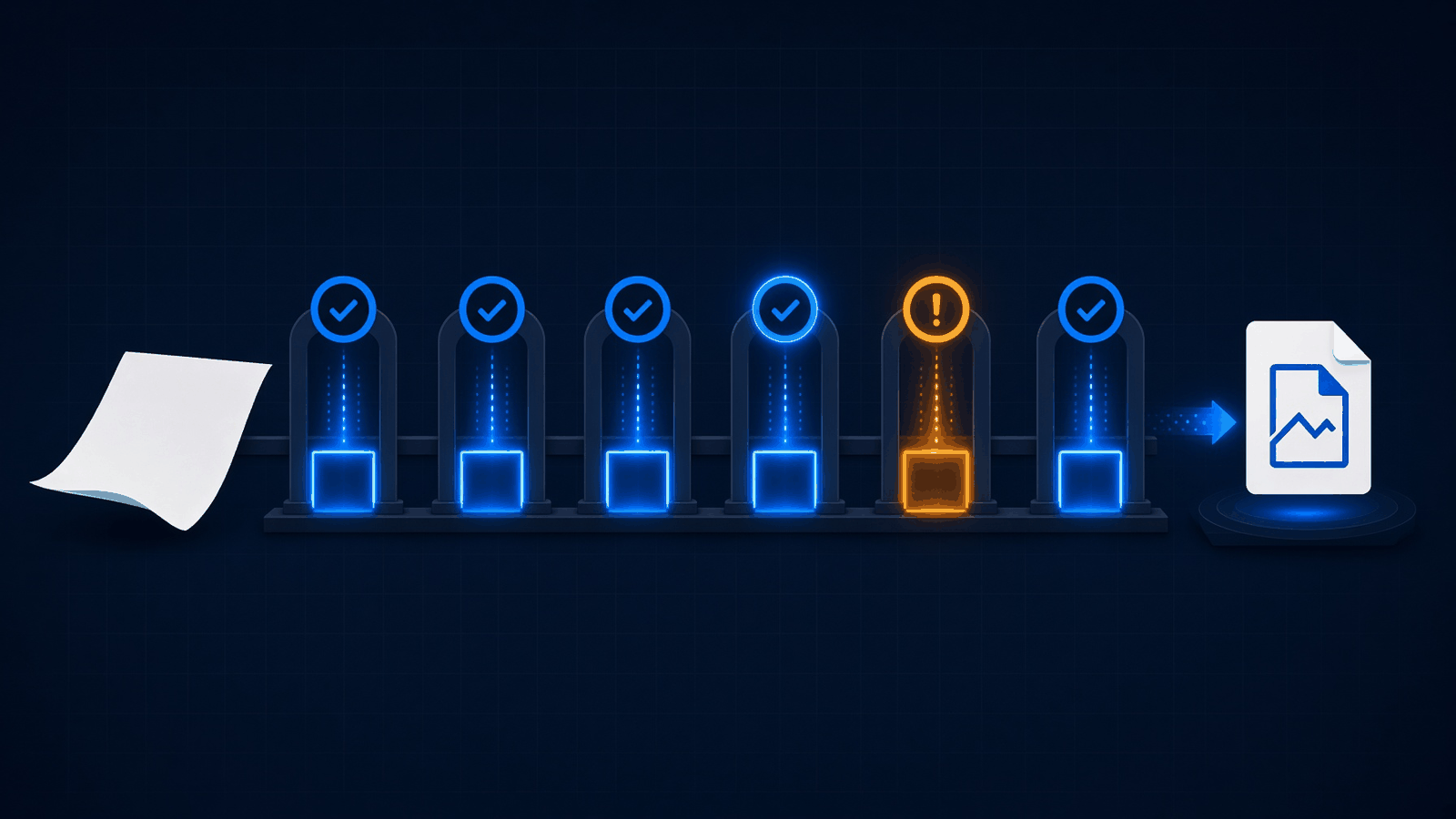
The check can report how many machine-readable accessibility rules it could verify. An unchecked rule is not a pass. It will not guarantee the venue accepts the paper, and it will not prove the science. If the upload itself is the scarce thing, arXiv’s monthly submission cap is the other limit to count before you click submit. Finish the local PDF first, then spend the slot.
Is Oleafly worth it?
It is worth it when the free Overleaf caps are the thing in your way, and someone can install an app. It is not worth it when the lab’s rule is the browser.
Use Oleafly if the compile keeps dying at 10 seconds, if you need a second editor without paying, if you want the paper as a normal folder you can push with Git, or if you write where the network drops. The one-page Typst run is only a proof that the engine starts. Your paper is the real test: import it, compile once, and see whether the first package download and the PDF match what Overleaf was producing.
Stay on Overleaf if advisors will not install software, if the university template only exists there, or if the co-authors will not move. A copied project is not the same as a shared one. Two-way sync needs the owner’s paid or university Git feature. Until that is true, you would be maintaining two copies, and two copies is how a citation gets fixed in one place and submitted from the other.
Common questions about Oleafly vs Overleaf
Can I replace Overleaf with Oleafly?
Yes for the writing and the PDF, if the app can be installed. No, if the shared browser project is the thing people will not give up. Pull the existing project once, compile it locally, and only then decide whether the lab server is worth running.
Is Oleafly free for a lab?
The app is free to download, and the server software is free. The machine, the disk, and the person who backs that disk up are not. The papers on that server are not encrypted, so free is not the same as private.
Install it on one computer and compile the paper you already have. Do not move the lab until that PDF matches, and until someone owns the server disk.