Check the files. Do not trust the apology alone.
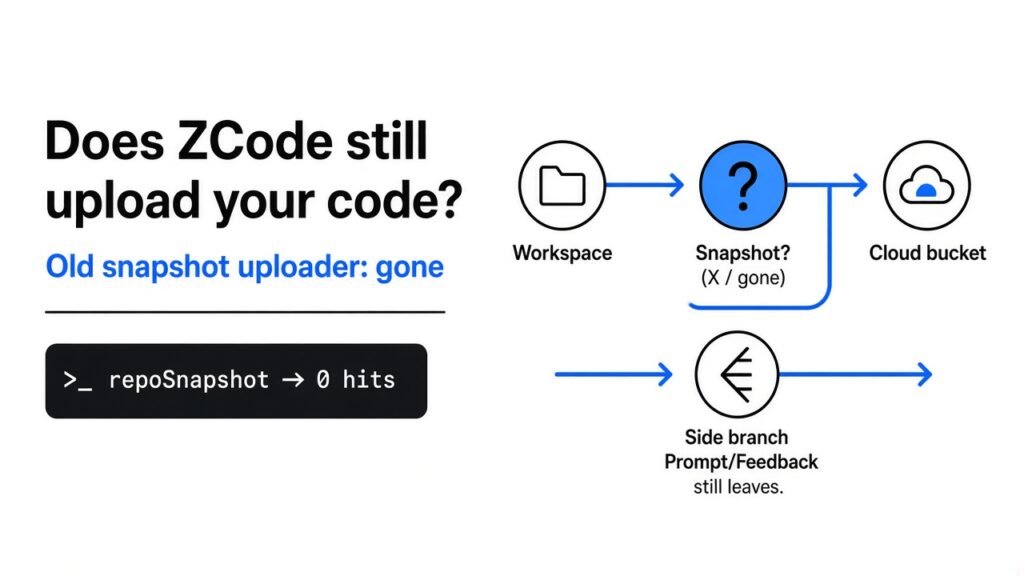
A coding agent (an app that edits your project for you) can read every file in the folder you opened. That folder is your workspace (the project on disk). Some agents also build a snapshot (a packed copy of the whole folder) and send it to object storage (a cloud bucket for files). ZCode is a coding agent with a public source tree. People now ask one plain question: does ZCode still upload your code?
No. I searched 7,060 files in the public tree. The old workspace-snapshot uploader is not there. A prompt, a shared chat, and a feedback file can still leave your machine. The check below takes about ten minutes, and it does not prove an old cloud copy was deleted.

Does ZCode still upload your code?
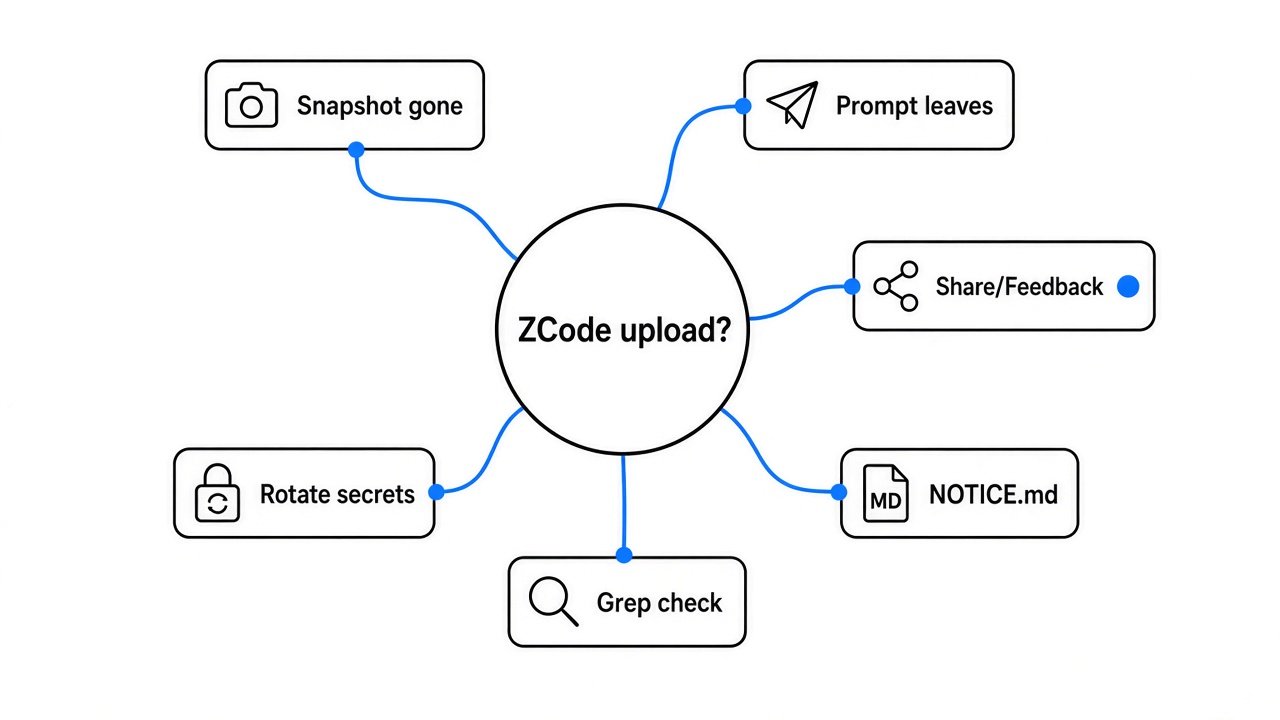
No. The names of the old uploader are absent from the public source.
I looked for repoSnapshot, RepoWiki, and snapshot/upload. Each of those strings has zero hits across 7,060 files. upload-credential appears in two files, and neither one packs your project folder.

A string search is not a full proof that every build on every laptop matches this tree. It is proof that the public source no longer contains that uploader. Update the app, then run the same search yourself.
What a workspace snapshot sends
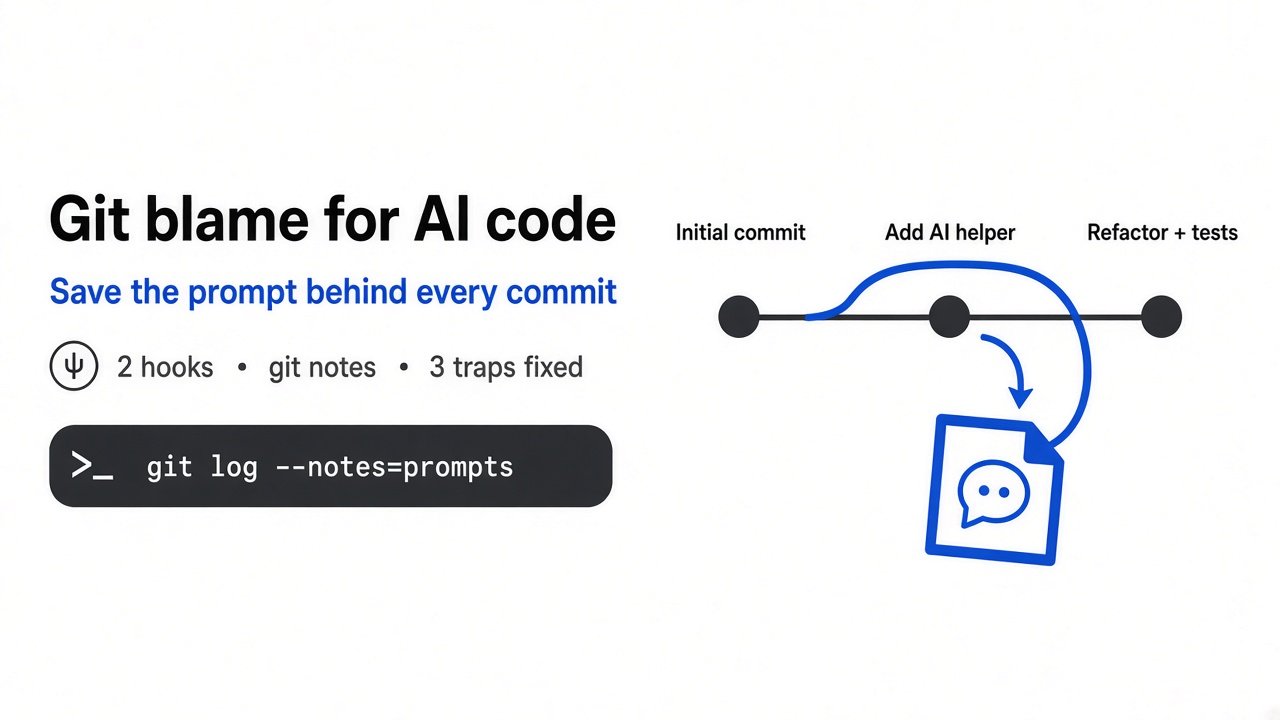
A snapshot is worse than the agent reading one file. It is a copy of the folder, and the painful part is git history (every past save, including a key you already deleted).

The files on screen are the working tree (what you see now). Git history sits beside them in the .git folder. If a snapshot includes .git, old saves go with it. Deleting a secret from the current file does not delete it from history.

That is why “the app only needed the current files” is not a comfort. Current files and history travel together when the archive includes .git.
How do I check if a coding agent uploads my git history?
Search the source for the uploader, then read the file that lists what still sends data.

Clone the public tree and search every file, including files a normal text search might skip:
A clean run prints nothing. That is the result I got.
Then search the credential string:
I got hits in two places only. One is the feedback client, which asks for an upload ticket and posts a file you chose. The other is a list of path labels used to group network errors. That list is not an uploader.
Open NOTICE.md in the same tree. Section two is a table of requests that can still leave the machine. Read that table before you decide the app is local.
The public tree is here: ZCode source. The behavior table is in NOTICE.md.
Does ZCode still upload your code through other doors?
The model request still sends the task. That includes the prompt, pieces of code, the diff (the lines that changed), and tool results.

Two official model endpoints listed in the client are rewritten to the ZCode gateway (a relay that receives the request and forwards it) when the URL matches. The rewrite keeps the body and the auth header. Picking a provider name does not, by itself, mean the request skipped that relay. I can see the rewrite in the client. I cannot see what the gateway stores after it receives the body.
Sharing a session can upload a projection of the chat. That projection can include your text, the model reply, and tool input and output. The normal screen asks you to confirm before publish. The attachment can be sent after that confirm step and before the publish fully finishes. Cancel on your laptop does not delete a copy that already left.
Feedback is separate. If you submit the form, the client asks for an upload ticket, then posts the file straight to object storage. Log files are off unless you check that box. A screenshot you attach is still a file you chose to send.
Product telemetry (event names the app reports, such as which button fired) is also in the tree. The report I read sends event names and ids. It is not the workspace archive. Do not treat “telemetry exists” as “your repo is packed again.”
Git checkpoint code is a local rewind (a way to step the project back). I did not find it calling object storage.
Does a headless ZCode run ask before it acts?
Not if you pass a one-shot prompt and forget the mode.

Yolo mode (ordinary tools run without a per-call ask) is the default when the standalone command-line app gets --prompt and you do not pass --mode. Interactive tools can still have their own rules. A permission check on the model is not a single switch for the terminal, a plugin, or an updater.
If you script ZCode, set the mode on purpose. Do not assume the desktop confirm dialog is present.
ZCode vs Claude Code for a private repo
Use ZCode when you want a tree you can search. Use a closed agent when you want a vendor you already review, and you accept that you cannot grep the uploader.

| Question | ZCode public tree I read | Closed coding agent |
|---|---|---|
| Can you search for the old uploader? | Yes. I did. It is gone. | No. You see behavior, not the program. |
| Does a hosted model receive the task? | Yes, unless you point at a model you run yourself. | Yes, for the normal hosted product. |
| Can a feedback file go to object storage? | Yes, if you submit one. | Depends on that product’s support form. |
| Does open source prove old cloud copies are gone? | No. | A closed app cannot prove that either. |
Claude Code is a harness (the app around the model: tools, permissions, and the loop) you do not get as a full public program. ZCode now is. That difference matters for this question, does ZCode still upload your code, and it does not make every hosted prompt stay on disk.
If your sessions already lose instructions after a summary, that is a different bug: why compaction drops your instructions. If you are deciding what a plugin flag actually loads, start with what changes when you flip mods vs plugins. A block that stops the web and still lets a lookup through is the same kind of mistake as trusting one switch: when the block missed the phone book.
When should you not trust a clean search?
Do not treat a clean search as proof the old bucket is empty.

I did not open the cloud bucket. A vendor statement can say outside reviewers saw it empty. The files on GitHub cannot show you that bucket. If an older build already ran against a private repo, assume history may have left, and rotate secrets that ever lived in that history.

Also skip ZCode for a private repo if you need the prompt itself to stay on your machine and you are using a hosted model. The uploader being gone does not make the model call local.
Skip the headless command if you will not set --mode. The default is the loose one.
Try this check on your own checkout
Clone, grep, then read the NOTICE table. If the three old names are still absent, the snapshot uploader is still gone in the tree you have.
If repoSnapshot or snapshot/upload comes back, stop and read the file before you open a private repo. A name returning means the tree changed, or you are not on the tree I read.
Common questions about ZCode uploads
Does ZCode still upload your code?
No. The old workspace-snapshot uploader is not in the 7,060-file public tree I searched. Prompts, shared chats, and feedback files can still leave.
How do I check if a coding agent uploads my git history?
Search the source for the uploader names, including inside files that look binary. Then read the notice that lists remaining network calls. A clean search plus that table is the ten-minute check.
Should I keep using ZCode on a private repo?
Only if you can accept a hosted model seeing the task, and only after you rotate secrets if an older build already touched that repo. For a brand-new side project with no secrets in history, the missing uploader is a real improvement. For a company repo that already passed through an old build, rotate first.
Is open source the same as safe?
No. Open source means you can read this tree and rerun the search. It does not prove a server deleted an old copy, and it does not stop a model request. Match the installed app to this tree, then decide.
Check the files. Do not trust the apology alone.