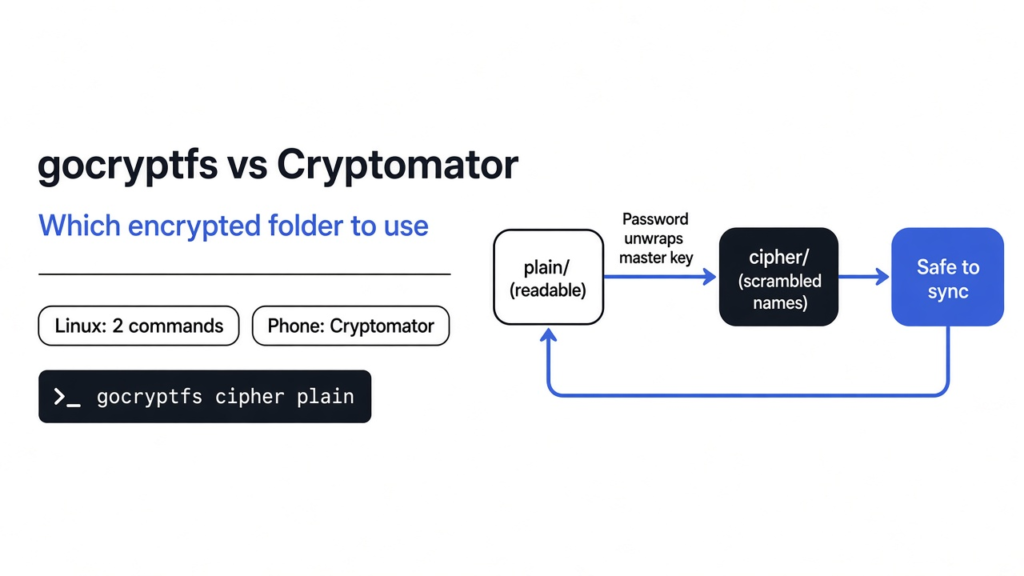
I put one sentence in a folder: secret plan: pay the invoice on friday. Then I asked a program to keep that sentence off the disk, and still let me open the folder and read it. That program is gocryptfs. It is a small Linux command. It keeps a scrambled copy of the folder in one directory, and it shows the normal files in another directory only while the folder is unlocked. Cryptomator aims at the same job, a folder of private files, with an app you click, including on a phone. On gocryptfs vs Cryptomator, use gocryptfs when the folder lives on a Linux machine and you are fine with two commands. Use Cryptomator when those files also have to open on Windows, a Mac, or a phone.
Tested in October 2026 with the gocryptfs static Linux release binary on a Linux machine with FUSE. Cryptomator was not installed; its side comes from its documentation and security architecture notes.
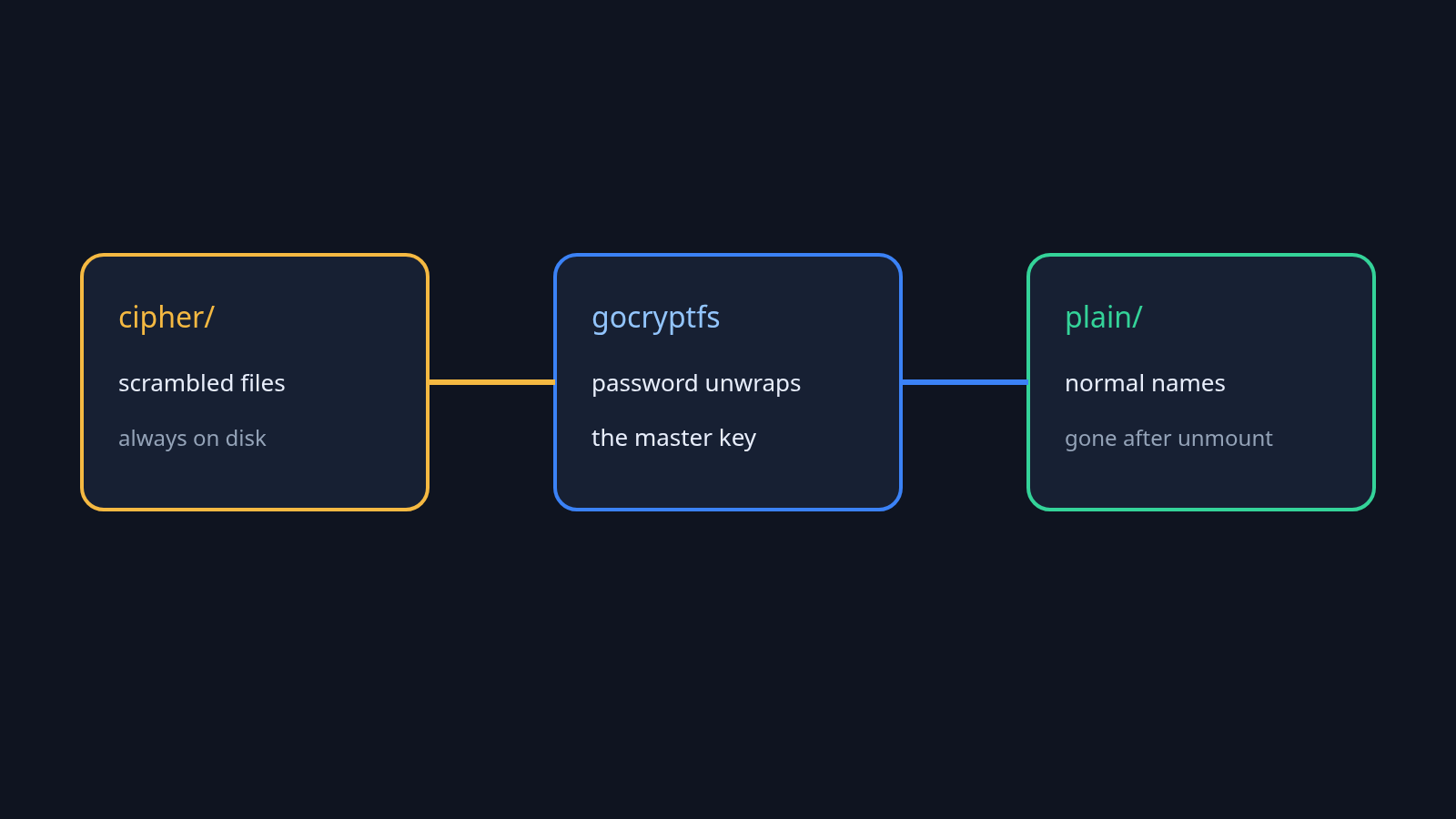
A file is only a list of bytes with a name. If those bytes contain the word invoice, anyone who can read the disk can search for it. Encryption (scrambling the bytes so they look random without a secret) is what stops that search. The scrambled result is ciphertext (the unreadable copy of the file). gocryptfs writes that ciphertext into the folder you choose. The readable folder is not a second copy sitting beside it. It is a live translation, and it disappears when you lock the folder again.
gocryptfs vs Cryptomator at a glance
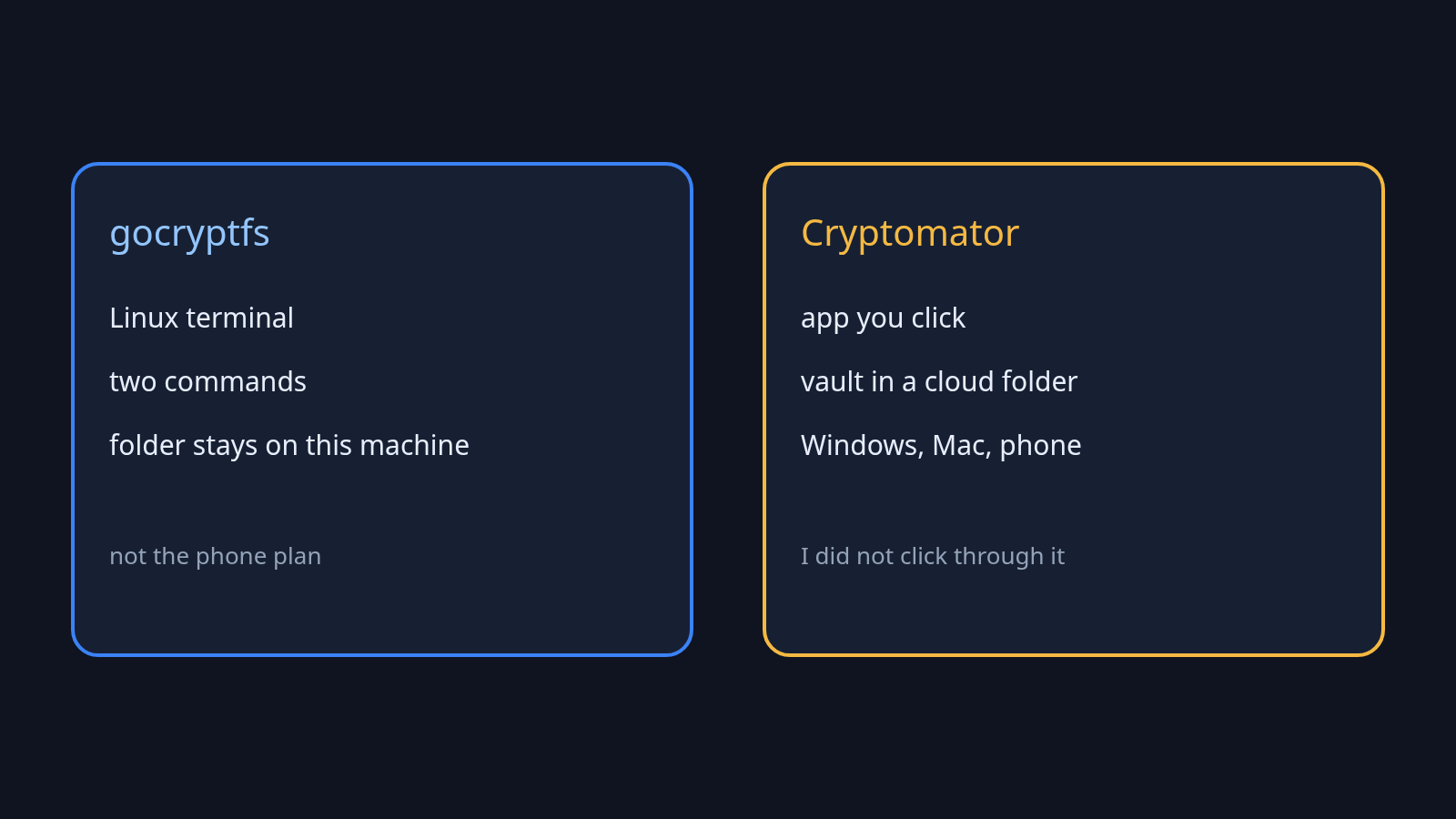
Use gocryptfs when you will open the folder from a Linux terminal. Use Cryptomator when you want a vault you can click open on more than one kind of computer.
Only gocryptfs was run for this test. Cryptomator was not installed, so that column describes what the app is for, from its documentation, not a stopwatch result. A vault here means the folder of scrambled files plus the small files that let the app open them later.
| gocryptfs | Cryptomator | |
|---|---|---|
| Where I would use it | A Linux folder I open with a command | A vault inside a cloud folder, opened in an app |
| What you see when it is locked | Odd filenames, no readable words | A vault folder, not your real names |
| What you do | Two commands, then a password | An app window and a password |
| Phone | Not the tool I would hand someone | Desktop and phone apps |
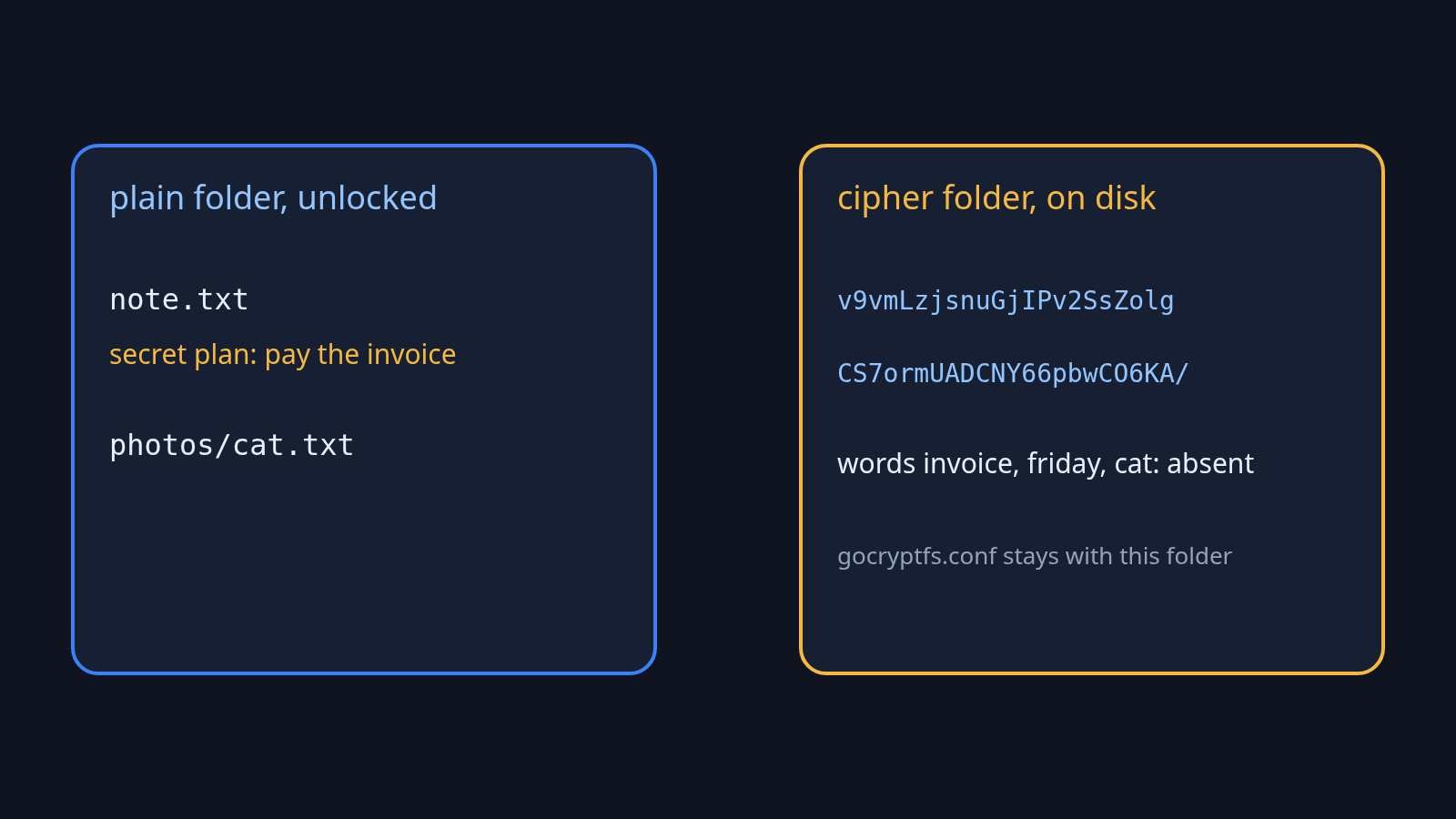
| What you must not lose | The password and gocryptfs.conf | The password, plus vault.cryptomator and masterkey.cryptomator |
Cryptomator’s security notes say the app shows a virtual drive, the same idea as a second view of the files, and that a vault will not open if vault.cryptomator or masterkey.cryptomator is missing. On Linux that view uses FUSE (a Linux feature that lets an ordinary program pretend to be a folder). gocryptfs uses that same feature. If FUSE is missing, gocryptfs cannot show the readable folder at all. Those notes also say Cryptomator can fall back to WebDAV (a simple way to share files over the web) when FUSE is not there. That fallback never came up here: FUSE was present, and the gocryptfs mount worked.
How do I encrypt a folder on Linux?
Make an empty directory for the scrambled files, initialize it once, then attach the unlocked view to a second empty directory and put your real files only in that second one.
Attaching that view is called mounting (connecting the unlocked folder to an empty path, so other programs can open it). You type the password at the prompt. Do not put the password on the command line, where other programs on the same machine can see it. I used a password file only so this test would not stop and wait for a keyboard. A short test password is fine for a throwaway folder. It is a bad password for anything you care about.
mkdir cipher plain
gocryptfs -init cipher
gocryptfs cipher plain
echo 'secret plan: pay the invoice on friday' > plain/note.txt
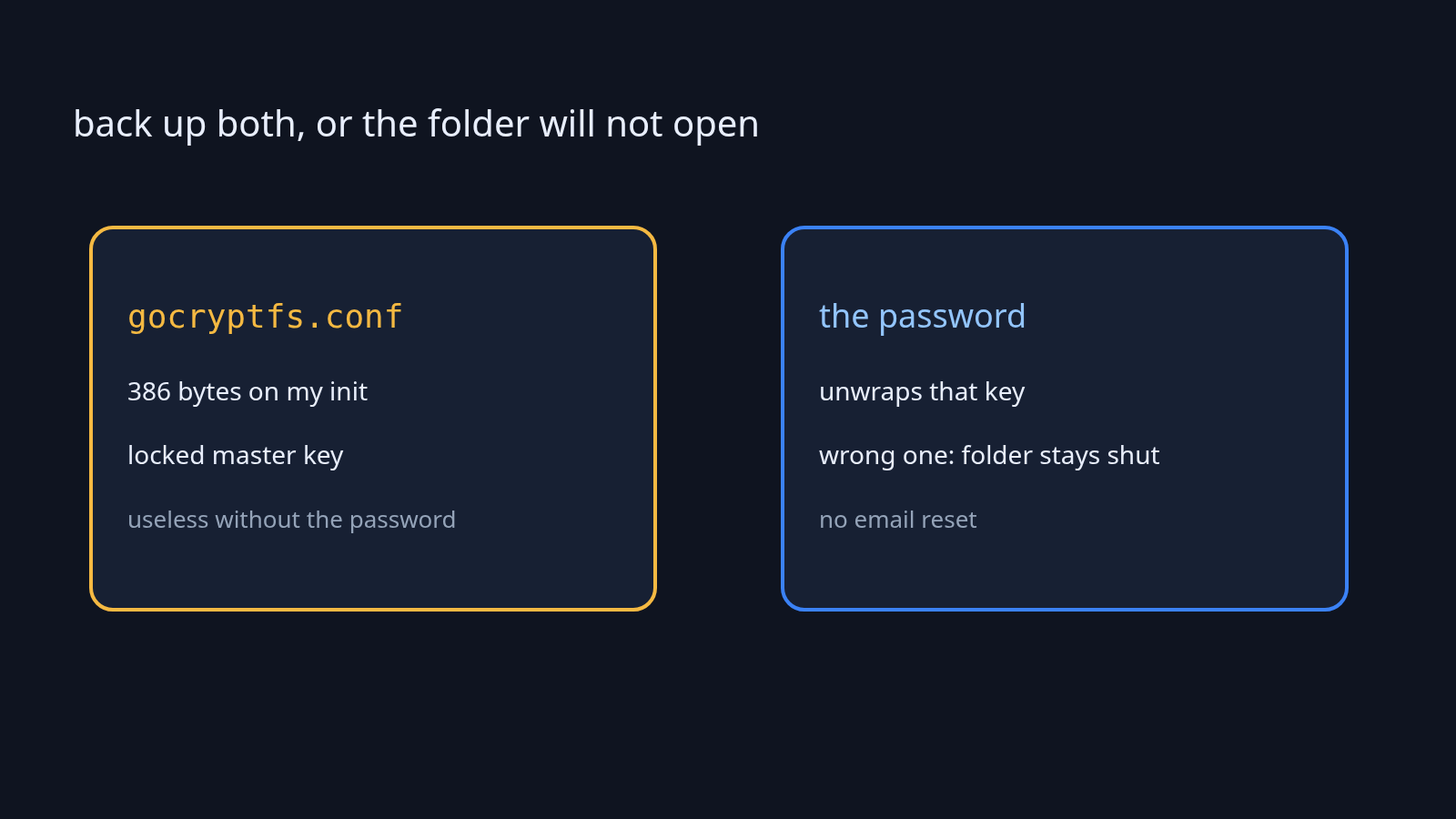
-init runs once. It creates gocryptfs.conf and a tiny file called gocryptfs.diriv. On my run those were 386 bytes and 16 bytes, and they existed before I wrote the note. The password is not what scrambles each file. It unwraps the master key (the real key that does the scrambling, stored locked inside gocryptfs.conf). After gocryptfs cipher plain, the plain directory looks like a normal folder.
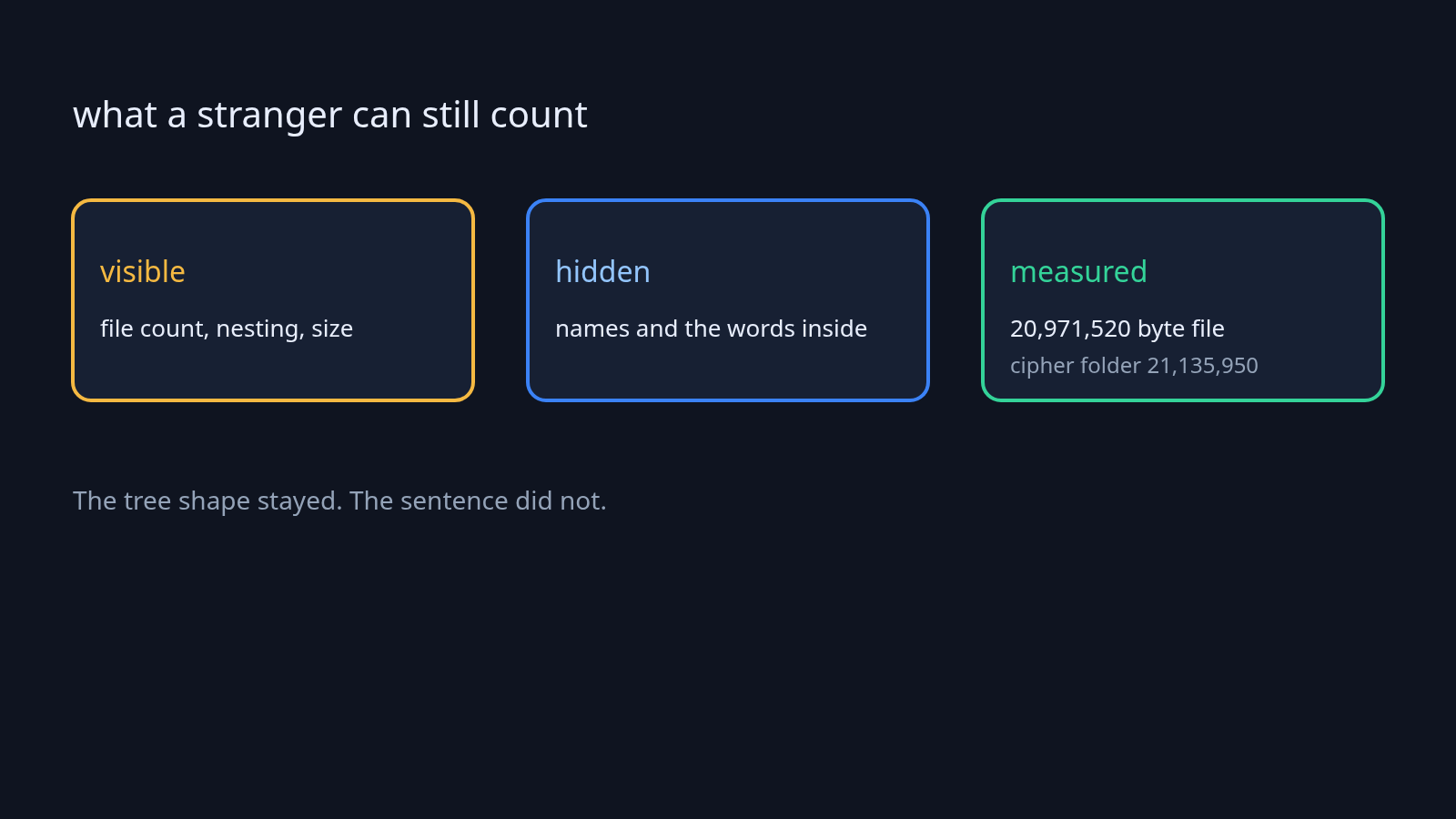
I wrote the sentence, and a second file inside plain/photos/. Then a search of the cipher directory for the words secret, invoice, friday, and cat found none of them. The note’s name on disk was a string of letters, v9vmLzjsnuGjIPv2SsZolg. The photos directory was another string, CS7ormUADCNY66pbwCO6KA, and the file inside it had a scrambled name too. The shape of the tree was still there: one file, one subdirectory, one file inside it. The names were not.
I unmounted. The plain directory was empty. The sentence was not sitting in a leftover file. I mounted again with the same password and the sentence came back, character for character.
A 20 megabyte random file went into that same folder. The file itself was 20,971,520 bytes. The whole cipher directory, including the note, the tiny stand-in, and the config, was 21,135,950 bytes. The extra is about 164 KB. gocryptfs is not packing the folder into one giant blob. It wraps each file, which is why a sync tool can upload just the file that changed.
What gocryptfs will not hide
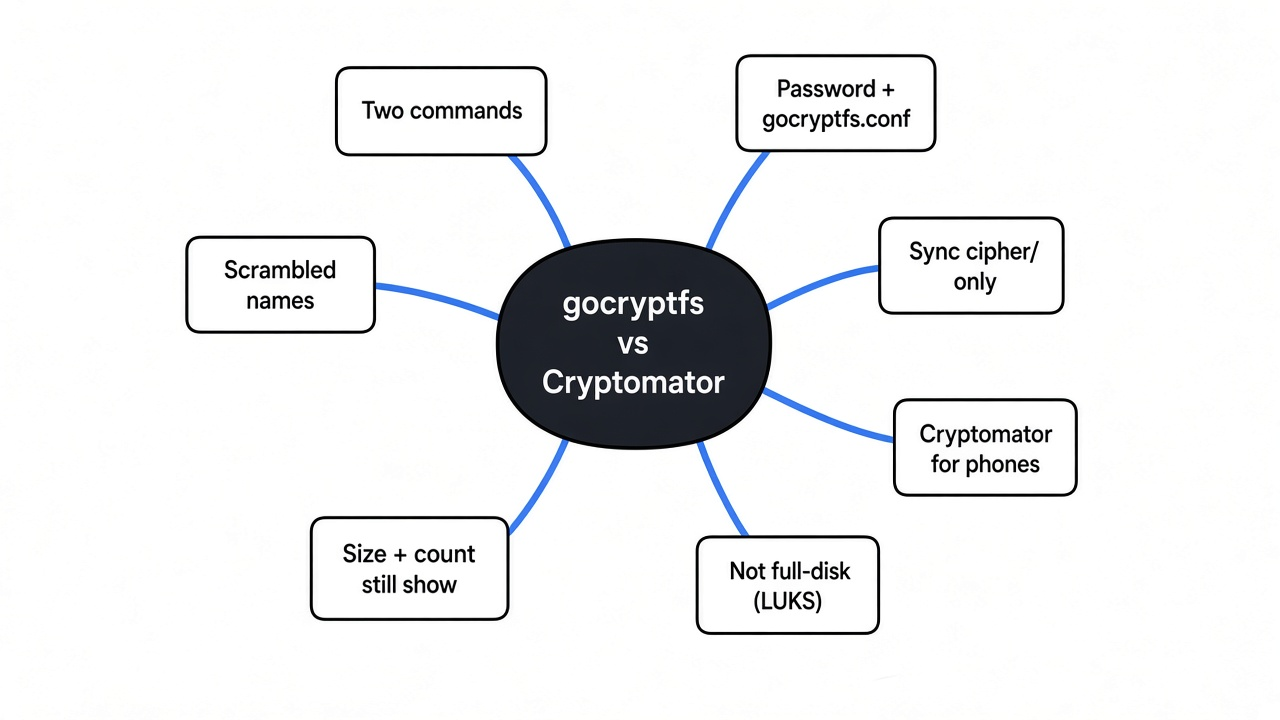
It will not hide how many files you have, how they are nested, or about how large each one is.
Someone who can list the cipher directory can count the files and see that one of them is about 20 megabytes and the others are tiny. They cannot read the sentence, and they cannot see that the big file was named blob.bin or that the folder was called photos. If your secret is the number of files, or that one file is huge, this is the wrong tool. A tool that chops a folder into equal chunks hides that better, and it also costs more space and more moving parts. No chunking tool was run for this post. The leak was measured on gocryptfs only, and it is real.
Cryptomator also encrypts names and contents. No file-count test was run on it, so none is claimed here. The choice stays the one in the table: a command on Linux, or an app that also runs on a phone.
How do I install gocryptfs?
On Debian or Ubuntu, install the package named gocryptfs, then run gocryptfs -version so you know the command is really there.
sudo apt install gocryptfs
gocryptfs -version
If the package is missing, the project publishes one static Linux file on its GitHub releases. Download the archive, unpack it, and run that file. That is the copy I used. It does not need a separate language install. macOS has a port, which was not tested here, so there is no claim that the mount feels the same there. Windows is not the main path for this command. If the other computer is Windows, that is a reason to pick Cryptomator instead of hoping a port behaves.
The project page for the command is rfjakob/gocryptfs. Cryptomator’s own notes on the vault files are in its security architecture.
Is gocryptfs worth it?
Yes, for a folder on a Linux machine you already control, if you can keep the password and the config file. No, if the files have to open on a phone, or if the whole disk should be locked before you even log in.
A folder lock does not lock the rest of the computer. Someone who finds the machine already turned on, and the folder already mounted, can read plain/ the same way you can. Unmount when you walk away. Full-disk encryption, the kind Linux sets up as LUKS (the usual Linux lock for an entire disk) during install, is the tool for a laptop that might be stolen while it is off. gocryptfs is the tool for one folder you want scrambled even while the rest of the system is in normal use, or for a copy you sync somewhere else.
If the worry is that a program already on the machine is stealing files, encrypting a folder you then open on that same machine does not remove the program. Finding it is a different job, closer to how you check for a malicious npm package before trusting a project folder. And a lock around a running program, the kind in Microsoft Execution Containers, does not scramble bytes that are already sitting in a folder.
Common questions about gocryptfs vs Cryptomator
What happens if I forget the gocryptfs password?
The files stay scrambled. There is no reset email and no second question.
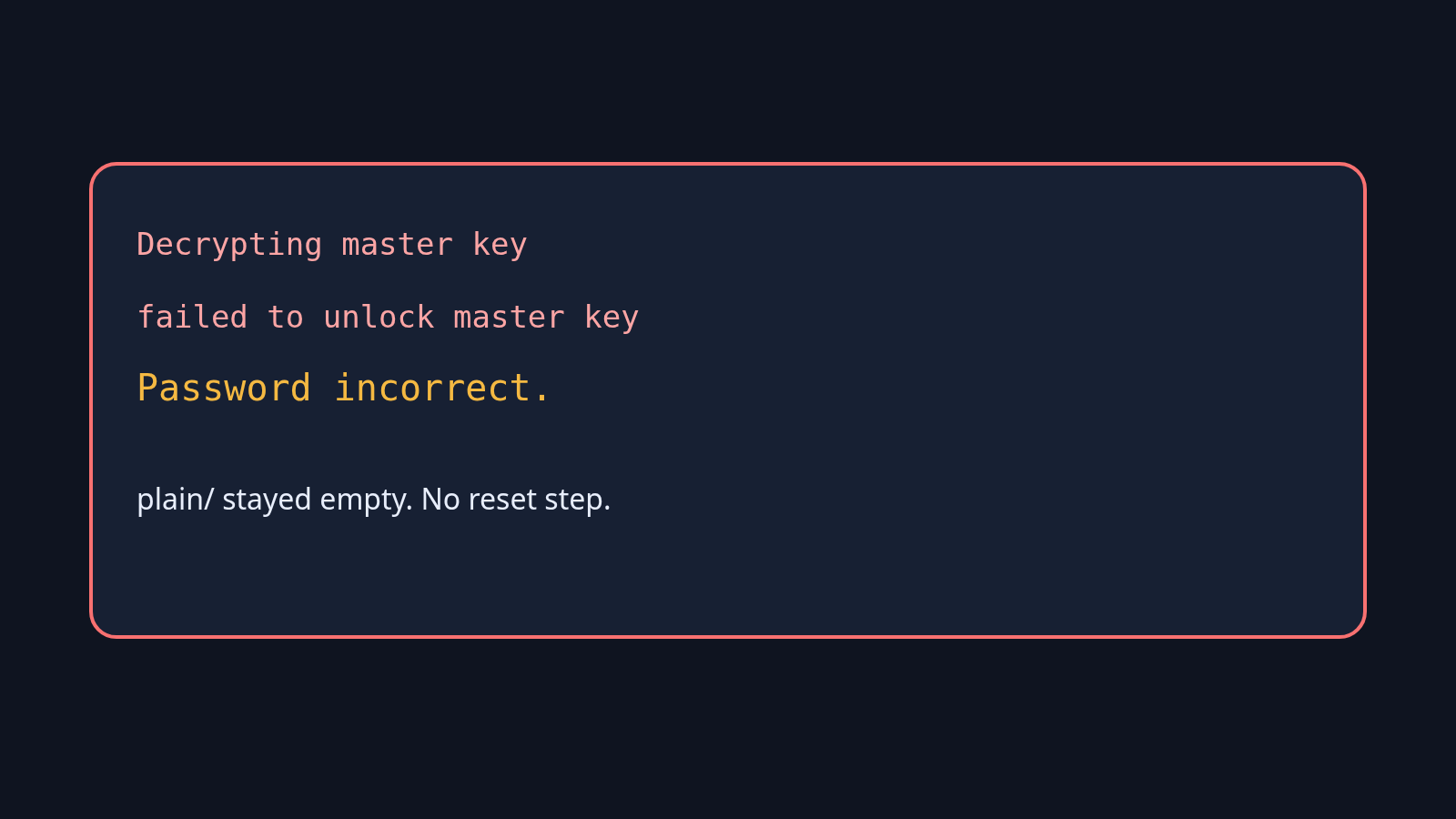
I tried a wrong password on purpose. gocryptfs printed that it was decrypting the master key, then “failed to unlock master key”, then “Password incorrect.” The readable folder stayed empty. Copy the cipher directory, including gocryptfs.conf, to whatever backup you trust. That conf file is not the readable note. It is the locked master key. Without it, the right password has nothing to unlock. Without the password, the conf file does not unlock either. You need both.
Can I put a gocryptfs folder in Dropbox?
Sync the cipher directory, not the mounted plain directory. Syncing the plain one uploads the readable files.
No cloud account was connected in this test. The reason the cipher directory can sync is the same fact as the size test: each file is its own ciphertext, so a sync tool only has to upload the file that changed. Do not start the sync while the folder is unlocked and then point it at plain/. That undoes the whole point.
Does gocryptfs hide file sizes?
No. A 20,971,520 byte file stayed in that size class. The cipher directory was only about 164 KB larger than that file, once the tiny notes and the config were included in the total.
The names were hidden. The rough size was not. If a huge file in a folder of tiny ones would itself be the clue, do not rely on gocryptfs to cover that clue.
Is Cryptomator safer than gocryptfs?
Not in a way this test measured, because Cryptomator was not run.
Safer, for a folder you will actually open, is the tool you will use on every computer that needs the files. Both hide the words inside a file. Neither one replaces a lock on the whole disk. Cryptomator wins when a phone or Windows has to open the vault. gocryptfs wins when the folder stays on Linux and you want the two commands above.
Can I open a gocryptfs folder on Windows?
Not with the Linux command I ran. If Windows is part of the plan, start with Cryptomator.
I would leave the invoice sentence in gocryptfs. The words were gone from the disk, the wrong password did nothing, and the mount came back with the same sentence. I would not use it for a folder my phone has to open tomorrow. That is Cryptomator’s job, and its app was not clicked through for this post, so there is no claim the click is as short as these two commands.