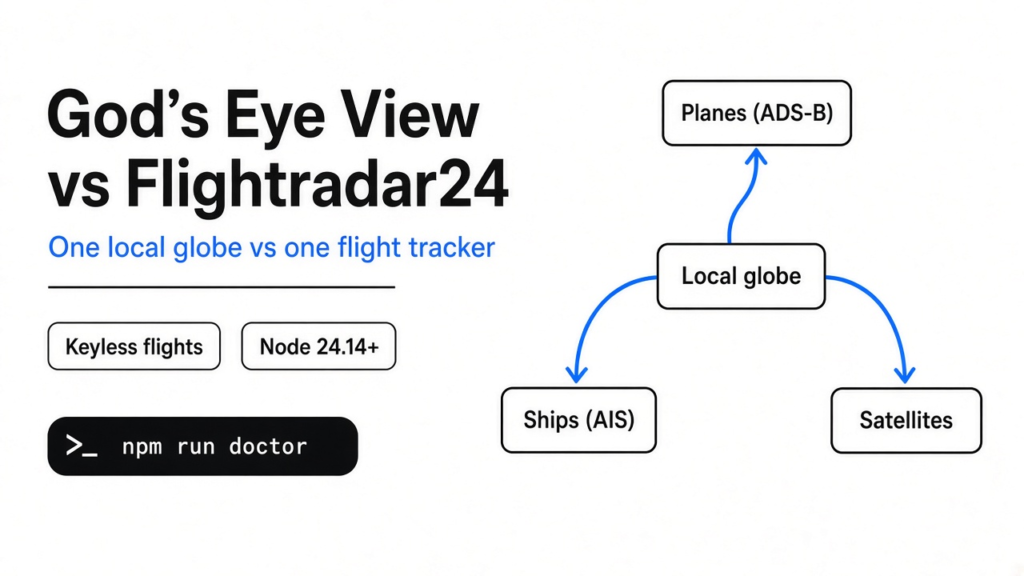
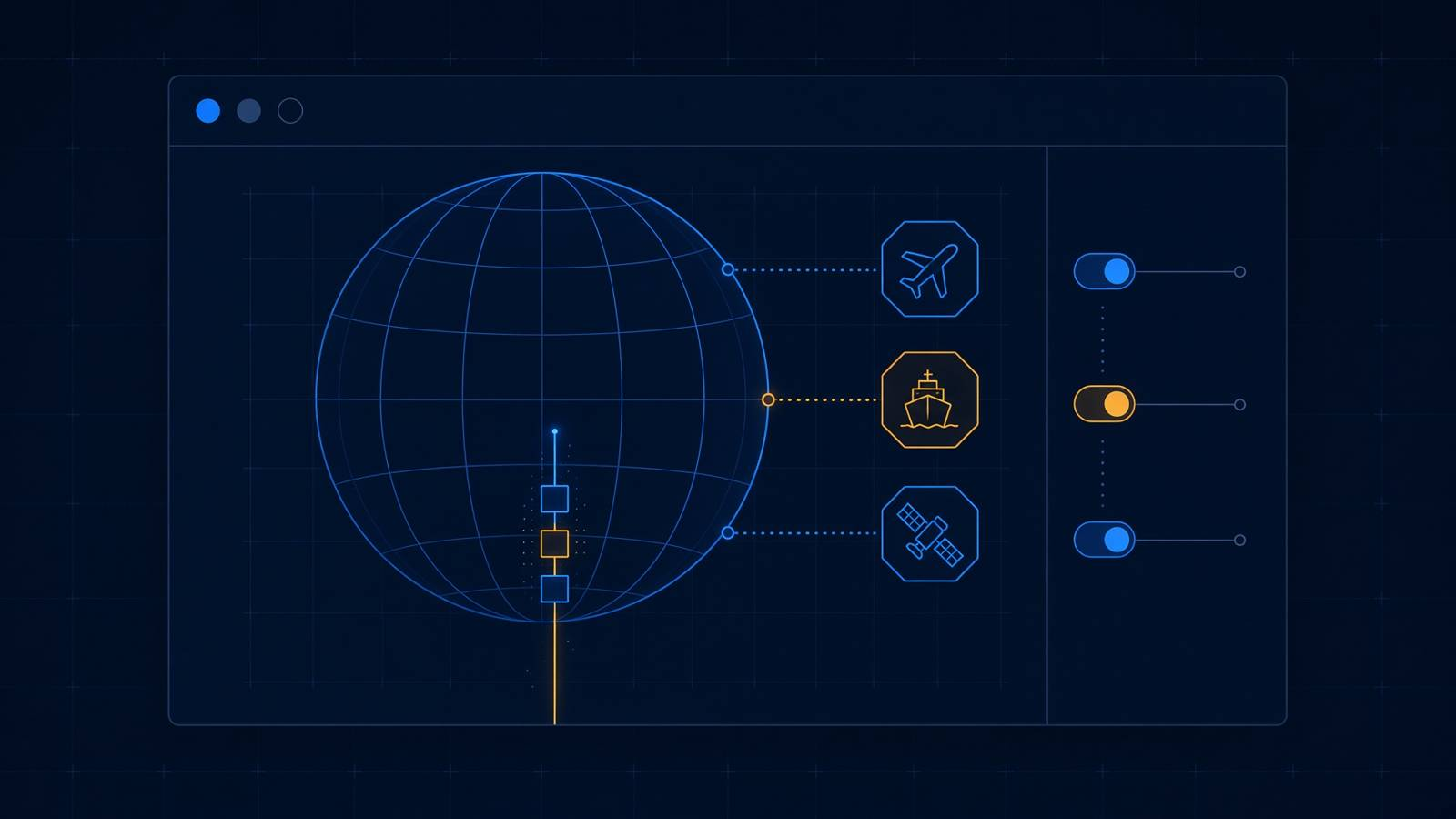
I wanted one plane, then the ship under it, and then the satellite passing over both. Flightradar24 is the site most people open for the plane. It does that job well, and it stops there. God’s Eye View is a globe you run in your own browser so those other signals can sit on the same earth. The useful line in gods eye view vs flightradar24 is this: use Flightradar24 when the flight is the whole job, and use God’s Eye View when the flight has to sit next to ships, quakes, and satellites, knowing the road traffic is fake until you add a key.
What is gods eye view
God’s Eye View is a globe in a browser tab that draws public signals on an earth you run on your own computer.
A public signal here means a fact a machine already broadcasts, not a secret photo from a spy satellite. Planes already radio their position so other planes and towers can see them. That broadcast is called ADS-B (planes radio their own position). Ships do a similar thing on a different radio. That one is called AIS (ships radio their own position). Satellites do not radio a dot you can plot directly in the same way. Their orbit is a short public file, and a bit of math turns that file into “where is it right now.”
The picture of the earth is drawn by Cesium, a library that puts a 3D globe in a web page. You do not install Cesium yourself. It comes with the project. The base picture, before any key, is a satellite photo of the ground from Esri, plus a simple terrain shape. It is a real map. It is not the photoreal city model people mean when they say the globe looks like a film.
That film look is a later switch. It needs a key for Google’s 3D tiles, or a free Cesium ion token whose own terms are for personal use, not a company product. The first earth you get is the plain one, and that is enough to see whether the layers are worth turning on.
Gods eye view vs flightradar24
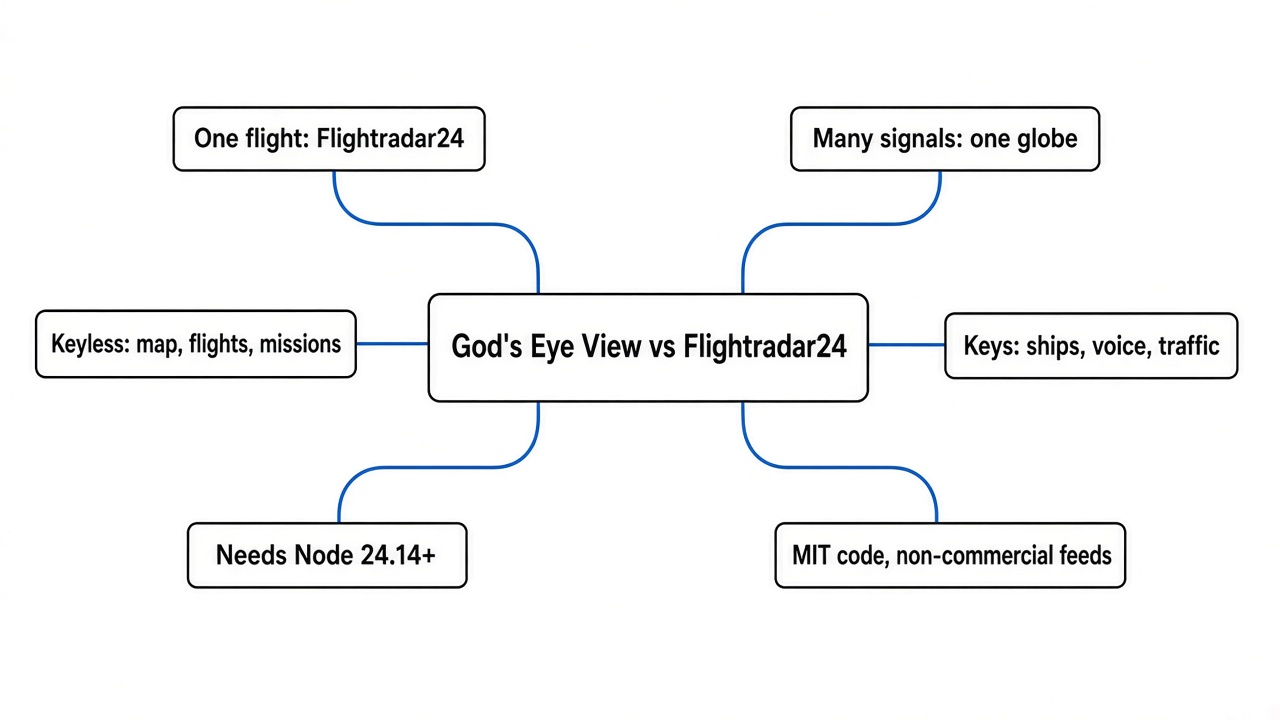
Use Flightradar24 when you need one flight. Use God’s Eye View when that flight has to sit beside other public signals in the same view.
Flightradar24 is a hosted flight tracker. You open their site, you search a flight number, and you get a track, an aircraft type, and a history their network has been collecting for years. You do not run it. You do not get the ships, the quakes, or the satellites in that same window. God’s Eye View is the opposite shape. You run it. You toggle layers. The flight list is one layer, and it is only as good as the public feed under it.
| Job | Flightradar24 | God’s Eye View |
|---|---|---|
| Find one flight and trust the track | This is the product | A layer on a public feed, rate-limited if you have no account |
| See ships in the same view | No | Only after a free AISStream key |
| See satellites in the same view | No | Listed as a layer that does not need a key |
| See earthquakes and launch schedules | No | Keyless in the setup check |
| See live road traffic | No | Simulated until a TomTom key is set |
| Talk to the globe | No | Off until an OpenAI key is set |
| Run it on your own computer | No | Yes, after the setup check passes |
| Cite it in a report | Their track is the one people accept | Do not cite the simulated roads, or a camera pose the project calls an estimate |
I would not delete Flightradar24. I would stop opening five sites when the question is “what else is near this plane.”
Does gods eye view need an api key
No. The map, the flights, and the space-mission list start with no key. Ships, voice, live fires, and real road traffic do not.
An API key is a password a company gives you so their server will answer. God’s Eye View keeps those passwords on your machine and, for a few of them, sends them out from the page you opened. That is why the project warns you before you let anyone else open the server.
I ran the project’s setup doctor with no keys saved. This is what it printed for the layers:
Map:     Esri World Imagery (keyless satellite basemap) with keyless terrain
Flights: OpenSky keyless anonymous access (rate-limited)
Voice:   off until an OpenAI key is added
Vessels: off until an AISStream key is added
Fires:   off until a FIRMS key is added
Traffic: built-in traffic simulation
Missions: Launch Library 2 public accessOpenSky is the public network that collects plane broadcasts and lets a program ask for them. Anonymous means you did not sign in. Rate-limited means they will stop answering if you ask too often. A free OpenSky account only buys more of those asks. It is not what turns the layer on.
The same doctor left every paid and signup provider unmarked: Google Maps, Cesium ion, OpenAI voice, AISStream, NASA FIRMS, TomTom, OpenSky’s own client id, and Mapillary for street-level photos. Unmarked does not mean the globe is empty. It means those extras stay off.

How do I run gods eye view
Install Node 24.14 or newer, run the setup doctor, and only then start the page at http://localhost:4173.
Node is the program that runs the project’s JavaScript tools on your computer. The project refuses a Node that is too old. Localhost means the page is open only on that same computer, not on the internet.
The three commands, from the project folder, are:
npm ci
npm run doctor
npm run devThen open http://localhost:4173. The first screen asks you to pick a view, such as live contacts or space missions. You can also explore with nothing selected.
I ran npm run doctor on Node 22.23.3, which is what this computer has. The doctor stopped before the globe, so that screen never appeared:
[ERROR] Node 22.23.3: too old; install Node 24.14 or newer
[OK] npm 10.9.9
[WARN] dependencies missing; run npm installThe last line is not a mystery. npm ci had not been run, because the Node check had already failed. Installing packages on a Node the project rejects would not make the check pass. If your node -v prints 22, or anything under 24.14, upgrade Node first. The same kind of early stop shows up in other tools whose guide starts at the happy path: the iOS-on-Linux install also ends before a phone app exists, and the useful part is knowing where it stops.
Is the traffic on gods eye view real
No. With no TomTom key, the doctor calls traffic a built-in simulation.
TomTom is a maps company. Their key is what replaces the fake roads with live road speeds. Until then, the lines that look like city traffic are a pattern the app invented so the globe is not blank. They are not cars. Do not screenshot them and call them a jam.
Flights are a different feed, and that one answered. I asked OpenSky for aircraft inside a box around New York, the anonymous address the project uses, and it returned 64 aircraft. The first was a United States flight, callsign EDV4675, near 40.77 north and 73.86 west. That is the feed the globe draws.
Two limits sit on that feed. Anonymous asks are rate-limited, so a globe left open all day can go quiet. And the project’s own data notes say OpenSky’s license is non-commercial. A company that wants to ship this layer needs its own agreement with OpenSky. The code being free to copy does not make the plane data free to sell.
Camera dots have a second kind of softness. The project treats many camera positions as estimates you line up yourself, not as a surveyed pin. A thermal-looking color filter is a style on the picture, not a thermal camera. If the view looks like a film, check which layer is a measurement and which layer is paint.
How do I track flights and satellites together
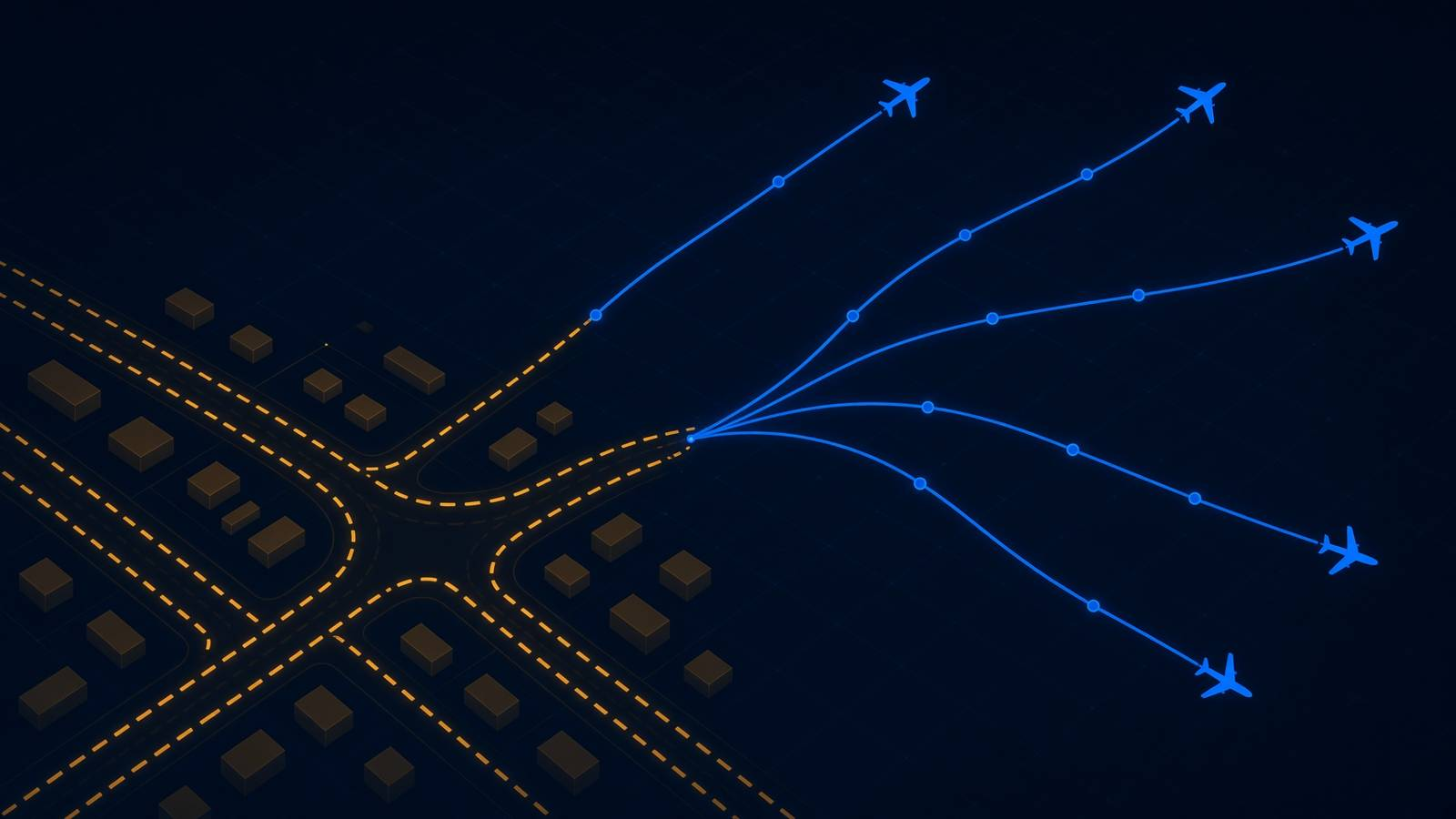
Turn both layers on in the same local globe. You do not get that pair from Flightradar24.
Flights come from OpenSky, and the code already knows a second public flight feed, adsb.lol, as a fallback when the first one fails. I proved the first feed with the New York box above. The setup doctor did not ask for a satellite key, and the project treats orbit files as a layer you can turn on without one.
The practical order on a machine that already has a new enough Node:
- Run the doctor and read which lines say “off until.”
- Start the page on localhost and turn on flights.
- Click one aircraft and read the callsign before you trust the picture.
- Turn on satellites and see if a dot appears without a key.
- Leave traffic off, or remember it is fake, until TomTom is set.
- Add the AISStream key only if you actually need ships.
That is the whole product. One earth, several radios, and a label on each radio that says whether it is live.
Is gods eye view worth it
Yes, if you want one local globe and you will not trust the traffic dots. No, if you are about to miss a connection and you need a flight number, a gate, and a history you can cite.
The worth is the join. Five bookmarks do not show you the ship, the quake, and the plane in one camera move. A local app does, and you can see which password each extra layer wants. That is a real gain on a curious afternoon, and it is a bad tool in an operations room. Flightradar24 still owns the “where is this flight” job. God’s Eye View owns “what else is near it, from public feeds, on a machine I run.”
Voice does not change that split. Voice stays off until an OpenAI key is set, and a key like that can spend money. The globe is usable without ever turning voice on. If someone sells you the voice tour as the product, they are selling the optional layer.
When should I skip gods eye view
Skip it when the flight has to be defensible, when you need ships and will not make the free account, or when you would open the server to other people before you know what that does to your keys.
The default bind is localhost, which is the safe one. The project will also listen on your whole network if you ask it to, and then anyone who can open that address can spend the keys you saved. App-level throttles are not a billing cap. If that server is a VPS, treat it like any other host you exposed: check the box itself before you forward a port. The same instinct that keeps a file converter on your machine, instead of uploading the file, applies here. The globe should stay on a computer you control, the way a local converter stays on yours.
I would also skip it if Node 24 is a fight you do not want. The doctor is not a suggestion. On 22 it stops, and the globe never starts.
Is gods eye view free
The code is free to run under its MIT license. Some pictures and some data are not free for a company to ship.
MIT means you can copy the program, including into a product. It does not cover every file the globe draws. The free Cesium ion plan is for personal, non-commercial use. The OpenSky flight feed is called out as non-commercial in the project’s data notes. A bundled flood scene carries its own non-commercial terms, separate from the code. If you are tinkering, ignore that and run it. If you are selling a dashboard, strip those pieces or get permission. Free to clone is not free to resell the feeds.
Can I track planes without flightradar24
Yes. A public flight feed will answer without Flightradar24, and God’s Eye View is one way to draw it.
I asked OpenSky, with no account, for a box around New York and got 64 aircraft back, including EDV4675 over the city. That is enough to know the pipe works. It is not enough to know the globe’s camera, its cockpit view, or its fallback feed, because the Node check stopped me before npm run dev. If your Node is 24.14 or newer, you are past the only wall I hit.
Does gods eye view work without an account
Yes for the plain earth, the flights, and the mission list. No for ships, fires, voice, street-level photos, and live traffic.
“Without an account” and “without a key” are the same fact here. The doctor is the list. Anything marked off stays off until you paste a key. Anything it described as keyless is the part you can judge on the first afternoon.
I am keeping Flightradar24 for the flight I have to be right about. I would run God’s Eye View when the question grows past that one plane, and I would read the doctor before I believed a single dot on the road.
Common questions about God’s Eye View
Is God’s Eye View a replacement for Flightradar24?
No. Flightradar24 is still the tool for one flight you need to trust and cite. God’s Eye View is for seeing that flight next to ships, quakes, and satellites on a globe you run yourself.
What do I need to run God’s Eye View?
Node 24.14 or newer. On an older Node the setup doctor stops before the globe starts. Then run npm ci, npm run doctor, and npm run dev, and open http://localhost:4173.
Which God’s Eye View layers need a key?
Ships need an AISStream key, fires need a NASA FIRMS key, live road traffic needs a TomTom key, and voice needs an OpenAI key. The map, flights, and mission list start without one.